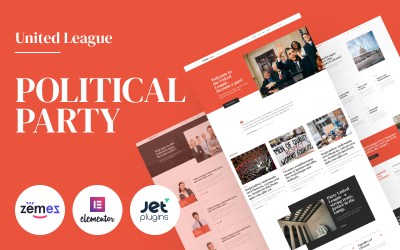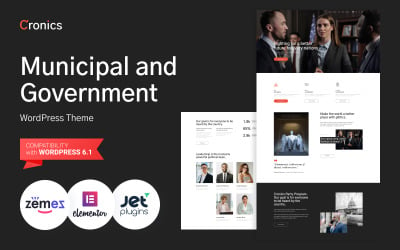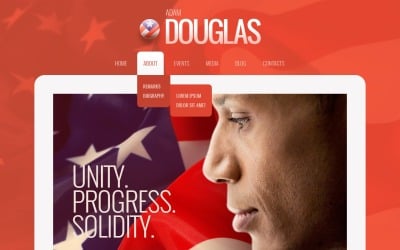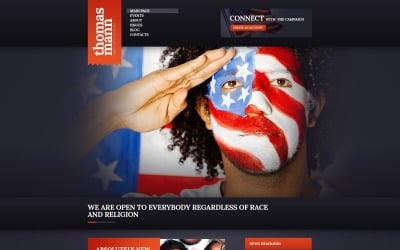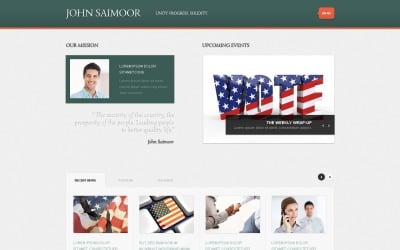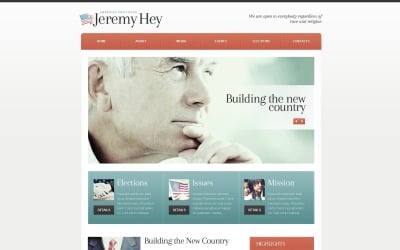
Boost Your Campaign with Free Political Candidate WordPress Themes

We all know how important the internet is these days, especially for politicians looking to get elected. While building a website takes time, TemplateMonster makes it pretty simple. The marketplace vendors provide free political candidate WordPress themes made just for campaigning!

So whether you're a first-timer running on a shoestring budget or a seasoned vet, these templates are a great starting point. They give you a professional-looking site to showcase your platform, experience, and what matters to voters. No coding or design skills needed.

Best of all, it won't cost you a dime. Pretty sweet deal, right? That means more dollars can go towards ads, flyers, and getting your name out there on the campaign trail come Election Day.

Benefits of Using Candidate Political WordPress Theme (Free Download)

  • No penny: First off, they're completely free—zero dollars. That means more money can go towards rally signs and voter outreach instead of spending big bucks on web designers.
  • No code: Even if you're not the most tech-savvy politico, WordPress is super user-friendly. Nobody's expecting you to be a coding wiz. These tools have plug-and-play features. So anyone can build a sharp-looking site up without any experience.
  • No plagiarism: The best part is you've still got options to make it your own. Want to tweak the color scheme? Update images? No problem. The templates are fully customizable so you can craft a look and feel that reflects your brand.

These free political candidate WordPress themes offer a low-effort, low-cost way to show voters who you are and what you stand for online. The opportunities to engage supporters virtually are huge. Who wouldn't want that?

Introducing the Features

Do you know what's missing from most political candidate websites? The features that help them win votes! But these freebies hook you up with some sweet tools.

  • Campaign Gurus: Many come with management tools like volunteer sign-up sheets and event calendars. So supporters can easily RSVP for rallies or sign up to knock on doors. Major time-savers there.
  • Money Money Money: Fundraising is crucial so see if it integrates with popular donation processors like PayPal. The less time spent setting this up, the more time to hustle for votes!
  • Rally the Troops: An event calendar is a must to plug all your rallies, town halls, and meet-ups. Bonus points if attendees can RSVP with just a click.
  • Volunteers Wanted: Sign-up forms to recruit volunteers are key. Plus ways to communicate tasks easily and say thanks to your #campaignfam
  • Like and Share: Make it simple for supporters to share your message. Integrated sharing buttons for Facebook, Twitter, etc. are a big help in spreading the word.

Between volunteer coordination, donation options, and sharing your social links, these features help you engage supporters with just a few clicks. Who needs a big budget when you've got these tools in your back pocket?

How to Choose the Candidate Political Nonprofit WordPress Theme with Free Download

Alright, it's time to find your best match. How about some tips to pick the right one?

  1. Start by thinking about your campaign goals. Who are you trying to reach—voters, donors, volunteers? Different kits might suit different targets better.
  2. Next, scope out features. Do you need donations? Event calendar? Sign-up forms? Social media bells and whistles? Make sure what you need is included.
  3. Then do your research—check user reviews if others have already tried it out. See what worked well or had any glitches. Indeed, testimonials give you the real deal.
  4. When you find one you like, try it out for yourself! Luckily, TemplateMonster offers live demos to test drive before fully committing. See how it looks on different devices and enjoy the full experience before launching site-wide.

Nothing is worse than launching and realizing it's not quite right. Do your due diligence upfront. Soon you'll thank yourself later with a web design that perfectly packages your candidacy. And we all know a successful campaign site is key to success at the polls!

Installation and Customization

Finally, it is time to get your hands dirty installing and tweaking your demo design! Here's a quick run-through:

  1. First, go to your admin panel and open the Appearance menu. Click “Themes” → pick the file → upload it → click “Install.” Boom, it's in!
  2. Once activated, that's where the real fun starts—making it your own. Now customize everything from colors to widgets to menus however you like to reflect your campaign swag.
  3. Change the banner photo and sidebar images to share your face and message more personally. Also, tweak the accented colors for a brighter or bolder look and feel.
  4. Organize your content. Maybe your policy overview is Priority #1, so drag it up top on the homepage. Additionally, reorder bars and menus your way.
  5. Adding some copy? Try different headers or write your catchy blurbs. Plus, layer on social links so your supporters can shout about you from the mountaintops.
  6. Just play around until it feels right. Save changes and see them live as you go. With practice, the sprucing-up process gets faster!

Follow these steps to install and unpack files from the plain wrapper it comes in. After honing your design skills, upgrade to a premium template to make your online brand shine and start earning money.

We Got You: TemplateMonster's Premium Website Wellness Program

Before you dive into installing your new political candidate WordPress theme for free, let us tell you about a cool service that might just save you tons of time down the road. It's the Comprehensive Website Maintenance package. For a low monthly fee, the team of experts will monitor your site for crashes, updates, or hacks. They’ll also back up your website regularly so you don’t lose work. So check out this video and read more here to learn about keeping your website running safely and smoothly.


Free Political Candidate WordPress Themes: Frequently Asked Questions

Can I make changes to free political candidate WordPress themes?

Absolutely! They are open-source and customizable. TemplateMonster allows modifications as long as you don't redistribute the entirety of the product files.

Are there any paid election-related templates too?

Yes, in addition to a vast library of freebies, TemplateMonster also carries some premiums that come with extra features and dedicated support.

Is the TemplateMonster marketplace safe to use?

Absolutely. TemplateMonster is a verified and trusted marketplace with a 4.7 rating on Trustpilot. Managers moderate all listed products rigorously to ensure quality and security before approval into the catalog.

How long does the installation of free political candidate WordPress themes take?

The templates are easy to install on a default site within just 5–10 minutes. It usually takes another couple of hours to customize basics like logos, colors, and menus.