 EN
EN ES
ES RU
RU DE
DE PL
PL IT
IT TR
TR FR
FR BR
BR NL
NL CZ
CZ UA
UA HU
HU SE
SE 无限下载
无限下载  Sale
Sale 
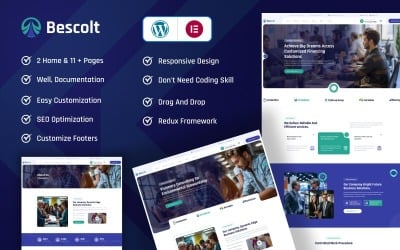


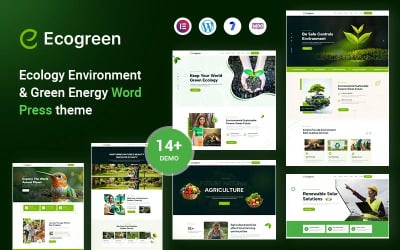

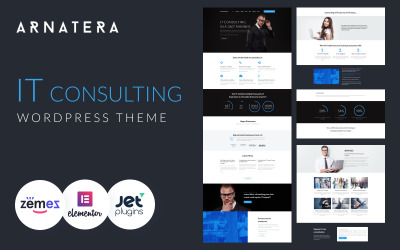
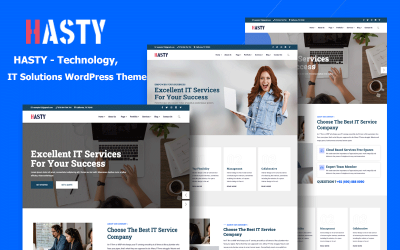
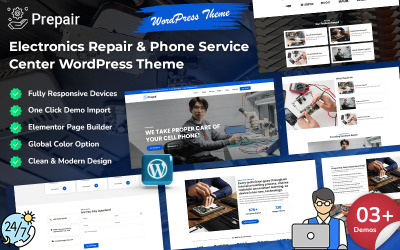

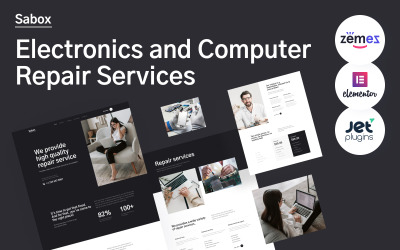

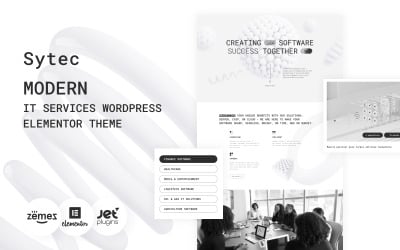
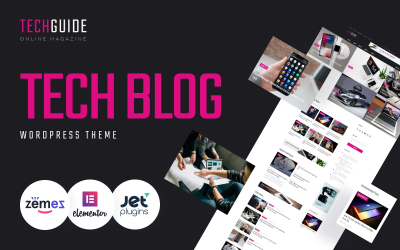
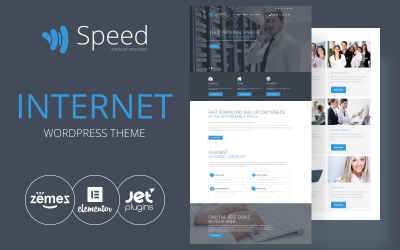
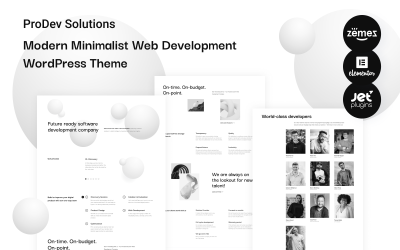

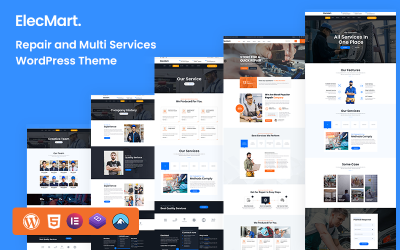

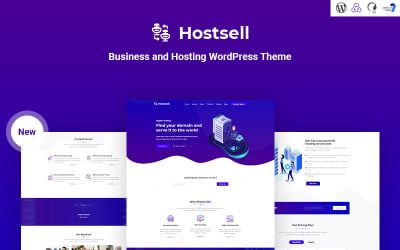

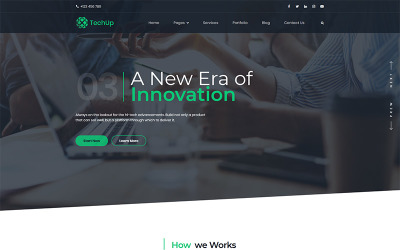
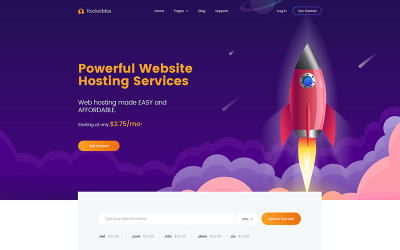

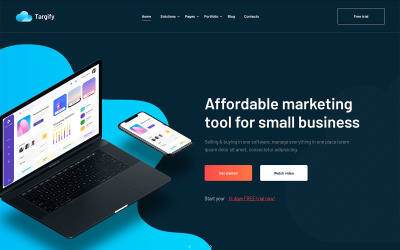

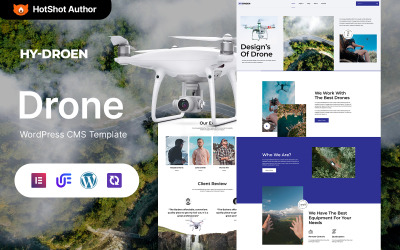

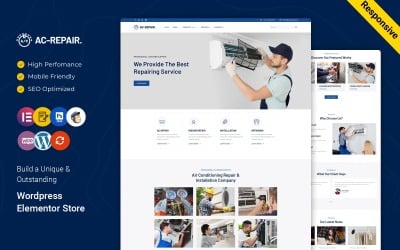
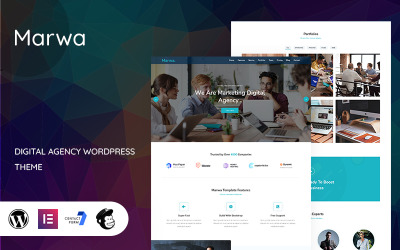

2026 年 5 款最佳计算机 WordPress 主题
| 模板名称 | 价格 | 销售量 | 收藏 |
| iRepair - 电子产品维修 WordPress 主题 | 75 美元 | 41 | 64 |
| TechnoFix - Tech Repair Company 响应式 WordPress 主题 | 75 美元 | 203 | 139 |
| MaxGadget - 计算机维护和电子产品维修 WordPress 主题 | 75 美元 | 77 | 40 |
| 电子维修服务 WordPress 主题 | 75 美元 | 321 | |
| 电脑维修服务 WordPress 主题 | 75 美元 | 387 |
响应式笔记本电脑主题视频教程
计算机 WordPress 主题常见问题解答
如何更改 Computer Reveiw WordPress 主题名称?
执行以下步骤以在 WordPress 中将“themeXXXXX”重命名为自定义名称。
- 登录您的 WordPress 管理面板。
- 导航到外观 > 编辑器
- 在样式表 (style.css) 文件中,将 Theme Name:themeXXXXX 更改为您的名字。
一个网站可以安装多少个计算机评论网站 WordPress 主题?
您可以根据需要安装任意数量的主题。您的网站上只会有一个主题处于活动状态,但您可以有一堆主题处于待命状态。
在哪里安装计算机比较站点 WordPress 主题?
要安装 WordPress 主题,请执行以下步骤:
- 在您的 WordPress 仪表板中,转到外观 > 主题 > 添加新的。
- 从那里,您将在屏幕顶部看到“上传”选项。单击“浏览”按钮,浏览您的计算机文件并为您下载的扩展程序选择 .ZIP 文件。
如何选择最好的计算机技术员 WordPress 主题?
最佳 WordPress 主题的选择取决于您的个人要求和期望。创建您希望在您的网站上拥有的功能的简短列表。根据这些标准选择主题。
如何将计算机 WordPress 主题转换为 HTML?
为了将 WordPress 主题转换为 HTML,您可以使用诸如 Simple Static、Jekyll、Pelican 等工具。

Fresh Collection of Business Templates by TemplateMonster
We have already written posts about how easy it is to create a website with a template. It’s even easier with the help of TemplateMonster because our templates come with life-long support.
Read me
The Gutenberg WordPress Editor: What You Need To Know
We have already written posts about how easy it is to create a website with a template. It’s even easier with the help of TemplateMonster because our templates come with life-long support.
Read me
Promote Your Business On YouTube in 7 Steps
We have already written posts about how easy it is to create a website with a template. It’s even easier with the help of TemplateMonster because our templates come with life-long support.
Read me
How to Drive Traffic to Your New Website? A Comprehensive Guide
We have already written posts about how easy it is to create a website with a template. It’s even easier with the help of TemplateMonster because our templates come with life-long support.
Read me