Categories

Featured templates

Featured templates

Featured templates

Featured templates

Featured templates

Featured templates

Featured templates

Featured templates

Featured templates

Featured templates

Featured templates

Featured templates

Featured templates

Featured templates

Joomla 2.5.x. How to change submenus width

Alex Ross July 11, 2012
Rating: 5.0/5. From 1 vote.
Please wait...

This tutorial will show you how to edit Drop-Down menus width in Joomla Framewrok templates.

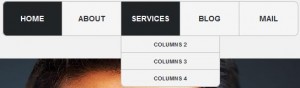
1. Let us change the drop-down menu width for the Services button.
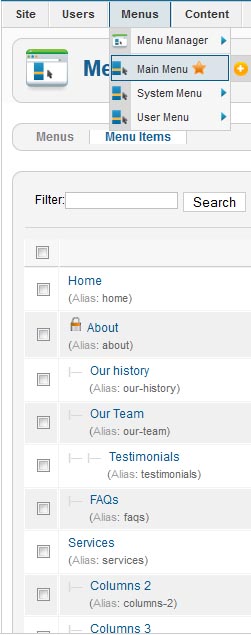
2. Go to Menus > Main menu (your default menu marked with the star)

3. Choose your parent menu button which you would like to change the drop-down width for.
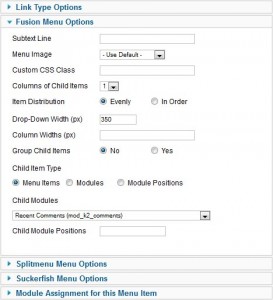
4. Click on Fusion menu options and set your desired width value in "Drop-Down Width (px)" field.
5. Check your website.
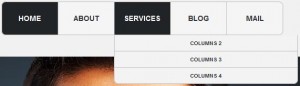
Feel free to check the detailed video tutorial below:

Joomla Framework. How to change submenus width

Beautiful Joomla Templates
This entry was posted in Joomla! Tutorials and tagged drop-down, joomla, width. Bookmark the permalink.

Submit a ticket

If you are still unable to find a sufficient tutorial regarding your issue please use the following link to submit a request to our technical support team. We'll provide you with our help and assistance within next 24 hours: Submit a ticket