- Web templates
- E-commerce Templates
- CMS & Blog Templates
- Facebook Templates
- Website Builders
How to create FLV video from 3d max source
November 15, 2010
In this tutorial you will learn how to Create Video from 3d Max Source.
- Open your .max sources file with Autodesk 3d Max 9 program.
- From the Top panel, choose Rendering -> Render
- Edit settings.
- Choose Output folder.
- Press Render.

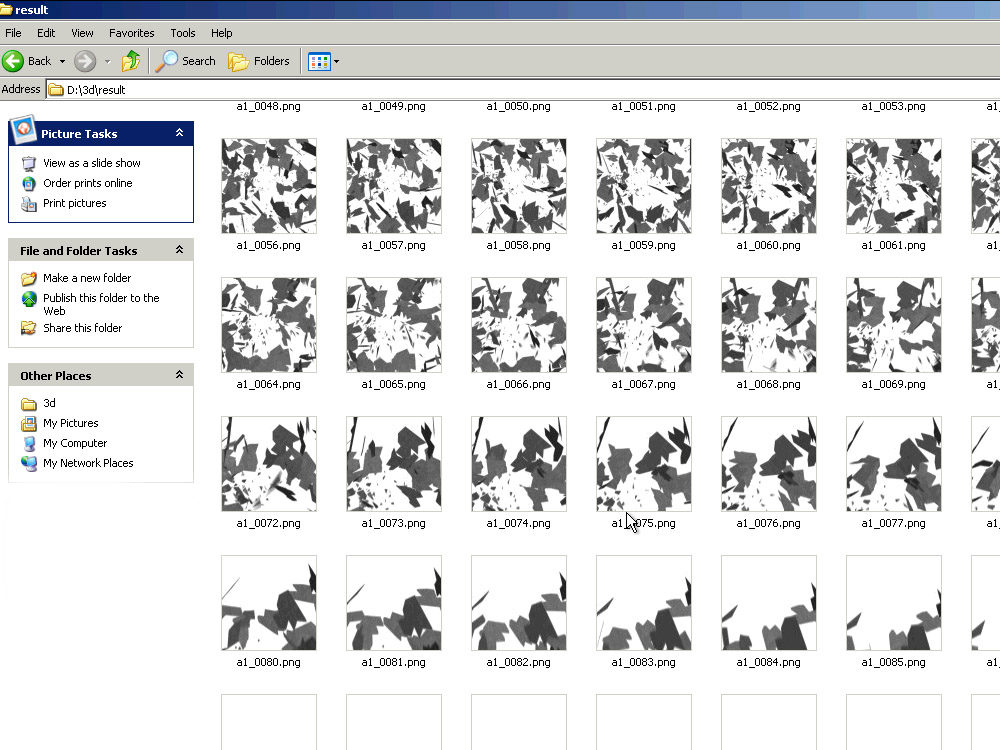
- Open the folder with a set of rendered .PNG files.

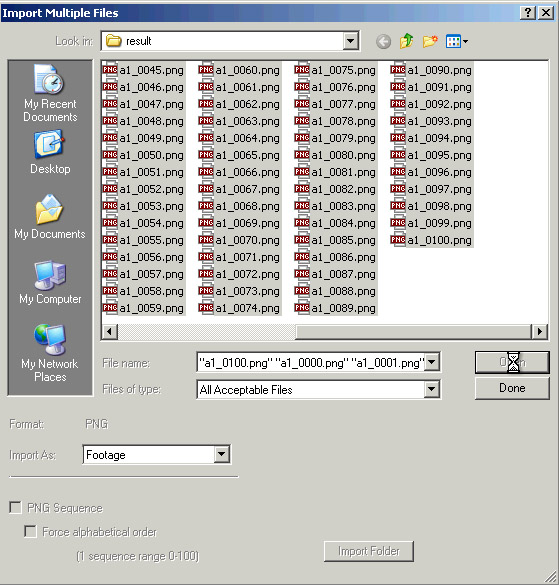
- Open all the files in After Effects program.

- Select all the rendered files (hold Shift key for multiple selection).

- Create a new folder for your project and place all the images in it.

- Drag the folder into the timeline.

- Set properties for your movie.

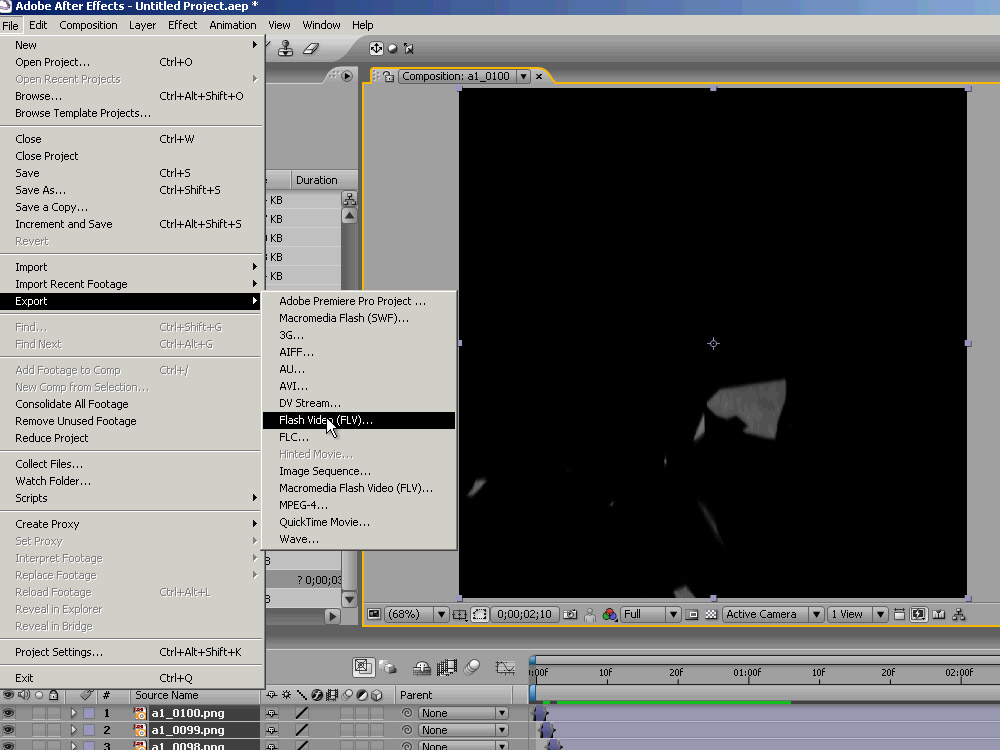
- Export video using Export->Flash Video (FLV).

- You may also choose your FLV movie settings.

- Choose folder and file name. Then press Save

- Find your .FLV file in the folder which you have specified.

Feel free to check the detailed video tutorial below:
How to create FLV video from 3d max source