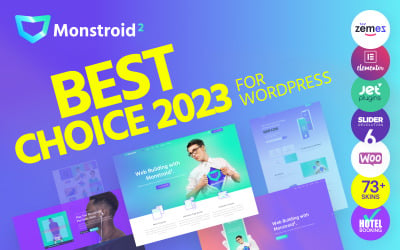
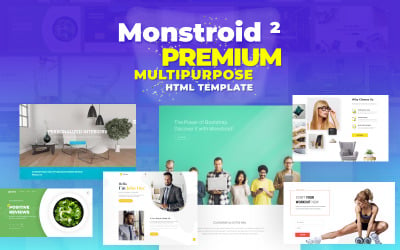
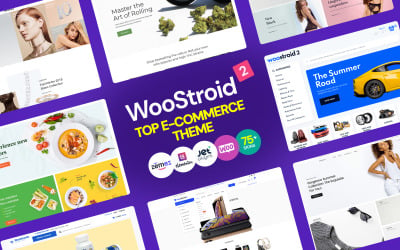
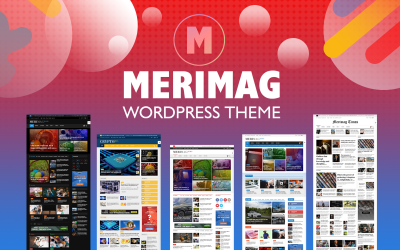
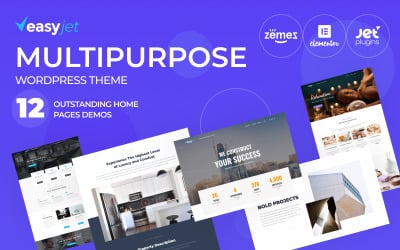
Meet the Monstroid2 - upgraded and for sure the best multipurpose WordPress theme for any goal! All you've ever dreamed about is gathered in more than 20 gorgeous skins.
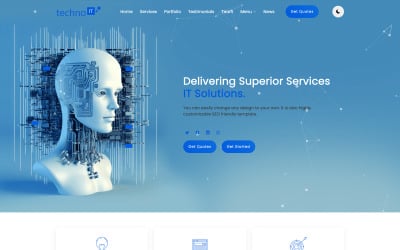
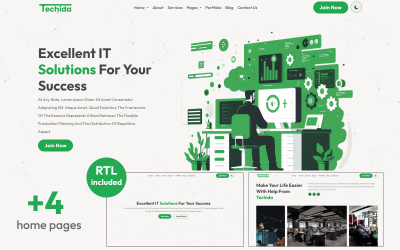
Technoit is a modern, clean, and responsive multipurpose Bootstrap 5 template for startup digital agencies, SEO agencies, web developers, online marketers, web design, software solutions
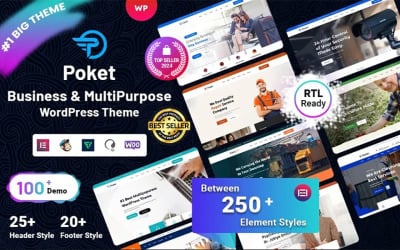
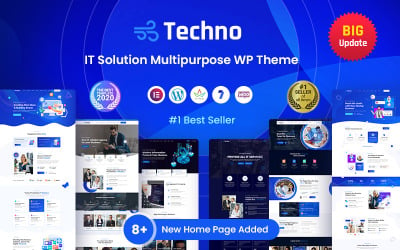
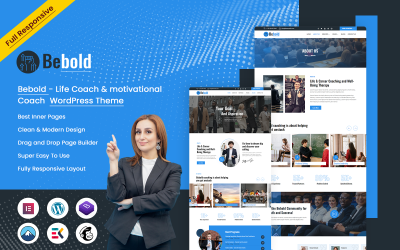
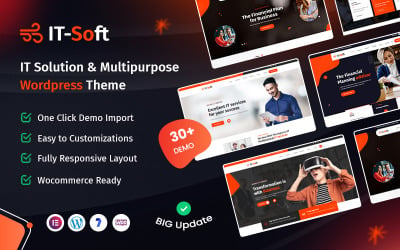
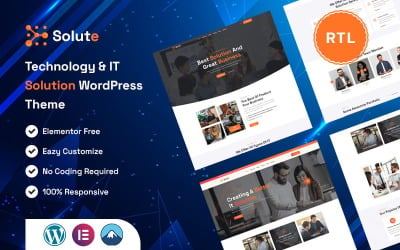
Technology & IT Solution WordPress Theme. WP Theme for Business and Consulting. Best Selling WordPress Theme. Drag & Drop Header, Footer & Page Builder
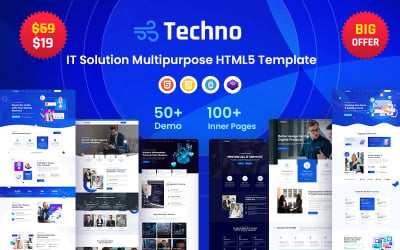
A multipurpose premium HTML5 website template provides everything necessary for successful website creation. Nowadays, any company must have a well-designed website.
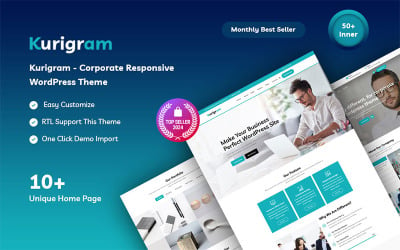
Kurigram is a multipurpose and one-page corporate business WordPress theme. This theme is perfect for all businesses, marketing, corporations, and creative portfolio sites.
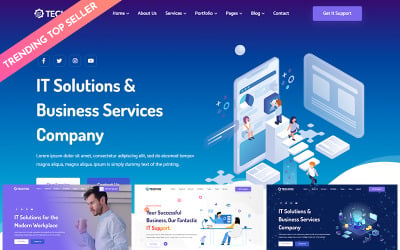
This template is designed for IT solutions companies, IT consulting, information security companies and any other technology IT related company. It is fully responsive and user friendly website.
Flex-IT is a modern and responsive HTML 5 multipurpose Bootstrap 5 template that can serve startup digital agencies, SEO agencies, web development, and online marketing services.
ThePRO is the professional way to showcase your works and services online as a freelancer, designer, developer, marketer, artist, or photographer. it's also suited for Agencies and Startup...
IT Solution Best Template, Top Website Template, Best Website, Multipurpose HTML5 Template, Latest New Design, Software Company Template, Technology Template, Startup Template, Company Website.
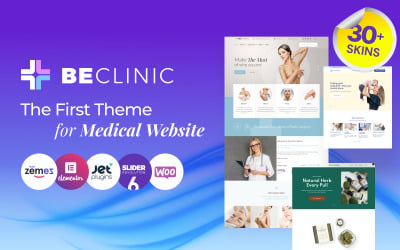
Have you ever thought about the promotion of your clinic vie your own website? Or what about multiple websites for different purposes, all at your service?
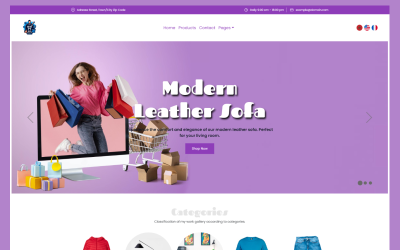
KarDone is a ready-made solution for diverse types of online stores. his Shopify multipurpose design theme offers unlimited opportunities for promoting your goods.
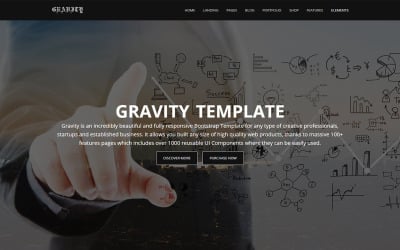
Gravity's 1000+ easy to use and customizable UI elements make it most customizable theme on the market. Build websites like a Lego. Every element can be modified for any kind of project.
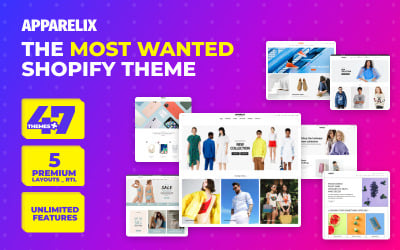
Apparelix clean multipurpose Shopify theme is the all-in-one solution to create stunning and minimal apparel websites whether you have a large or single product inventory.
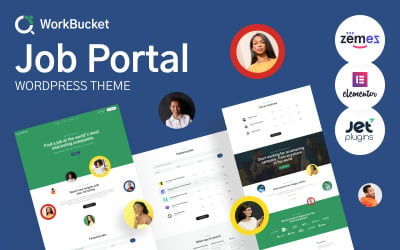
The job portal WordPress theme is the best choice for your business. We recommend paying attention to the new template, which is great for the labor exchange
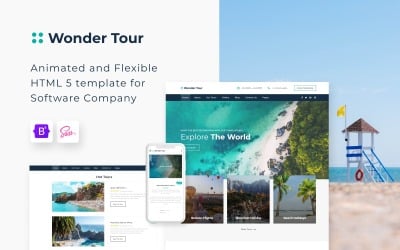
Get this simple travel agency website template to increase your online sales and easily attract the attention of travelers to your tours and excursions.
Huge changes in economic relations dictate new rules of the game to market participants, who are forced to resort to the involvement of individual consultants or consulting companies
"petty-pets-food" theme 2.0 Shopify is a classic and awesome theme for pet shops, pet food stores, pet, pet stores.this is a fully responsive and unique design e-commerce solution.
A website template is a pre-designed web page or a set of pages that can be used for building a fully-fledged website. These kinds of themes are usually created using HTML or CSS technologies so that everyone can establish the site without hiring the specialist. An average web page template comes equipped with a great number of ready-made HTML5 pages, stylesheets, and JS files made with well-commented and optimized code.
TemplateMonster marketplace contains one of the richest collections of pre-designed web themes delivered by the leading experts in web development. Here at TM, we did the hard work to put together multiple design styles and topics of high quality. Among other things, the premium themes included in the marketplace all come with dedicated technical support. They are all easy to customize and can fit any online project regardless of the niche you are in.
Buying website templates at TemplateMonster guarantees you get a product developed according to the latest web design trends and standards. Our handy search will let you find the right solution for your project.
Provided that you want to try the product before purchasing it, you can try the free version of the theme, install and manage to customize it.
Website Layout Templates: Core Features to Consider
Responsive Design
The fully responsive design of the web templates ensures smooth experience on all devices regardless of their resolution. No matter what gadget the visitors have at hand while browsing your website, they will enjoy its perfect look. A website slider and other components are also made responsive to provide an unforgettable user experience.
Thorough Documentation
Every single premium theme contains detailed documentation that will guide you through each step of installing the theme and using it for your purposes. These guidelines also let you discover the product’s key features, as well as plugins used in the template.
Bootstrap in the Core
Some of the web templates are created using Bootstrap technology aimed to make your website mobile-friendly. Besides, all Bootstrap styling options, scripts, and components are all at your disposal.
Cross-Browser Compatibility
Our templates are displayed correctly in all modern browsers, such as Google Chrome, Internet Explorer, Mozilla Firefox, Opera, and Safari.
Custom Widgets and Plugins
Modern website templates delivered to our marketplace come supplied with multiple custom widgets and plugins. Almost all themes contain a working search box, contact, and subscription forms, as well as social media widgets, and others. The documentation provided with the theme will give you a better idea of how to use them.
HTML Editor
Many of the website templates comprise HTML editors with drag & drop functionality. Visual page builders, like Novi, will help you build fascinating layouts without any coding skills.
SEO Optimization
The website layout templates we offer are designed according to the latest SEO standards which means you can easily configure the settings to make your site reach the top of search results. The best SEO practices will help you build trust and credibility with your prospective customers, provide better UX, increase engagement, traffic, and conversions.
eCommerce Page Template
For those of you who are to establish an online store, web page templates provide eCommerce page templates with all the necessary options.
A Huge Set of UI Blocks and Elements
Almost all themes contain a huge set of UI blocks and elements, comprising multiple header and footer layouts, cool CSS3 animation effects and transitions, ready-made pages, as well as working contact forms, etc.
Premade Website Templates FAQ
Where to buy website templates?
Here at TemplateMonster marketplace, we provide thousands of digital products from plugins to website templates all in one place. They are sorted by the categories which means you shouldn’t have trouble finding the right theme for your online project. So, feel free to browse our marketplace and get everything you need without surfing all over the Internet.
What license do you sell your website templates under?
Our website offers four possible types of licenses to use website templates sold on TemplateMonster and delivered by independent web designers. They include a one-time usage license, developer’s license, extended license, GNU general public license v3.0, and buyout purchase license. Every type of license has its own terms, so before choosing the one, get familiar with the details.
How to convert a website template to WordPress?
To move from static HTML to WordPress theme, you have several options. The first option is the most technical and includes manual converting of HTML to a WordPress theme. The second option is the easiest and most affordable and supposes jumping from HTML to WordPress via WP Child Theme. The third option is quick and painless and involves importing content from HTML to WordPress using certain plugins. Which option you chose depends on time and budget, your coding skills, and your personal preferences.
How to make a professional web page template?
Before designing a responsive website template, decide on the topic you want to highlight. Then, find the right color scheme that would perfectly match your corporate identity. Decide on the navigation bar you want to use for your theme. It should have useful resources, such as a homepage, commenting system, etc. Simulate the way your website will lay out in the editing software. Once done, move on to create a page in HTML and then create a style sheet in CSS. In the end, duplicate the HTML page for the rest of the pages and fill them with content.
What are the advantages of premade website templates?
Despite the skeptical attitude of many experts to ready-made templates, we should exclude their existing advantages. They are easy to use and customize, mobile-friendly, provide an extended functional choice, ensure simplified media and content management. Among other things, the pre-designed web page templates provide for integrated domain and hosting, CDNs, and SSL certificates for added security.
 ES
ES RU
RU DE
DE PL
PL IT
IT TR
TR FR
FR BR
BR NL
NL CN
CN CZ
CZ UA
UA HU
HU SE
SE Unlimited Downloads
 Sale
Sale