 ES
ES RU
RU DE
DE PL
PL IT
IT TR
TR FR
FR BR
BR NL
NL CN
CN CZ
CZ UA
UA HU
HU SE
SE Unlimited Downloads
  Sale
Sale 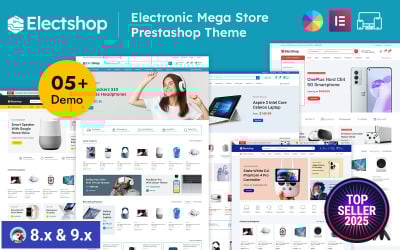









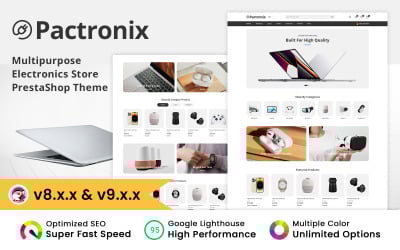




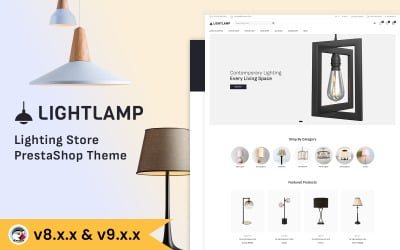

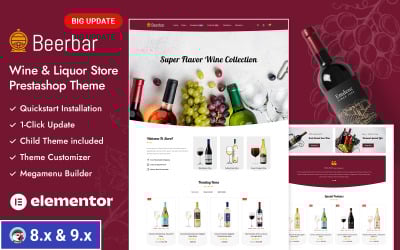

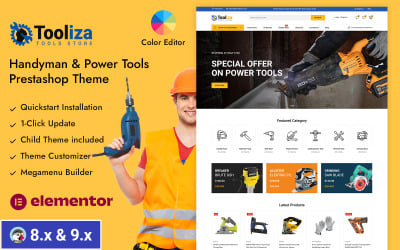


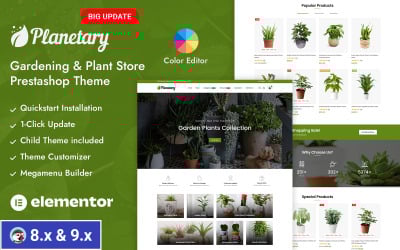
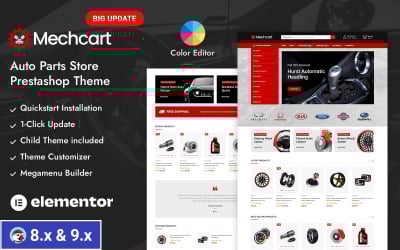




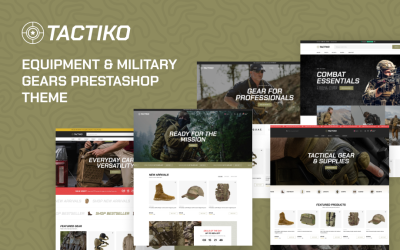


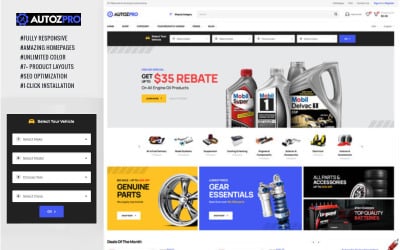


5 Best Premium PrestaShop Themes 2026
| Template Name | Downloads | Price |
|---|---|---|
| Electshop - Electronics and Digital Store Prestashop Responsive Theme | 331 | $81 |
| Electme - Electronics PrestaShop Theme | 190 | $79 |
| Spopart Auto Parts and Machine Tools PrestaShop Theme | 124 | $79 |
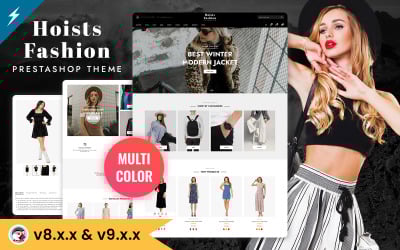
| Hoists - Fashion & Clothing Store Prestashop Theme | 5 | $79 |
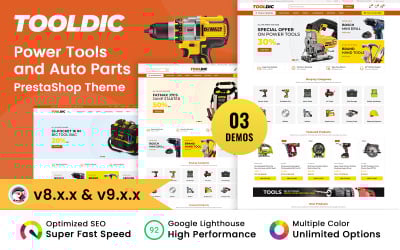
| ToolDic - Tools and Auto parts PrestaShop Theme | 38 | $79 |
PrestaShop Templates FAQ
What is PrestaShop?
PrestaShop is a freemium, open-source software used to build an online store. It has gained popularity as an eCommerce solution used by both small and large businesses all over the world. It currently powers 300,000 shops worldwide and is available in 60 different languages.
How to install PrestaShop theme?
Installing the theme should not be an issue, especially if you’ve chosen the theme of the latest 1.7 version that is easier to use compared to its predecessor. You can install the theme either manually or using PrestaShop Cloud or Themeinstallator.
When proceeding with manual setup, download the theme and repack zip file you’ve just downloaded. Go to the PrestaShop admin panel and then head to Preferences > Themes. Select the recently downloaded theme, click on the Advanced Settings, and save.
To install the theme through PrestaShop Cloud, open the admin panel, and navigate to Preferences > Themes. Select “Add New Theme” and type in your add-on details. Click on “Use This Theme.”
To set up the template with Themeinstallator, start with installing it. Then, go to the “Import from Your Computer” section and push the Browse button. Finish with uploading the theme.
How can I effectively edit my PrestaShop theme?
If you want to make some minor changes or tweaks to your PrestaShop theme, here are a few tips where to start. Use developer tools in Google Chrome to detect the element you are searching for and find the file that needs edits. To change colors and basic layouts, go with a custom.css file, whereas grid/list switcher will let you switch between grid or list layouts manually. Also, use an editor, such as Notepad+ (or TextWrangler for Mac users), for quick changes.
How to edit email templates in PrestaShop?
When your customers create an account on the site, subscribe to a newsletter, make a purchase, receive payment and shipment confirmation, they get default email templates. But if you want to make these emails sound unique and match your corporate identity, you can modify them through the admin panel. For this, log in and navigate to Improve > International > Translations. Under the Modify Translations block, select certain positions from dropdowns and click Modify. You will be redirected to email templates where you can select the one to edit via Edit HTML version or View/Edit TXT version tabs.
What are the advantages of PrestaShop software?
PrestaShop software is frequently used when it comes to building an eCommerce store online. The reasons for its popularity lie in the advantages that PrestaShop provides. It is easy to install — all you need to do is just download the file and start creating a fully-fledged online store. Running a PrestaShop store doesn’t require a huge budget and the advanced technical knowledge that makes it budget- and user-friendly. Among other things, PrestaShop themes are easy to customize and support multiple currencies and languages. Another significant advantage includes reliable and convenient payment gateways. Payment methods are secure, so you shouldn’t worry about fraud activities.