 ES
ES RU
RU DE
DE PL
PL IT
IT TR
TR FR
FR BR
BR NL
NL CN
CN CZ
CZ UA
UA HU
HU SE
SE Unlimited Downloads
  Sale
Sale 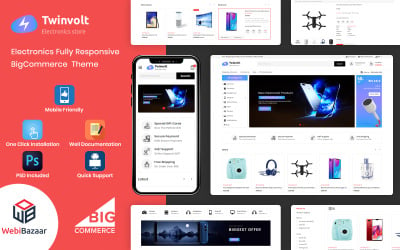
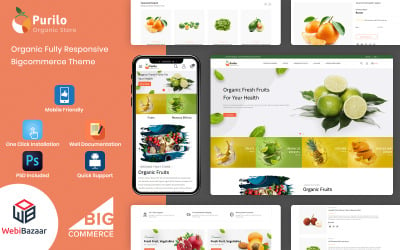



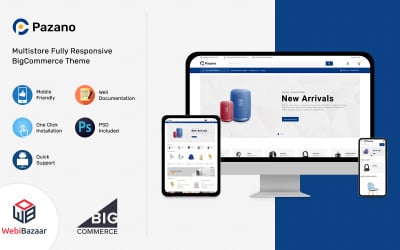

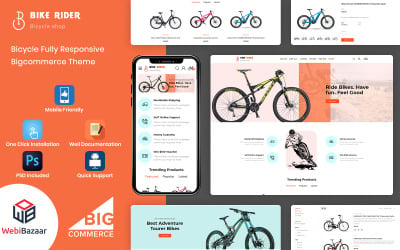



5 Best BigCommerce Themes and Templates 2026
BigCommerce Template Design Frequently Asked Questions
Are BigCommerce responsive themes any good?
They are a good option for eCommerce. You can easily modify them to make a unique, modern online shop with numerous products. They are easy to manage and keep up to date. Responsive designs provide mobile device users with the best experience. Everything works correctly on devices with various screen sizes.
How to choose the best BigCommerce site design at TemplateMonster?
Use the left panel to set topics, tags, color scheme, features, style, price, etc. It filters out the products that do not match your criteria. When you have a few options left – open the details page to learn more about them. Do not forget to use the live demo feature to see how everything looks and works.
What are Stencil BigCommerce premium templates?
Stencil is the theme engine used by BigCommerce. The templates built on Stencil are compatible with the page builder. Such products have a separate category on the TemplateMonster marketplace. Please consider checking out the list of our available stencil templates. They are a perfect option for people who are not familiar with coding.
How do I customize a BigCommerce template design?
The first option is to use a page builder. It is necessary to go to the storefront menu, then choose my themes and customization. It opens the page builder and allows you to modify various elements.
The second option is to modify the code. Go to the storefront menu, then choose my themes and click on the advanced button and select make a copy. Name it and wait – it may take some time to duplicate the files. When the process is finished – click on the action icon and edit theme files. You can also access file editing from the page builder. You need to select theme styles and choose edit theme files.
There are also legacy blueprint themes. To edit them, you need to go to the storefront menu, then select my themes and press the edit HTML/CSS button.