ES
ES RU
RU DE
DE PL
PL IT
IT TR
TR FR
FR BR
BR NL
NL CN
CN CZ
CZ UA
UA HU
HU SE
SE Sale
Sale 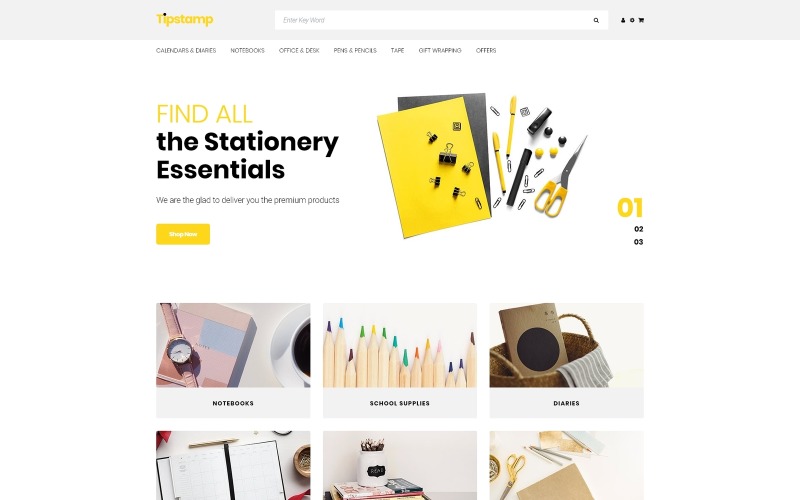


Данный шаблон был куплен для интернет магазина канцелярских товаров. Шаблон хороший, удобная редакция меню по колонкам, но из-за опенкарт 3 очень сильно кешируется, как мне показалось. Все наши правки в стилях можно было увидеть только после многократной очистки кэша. Так же есть проблема (но это на всех версиях опенкарт 3, которые мы использовали), после загрузки нескольких фото в менеджер изображений (при наполнении товаров) фото просто перестают отображаться. Чтоб их увидеть нужно выйти и зайти снова в админку. Для устранения этой ошибки привлекали программиста. Так же не сразу отображается товар в корзине. Но все эти проблемы я связываю с третьей версией опенкарта.
Tipstamp - Stationery Store Clean OpenCart Template
 Sales:
Choose a license
Popular Services from OpenCart Templates Experts
Or
 Get in Subscription
Get in Subscription
MonsterONE - Unlimited Downloads for $14.08/mo
 License permits using this item to create unlimited digital end products for sale during the active period of your subscription.
|
Support
Join to Download this Item
License permits using this item to create unlimited digital end products for sale during the active period of your subscription.
|
Support
Join to Download this Item
Summary generated by AI:
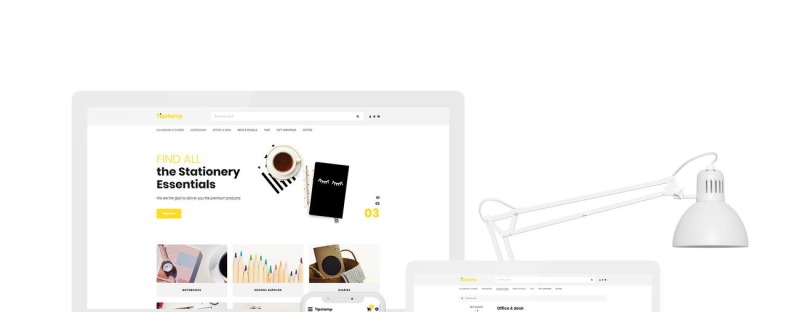
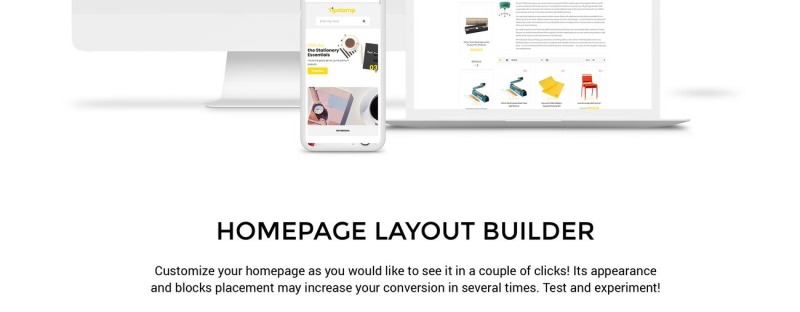
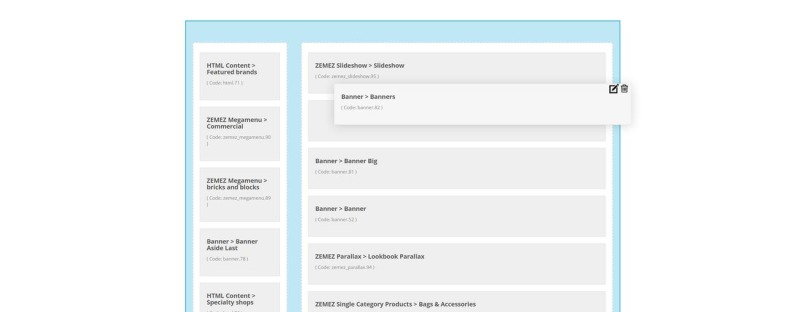
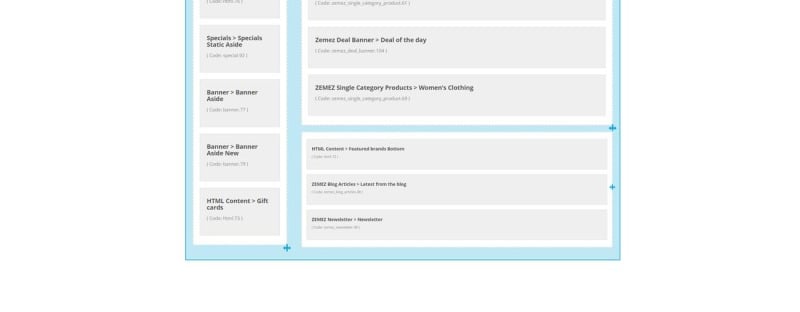
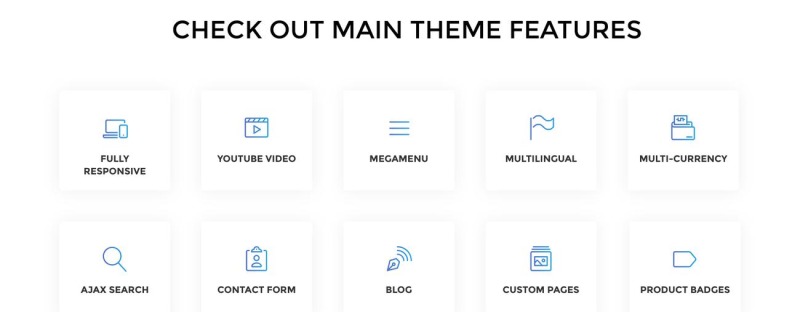
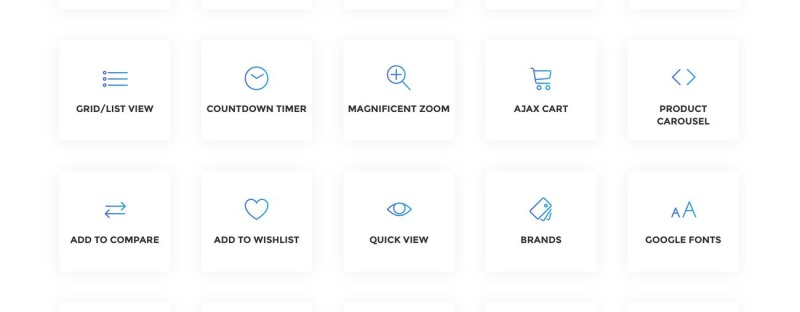
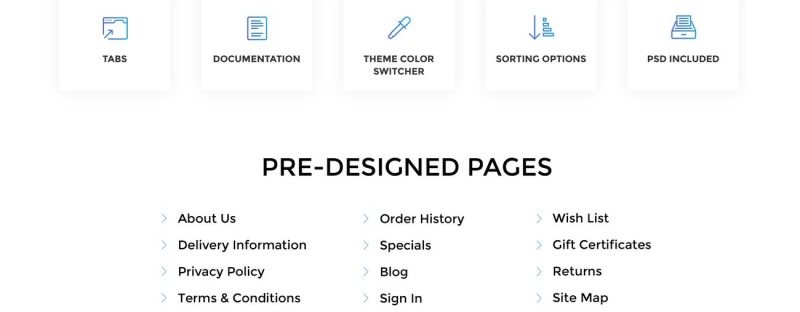
A clear and minimalist design can make a significant impression on the site visitors and potential customers. And it's the trademark of this Stationery Store Clean OpenCart Theme. Although, minimalism is not its only strength. Providing access to some premium web design options, Tipstamp can easily be used to create a professional website for the office supplies online shop. This is a very versatile OpenCart theme with ready-made page layouts and various customizable areas for widgets. In addition, you can use the visual editor to add a brand logo, include links to social networks, and even personalize the slider on the main page. You'll be impressed with everything that you can do with Tipstamp.
1 Reviews for this product
0 Comments for this product
Customer Support
Support rating ()
![]() This rating is based on feedback from customers who have received support from the author of this product.
This rating is based on feedback from customers who have received support from the author of this product.
This rating is based on feedback from customers who have received support from the author of this product.
Response Time:
Normal
![]() This value represents the average response time to a client's inquiry or request.
This value represents the average response time to a client's inquiry or request.
This value represents the average response time to a client's inquiry or request.