 ES
ES RU
RU DE
DE PL
PL IT
IT TR
TR FR
FR BR
BR NL
NL CN
CN CZ
CZ UA
UA HU
HU SE
SE Unlimited Downloads
  Sale
Sale 















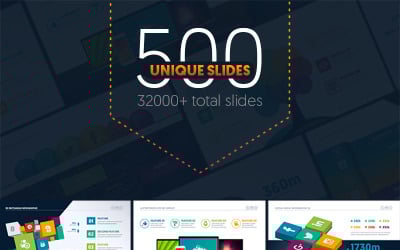


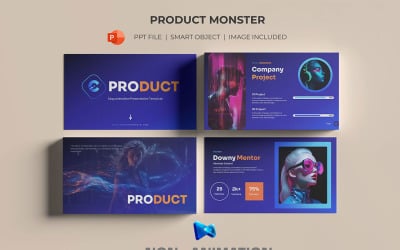


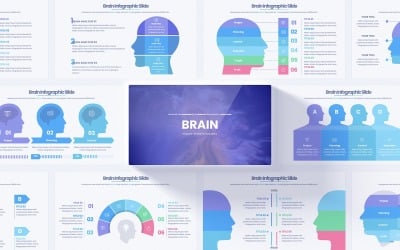
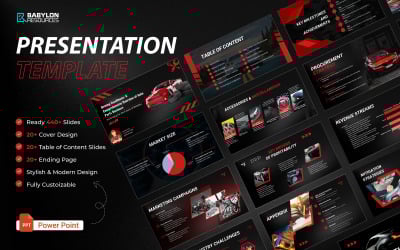


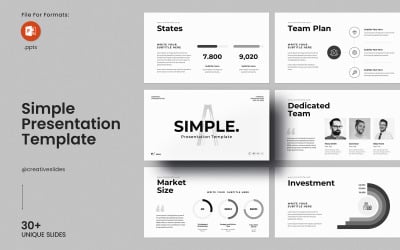
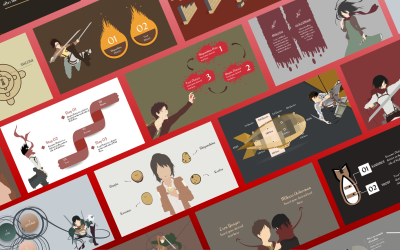

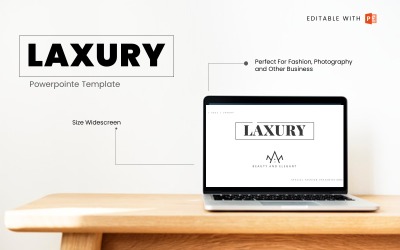

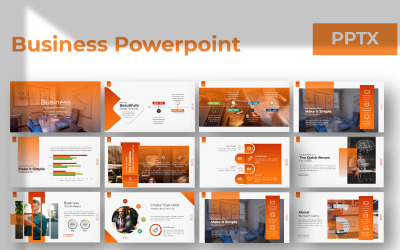
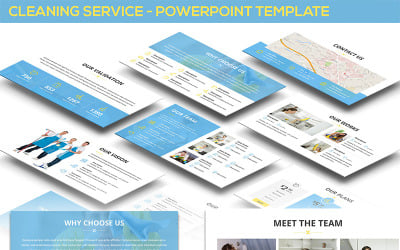
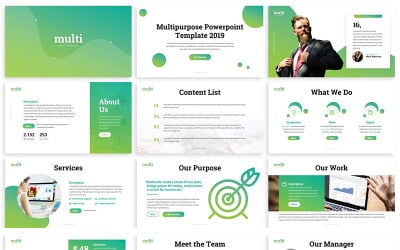
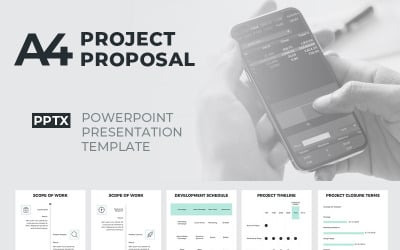
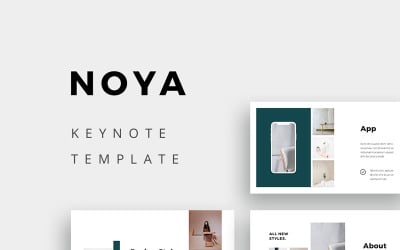

5 Best Presentation Templates 2026
| Template Name | Downloads | Price |
|---|---|---|
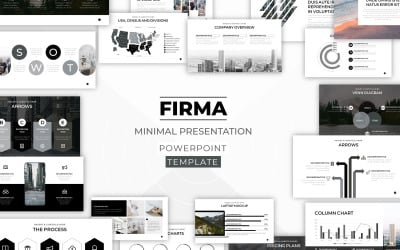
| FIRMA - Minimal Powerpoint Template | 98 | $15 |
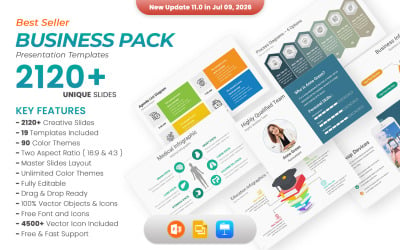
| Business Pack PowerPoint templates | 1,260 | $25 |
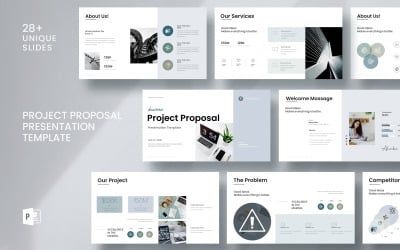
| Project Proposal Presentation Template__ | 5 | $9 |
| Pack of 19 Professional PowerPoint Templates with Morph Transition | 158 | $21 |
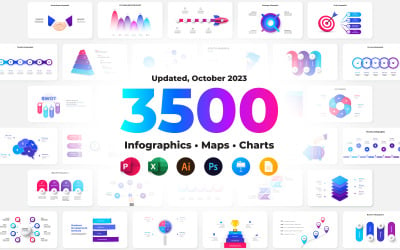
| 3500 Animated Infographics Bundle PowerPoint Templates | 80 | $24 |
Best PowerPoint Presentation Templates
Presentation templates FAQ
What is a presentation template?
A presentation template is a pattern of a group of slides. Each group contains similar layouts, colors, fonts, effects, and background styles.
What is the difference between Microsoft PowerPoint and Google Slides?
Microsoft PowerPoint comes with the Office package and needs installation on the computer, while Google Slides is totally cloud-based, which means multiple people can access and work on the same project at the same time.
How do I convert PowerPoint slides to Google Slides?
If you’d like to convert your PowerPoint slides to Google Slides, follow these steps:
- Open Google Drive;
- Select Slides, and then open a blank presentation;
- Select File, then Import slides;
- Upload the PowerPoint file.
How do I import a template into PowerPoint?
In order to import an external template into PowerPoint, follow the steps below:
- Select File, and then click on Open;
- Select the external template;
- Click Open.
What is the difference between PowerPoint and Keynote?
The key difference is that PowerPoint is part of Microsoft Office, while Keynote is included in Apple’s suite.