 ES
ES RU
RU DE
DE PL
PL IT
IT TR
TR FR
FR BR
BR NL
NL CN
CN CZ
CZ UA
UA HU
HU SE
SE Unlimited Downloads
  Sale
Sale 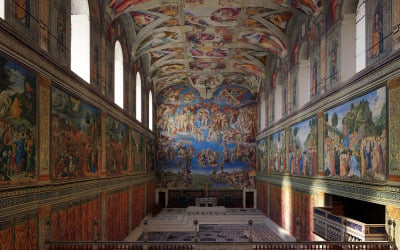




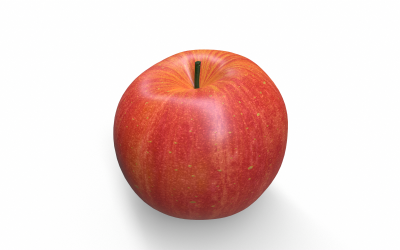
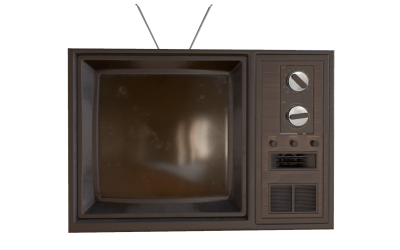

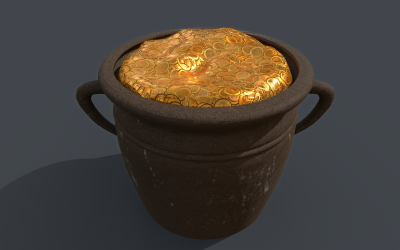
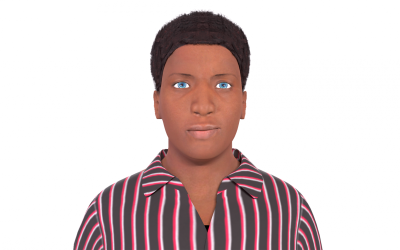
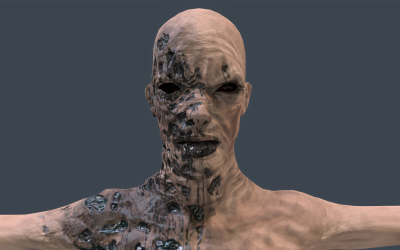
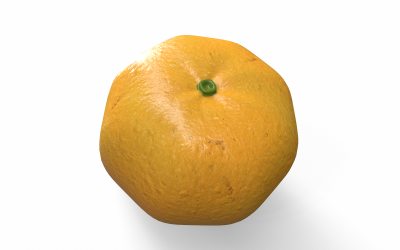
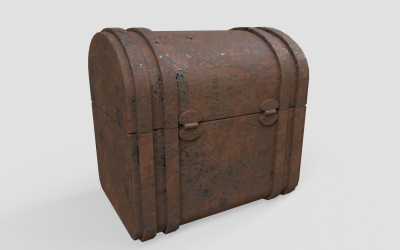
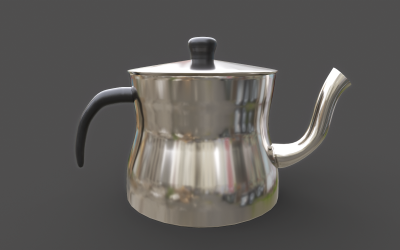
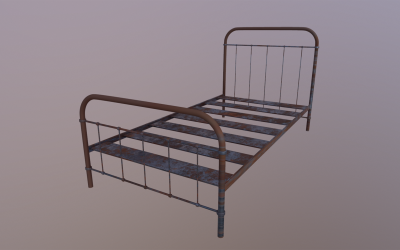
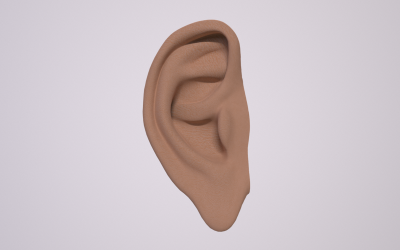
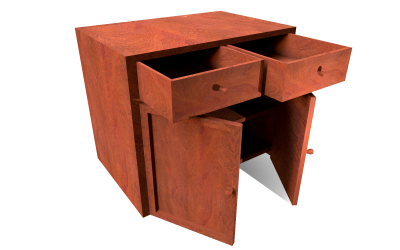
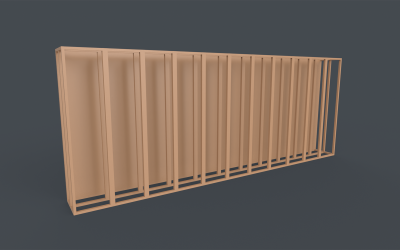
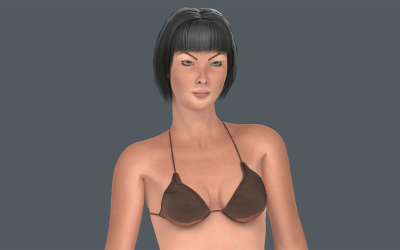
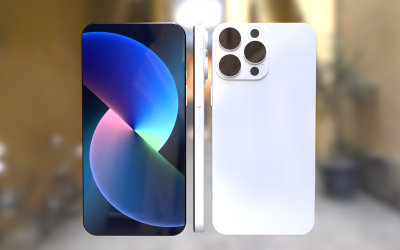
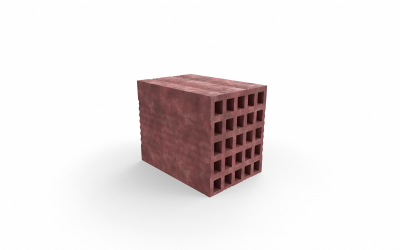
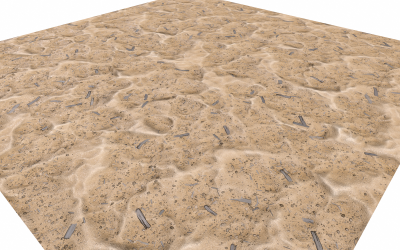
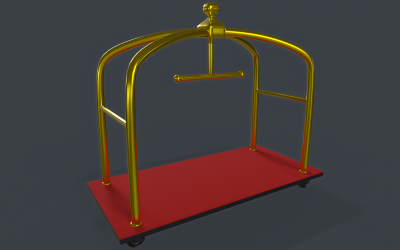
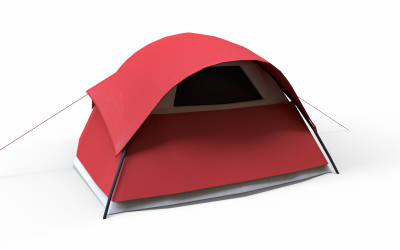
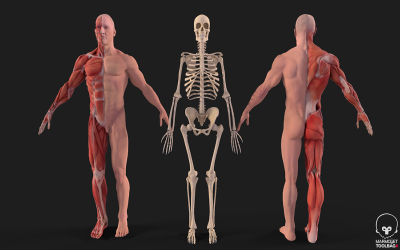
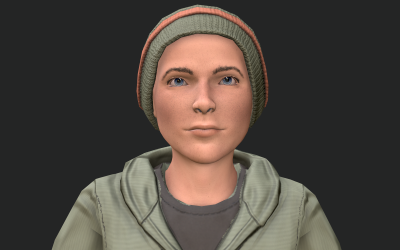
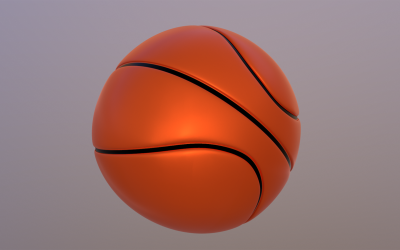
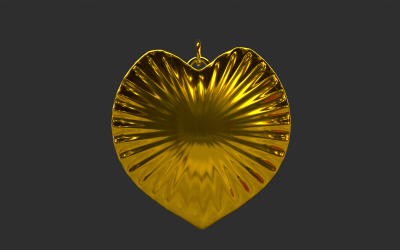
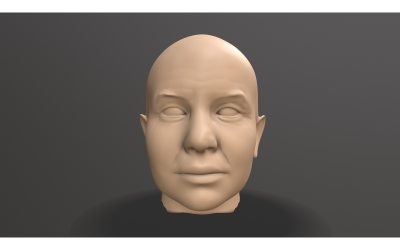
5 Best Best Brown 3D Graphics 2026
| Template Name | Downloads | Price |
|---|---|---|
| Sistine Chapel Interior Low Poly 3D Model | 10 | $31 |
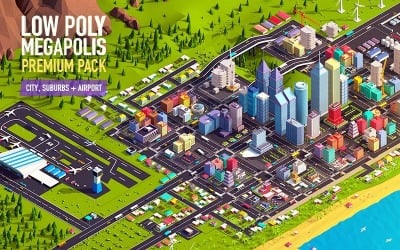
| Low Poly Megapolis City Premium Pack 3D Model | 4 | $201 |
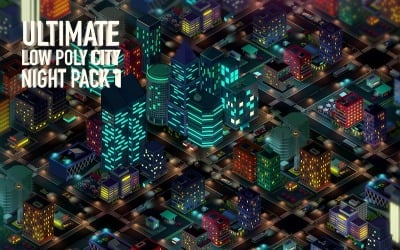
| Ultimate Low Poly City Night Pack 1 3D Model | 0 | $121 |
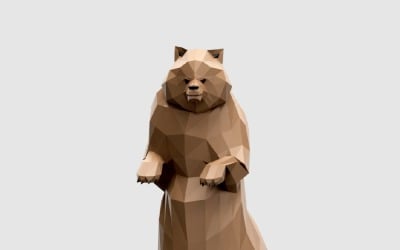
| Grizzly Bear 3D Model | 0 | $13 |
| Cartoon Lowpoly Earth Planet 2 UVW 3D Model | 5 | $26 |
Brown 3D Graphic Web Design Trends Video
Brown 3D Graphics FAQ
How to Choose Brown 3D Graphics from TemplateMonster?
Determine the niche for which you need to use brown 3d graphics: entertainment, video production, cinema, gaming, medicine, printing, flora, fauna, biology, education, etc. Choose the program with which you will edit the item: ZBrush, Unreal, Unity, SketchUp, Maya, Cinema 4D / C4D, Blender, and 3DS Max. Note the file format that the document has: fbx, obj, max, stl, 3ds, blend, dae, c4d, mb, lwo, unitypackage, uasset, skip, and ma. If you need an illustration with an animation function, then pay attention to the presence of this characteristic.
What Softwares Can You Use for Brown 3D Graphics?
You operate ZBrush, Unreal, Unity, SketchUp, Maya, Cinema 4D / C4D, Blender, and 3DS Max.
What is the Difference between High Poly and Low Poly Brown 3D Graphics?
High Poly has a high level of detail and several building figures. They also include textures with characteristics of 4096x4096px or 8192x8192px. Low Poly illustrations have a small number of polygons and achieve high informativeness of the image with the help of normal maps. Their extension is characterized by texture parameters of 2048x2048px or 4096x4096px.
How to Get Brown 3D Graphic from TemplateMonster?
We recommend registering on the TemplateMonster website. Add item to cart and make payment. You will then receive an email or call for verification. But we will send a link to download the item.