 ES
ES RU
RU DE
DE PL
PL IT
IT TR
TR FR
FR BR
BR NL
NL CN
CN CZ
CZ UA
UA HU
HU SE
SE Unlimited Downloads
  Sale
Sale 









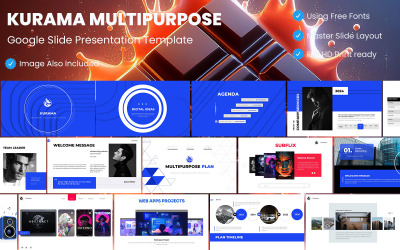
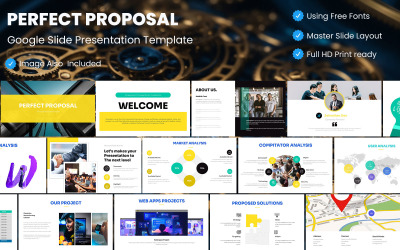
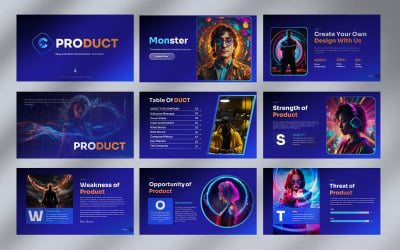







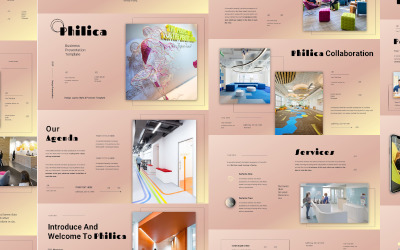

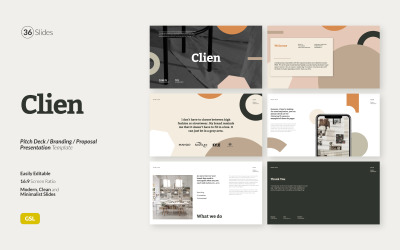

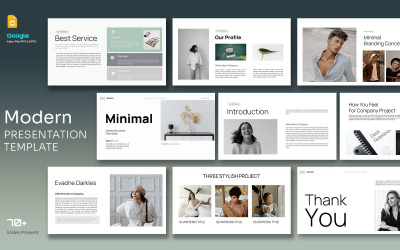
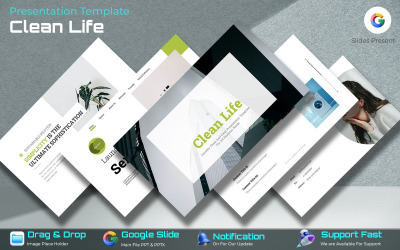
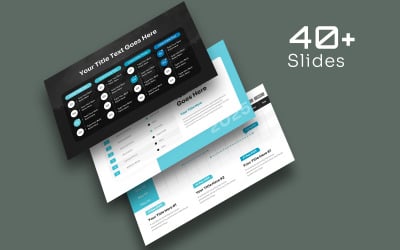


5 Best Best Antique Google Slides Templates 2026
| Template Name | Downloads | Price |
|---|---|---|
| Brand Guideline/Google Slides Presentation Template. | 1 | $10 |
| Google Online Casino Template | 1 | $20 |
| Exclusive Corporate Plan Presentation | 0 | $20 |
| Bravora Google Plan Template | 0 | $20 |
| Domain Expansion Explain Google Presentation Template | 0 | $25 |
Best Antique Google Slides Themes & Templates
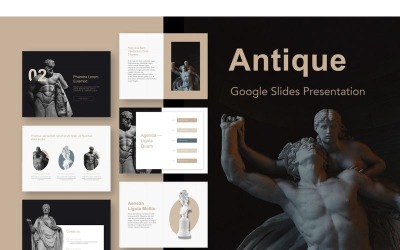
Antiques are in high demand these days. If a thing is worthy, well-preserved, and at the same time has a history, then its price is huge. Such items give the room an amazing atmosphere. However, people buy luxury items not only to satisfy their craving for aesthetics. Antiques are a subject of increased interest for people in business. They invest in purchasing exclusive items. Then they resell them at a more attractive price when demand becomes higher. To understand the true cost of a particular thing, you need to pay attention to a huge number of factors. It is the case for professionals with knowledge and experience. Some individuals buy antiques solely to emphasize their status. It is quite prestigious to have vintage at home. It confirms the good taste and significant financial capabilities. Many people like to look at objects related to history that carry some message or have cultural value. If you have decided to start your own business, selling antiques is a great opportunity. Thanks to certain knowledge and small investments, you have a chance to change your life. You must regularly promote your business on the Internet and beyond for more people to know about you. There are reliable antique Google slideshows templates for this. This selection is designed to get the most convenient advertising element in a short time.
Who Can Use Antique Google Slides Templates
Presentations from Google are about quality and ease of use. You don't need to spend hours on customization. Benefit from the equipped admin panel, which contains many sections, each of which helps to improve the appearance. It is a godsend for beginners who want to learn more about slideshows. This method of promotion is available to many entrepreneurs. Thematic old-styled, vintage Google Slides layouts are a necessary tool for:
- Collectable items shop
- Museums
- Antique shops
- Exhibitions
- Architects
- Artists
- Sculptors
- Auctions
- Vintage markets
- Collectors
- Historians
- Archaeologists
Everyone can find the right theme that satisfies all needs. Select a filter for this. You see it in the left half of the page, thanks to simple navigation. It has many points to find your desired result. Specify the tags, colors, price, number of downloads, and features you want. Please wait 30 seconds. During this time, the system analyzes and provides you with the best creation. Do minimal editing (place content, photos, and videos). Combine the best slides and send them to the email of potential buyers. Select slides to inform colleagues and investors about upcoming events. To do this better, add tables and graphs. It highlights the importance of information. To avoid misunderstandings, print out the presentation for each participant. It helps to study its content and be more knowledgeable.
How to Create an Outstanding Presentation with Old-Styled, Vintage Google Slides Themes
Google Slides is one of the most interesting and versatile tools. With it, you can present a project or read the text of a report in real time via Skype or other services. We make it easy to benefit from presentations with our templates. Everyone has their convictions about using themes. Therefore, while others are procrastinating, we suggest you develop your business. We are ready to lead you to the dream result through skilful and confident steps. Check our tips for this:
- Give editing access to your colleagues. This way, you could collectively work on the project. Communicate with workers in the chat and add comments. Moreover, you might do it at the same time online.
- Analyze different animation options and choose the best one. Good animation does not distract from viewing. As a variant, pick smooth transitions.
- Adjust the content of your page. Instead of solid and boring text, add pictures or a video review of the product. When describing an antique, choose elegant words. Avoid grammatical errors.
- Download the app to your smartphone to work remotely. Make edits even without internet access.
Key Features of Old-Styled, Vintage Google Slides Themes
Designers put a lot of effort into impressing discerning consumers. Therefore, each topic is a manifestation of creativity and desire for change. All elements are stylish and integral parts of one creation. Appearance attracts and fascinates the audience. We often add the latest technologies to increase the intrinsic value of the work. It improves functionality and customer experience. Get more information below:
- Picture placeholder. An advantage that comes in handy for everyone. With it, you make it easier to use. Make it simple if you want to add things or maintain certain sizes when creating the presentation. Change the shape and size, and add your photo or from the Internet.
- Based on Master Slide. Make edits on all pages simultaneously to speed up your progress. This way, you stick to one style and combine pages into one creation.
- Selected free fonts. Money is an important resource that you will need in the future. We suggest choosing free options that are high quality and attractive. With them, you should point to interesting parts of the text.
- Buyers support. We are confident that our products are the best. That is why we provide you with technical support. Contact our live chat 24/7. It is enough to view the documentation to get more data about the vintage Google Slides template. It is free but quite informative.