 ES
ES RU
RU DE
DE PL
PL IT
IT TR
TR FR
FR BR
BR NL
NL CN
CN CZ
CZ UA
UA HU
HU SE
SE Unlimited Downloads
  Sale
Sale 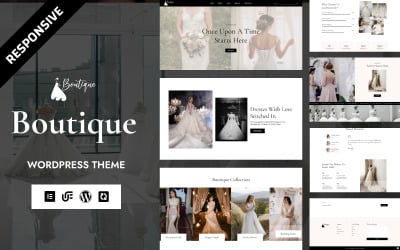
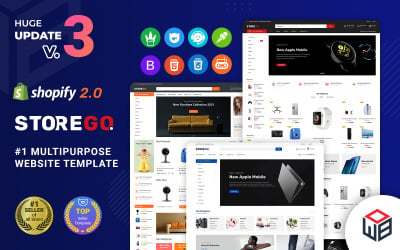


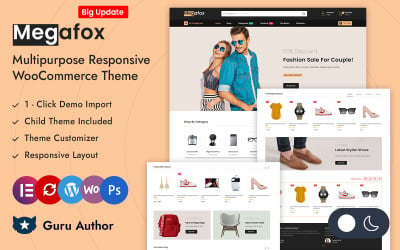
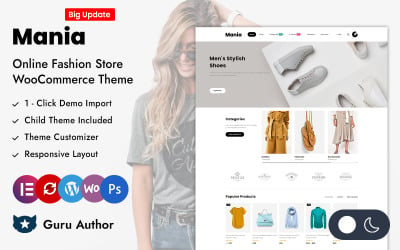
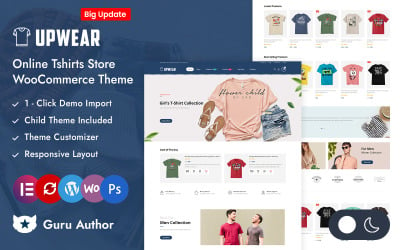
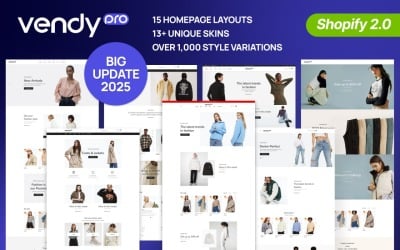
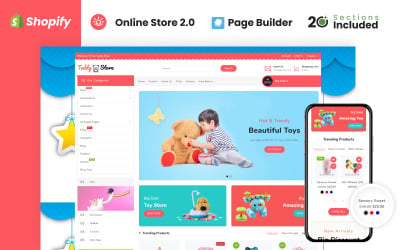

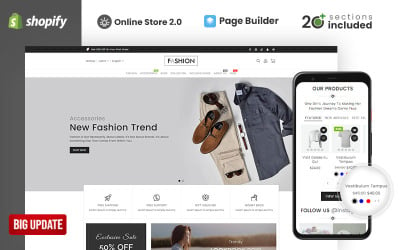
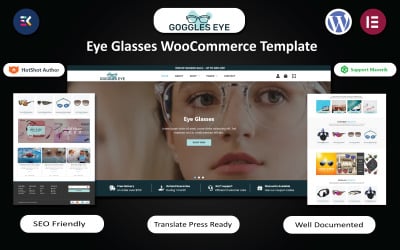


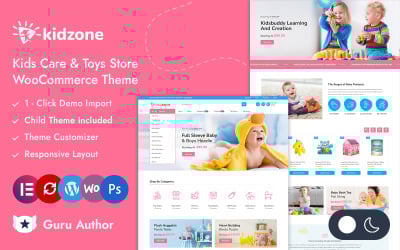


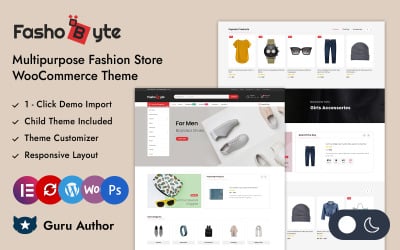
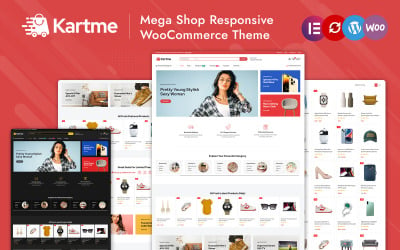
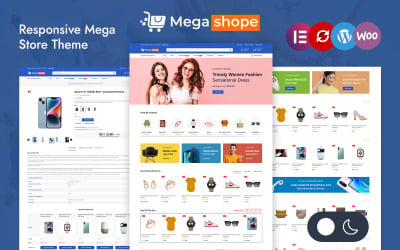
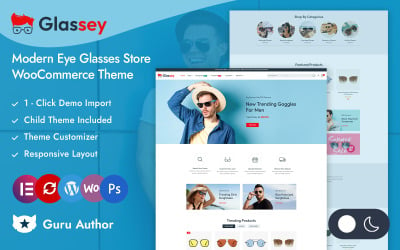


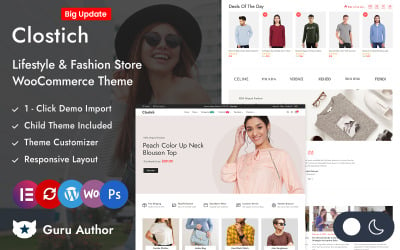
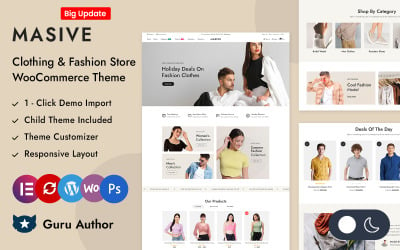
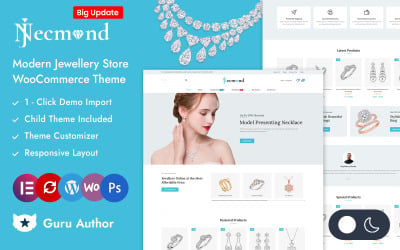
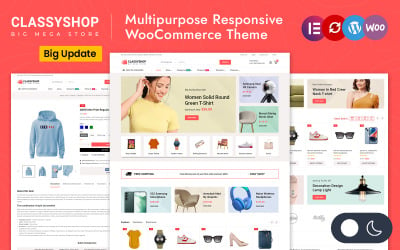
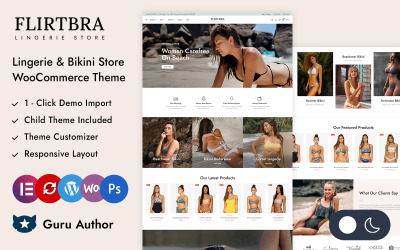
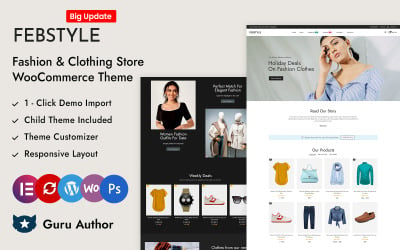
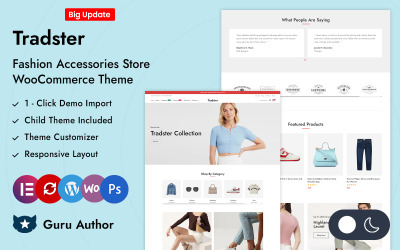
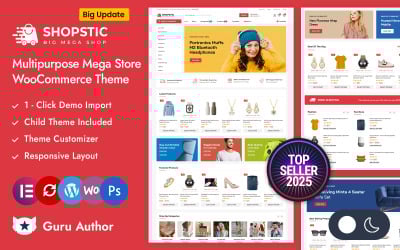
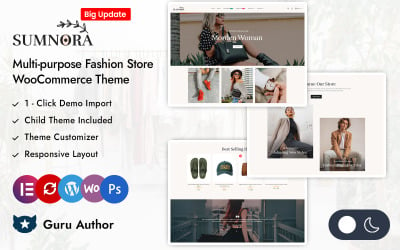
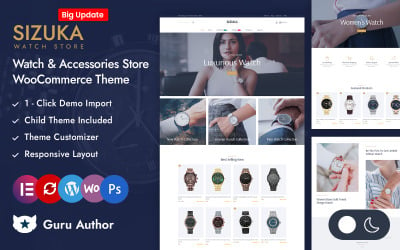
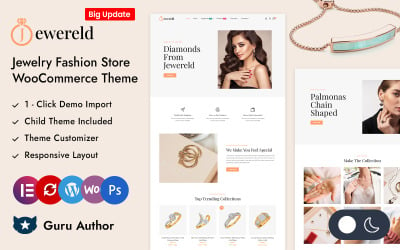
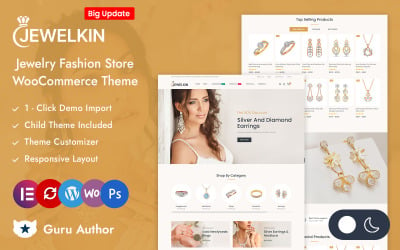
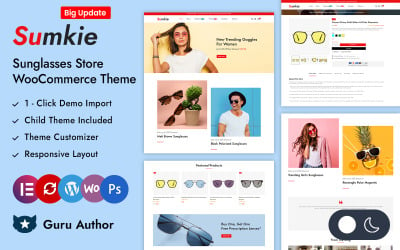
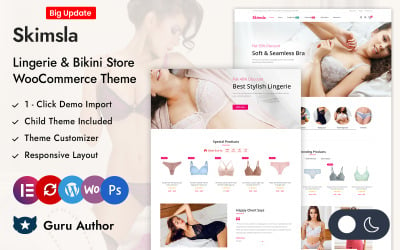
5 Best Best Clothing Store Website Designs - Merchandise, Clothes & Garment Website Builder 2026
Helpful Video For Those Who Want To Study Gutenberg
View five tricks with this software from our specialist. Allow yourself to grow and develop with our channel. Be sure to subscribe!
Apparel Website Builder Templates FAQ
How to download a theme on the TemplateMonster marketplace?
Open the product you like. Make sure the description matches your requirements. Choose a commercial or personal license type. Add to cart and complete payment. Receive an email with a file you can now download!
How to choose apparel website builder templates?
Each buyer has their own rules. All because the requirements of the clients of the marketplace are different. However, the following steps are typical:
- Watch the demo. It's the first page, where you'll find out what the appearance looks like.
- Read the specifications. Are technical parameters important? It would help if you found out what else the layout includes.
- Discover as many options as possible. The more analyzed, the more likely you are to select the best theme!
Is there support for TemplateMonster templates?
Yes, the service is accessible for six months.
How to use apparel website builder templates?
To begin, download the file received from us. It has a product and instructions for it. The manuals contain information about installation and adjustment. Follow the optional steps in your CMS to install the theme. Then, edit the details that remain relevant. Add your products and use the updated online store!