 ES
ES RU
RU DE
DE PL
PL IT
IT TR
TR FR
FR BR
BR NL
NL CN
CN CZ
CZ UA
UA HU
HU SE
SE Unlimited Downloads
  Sale
Sale 
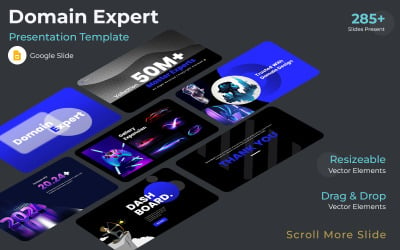


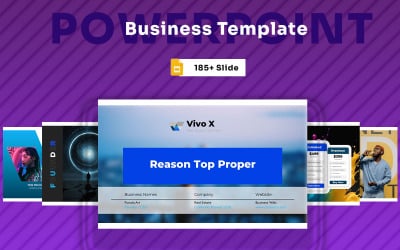


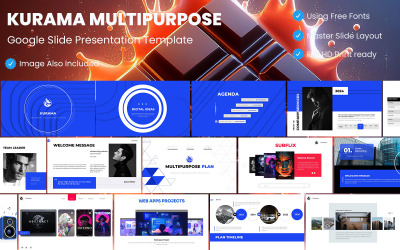
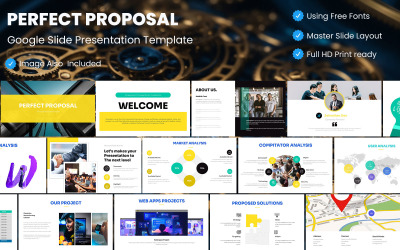
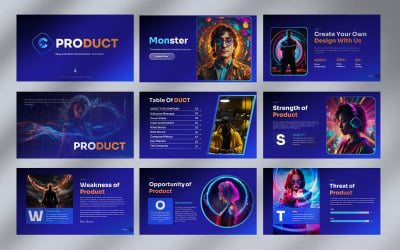


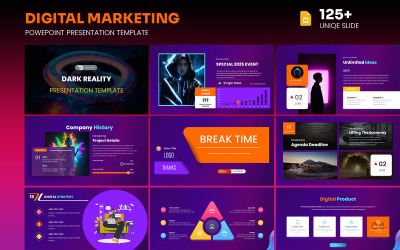
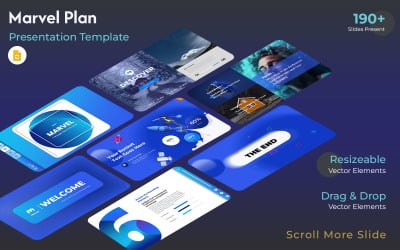


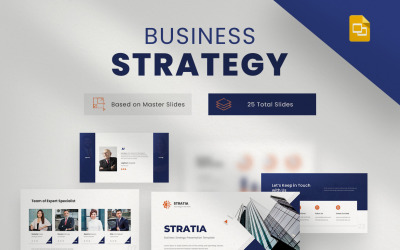




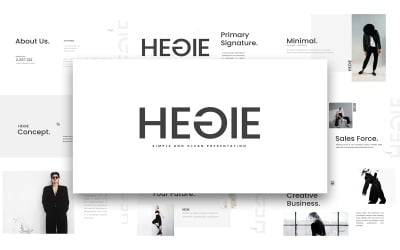

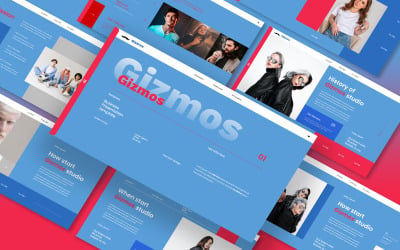
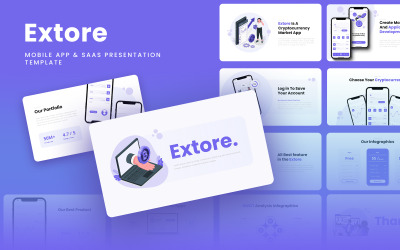
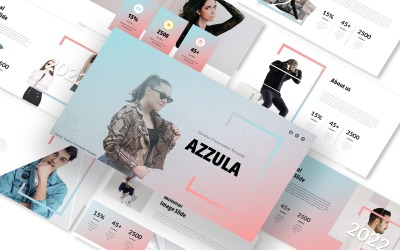
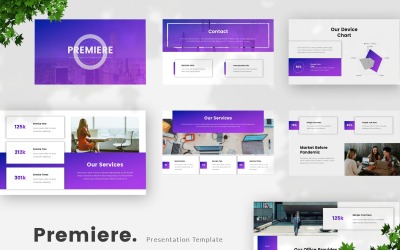
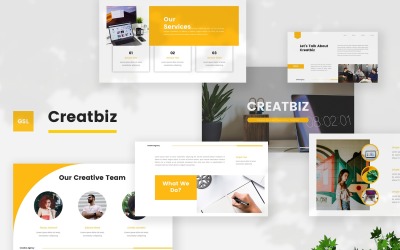
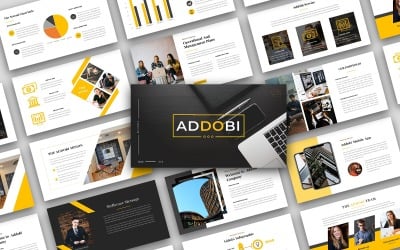
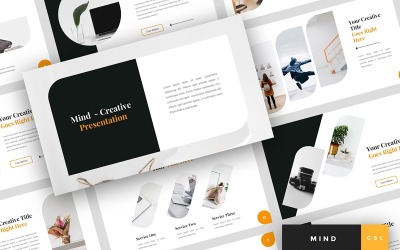

5 Best Best Auction Google Slides Templates 2026
| Template Name | Downloads | Price |
|---|---|---|
| Google Online Casino Template | 1 | $20 |
| Domain Expansion Explain Google Presentation Template | 0 | $25 |
| Trending Blue Business Plan Template Gs | 0 | $20 |
| Soviet Union Map And Russia All State Clear Google Slide | 0 | $25 |
| United Kingdom Map Google Slide Template | 0 | $20 |
Best Auction Google Slides Themes & Templates
Businesses use auctions to sell their products online. And if you're looking for the best way to sell your assets, look no further. Presentations are a tool that helps sellers engage buyers and get as many bids as possible, increasing sales. They help you communicate the value of your product and make it easy for the audience to understand. Pitches also help you build trust with your audience and allow you to showcase what makes your company unique from others. And that's something that you can't easily do through traditional marketing methods alone. That's why you need auction Google Slides templates for your next projects.
Templates are great for reports, advertisements, lectures, etc. There are a variety of demos available at TemplateMonster to make you look professional and get your point across more effectively. In particular, they allow you to present your ideas without coming up with the entire presentation yourself.
Why Google Slides?
The answer is simple. The software is easy to use and does not require any software to be installed. It is also incredibly versatile, which means it can be used for slideshows, brainstorming sessions, and sharing content with external audiences.
Another cool feature of the web-based app is that you can sync your work to Google Drive, so it's accessible from any device. In addition, you can share your projects via Hangouts and Gmail, which has the added benefit of making it easy to collaborate with other people on the project.
Who Can Use Auction Google Slides Templates
Feel free to use these templates for auction presentations—business reports, marketing materials, educational lectures, sales pitches, etc. They are perfect for projects that need to be interactive and engaging with the audience. In particular, themes are ideal for conferences, meetings, and expositions.
Meanwhile, this selection of demo presentations is designed for:
- auctioneers;
- bidding organizations;
- tenders.
There are many ways to use these themes. For instance, you can create a visual demonstration with clear instructions on how buyers should participate in an auction, which benefits both parties. In addition, it's an effective way to provide information about who can win a tender and what happens after it ends.
How to Create an Outstanding Presentation with Online Bidding & Tendering Google Slides Themes
Here are a few guidelines that will help you create online bidding and tendering presentations that will be informative and effective. Do not forget to consider the following tips:
- Choose the right theme for your project by using the left sidebar with filters and reading the products' descriptions/requirements.
- Start with a clear message or goal for your audience.
- Add animated effects to showcase your company's best assets and pique interest.
- Include images to showcase what you offer and the benefits.
- Include key information about what you are presenting, such as your company's mission, history, services, etc.
- Create a catchy header that will grab attention so people are engaged.
- Be sure to include your contact information.
- Make it easy to follow by using bullets and short sentences.
- Add a call to action to your slides.
Key Features of Online Bidding & Tendering Google Slides Themes
- 16:9 widescreen ratio to fit comfortably on modern devices.
- Fully customizable for your business: easy to use with a drag-and-drop interface.
- Included instructional guide with easy-to-follow prompts.
- Change the color with a single click, so you don't have to worry about an unsuitable background.
- You can customize everything to your liking with resizable vector and shape elements.
- The authors provide recommended fonts that are perfect for your design.
- Edit charts and graphs in seconds with the easy-to-use control panel.
- Includes all the necessary design elements with device mockups for previewing your project on different screen sizes.
- Get full documentation and 24/7 free support from the friendly developer team.
Auction Google Slides Templates FAQ
Are there any refunds for purchased auction Google Slides templates?
Do bidding presentation themes include images?
What customization services does TemplateMonster provide with bidder & auctioneer slideshow themes?
The team of experts from MotoCMS (TemplateMonster partner) is ready to create a logo and write content for your Google Slides slideshow.
- Logo Creation. A logo is fundamental to a company's branding and must be unique, professional, and resonate with your audience. Therefore, the service also includes redesigning an emblem up to three times until a client gets the perfect logo. ETA: up to ten workdays.
- Writing Services. In addition, the team of writers with experience in writing for different niches will write 500 words of high-quality content (in English or Russian) for your pitch. They'll provide up to two rounds of revisions. ETA: up to five business days.