 ES
ES RU
RU DE
DE PL
PL IT
IT TR
TR FR
FR BR
BR NL
NL CN
CN CZ
CZ UA
UA HU
HU SE
SE Unlimited Downloads
  Sale
Sale 



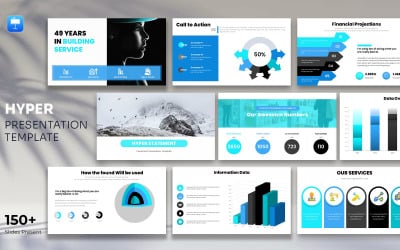
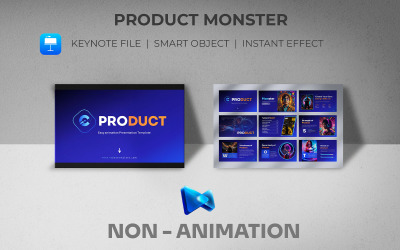




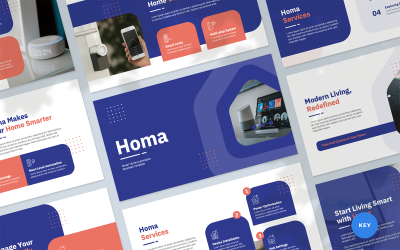




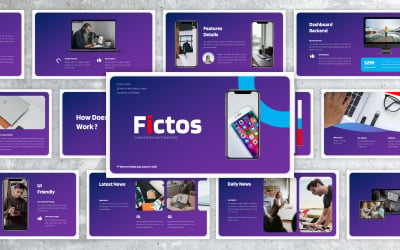


















5 Best Best Electronics Keynote Templates 2026
| Template Name | Downloads | Price |
|---|---|---|
| Byfood - Food Delivery Mobile App & SAAS Keynote Template | 0 | $20 |
| Travic - Travel Agency Mobile App Keynote Template | 0 | $20 |
| Hyper Animated Quick Keynote Presentation Template | 1 | $18 |
| Product Monster Keynote Presentation Template | 0 | $25 |
| Medical Start-up Keynote Presentation Template | 1 | $19 |
Best Electronics Keynote Templates for IOS and Mac
Building a polished, professional-looking presentation takes up much of your valuable time — you can save time by working with a predesigned template from TemplateMonster. Our electronics Keynote templates are fully customizable, so you can get what you need. Please take a look at all of our presentation themes today.
How to Use Electronics Repair & Shop Keynote Slides Templates
The products from this portfolio are extremely easy to use. If you have even the smallest experience in making a slide show, you'll master the ready-made Keynote templates. The editing is so intuitive that even complete beginners face no trouble with the process. The first step is to select the perfect design. It's the hardest part because of the many highly attractive items.
Purchase and download the file once you decide. After that, add your information and change the product according to your purpose. Adjust the colors and fonts, illustrate the data with charts and infographics, and your project is ready.
Top Features of Electronics Keynote Templates for Apple
These templates are a treasure regarding useful features. Great opportunities for editing and changing the initial design give you full freedom for creation. The products provide all you need to make charts, graphs, or any other visual demonstration of your data.
The appearance of the slides has a professional look and creates a positive impression. The audience will perceive your project as unique and consolidated. The great number of slides provides space for all your information. The aspect ratio is adapted for the most popular modern devices.
How to Create a Successful Presentation with Electronics Repair & Shop Keynote Slides Templates
Creating a successful project requires following some rules. When creating your slideshow, keep them in mind, and you will be successful.
First, be concise. Don't overload your slides with information, pictures, or graphics. The audience quickly gets tired of processing a large amount of data.
Second, don't make your slides colorful. This greatly distracts the audience and does not allow them to focus on the main message. Consider the colors used in the original design and do not add new shades.
Third, choose clear and easy-to-read fonts. Spectators do not have to strain their eyes to make out the inscriptions on the screen. Therefore, take care of the text size.
Fourth, structure the information, so it is easier to perceive. Divide the text into paragraphs, and don't forget about subheadings.