 ES
ES RU
RU DE
DE PL
PL IT
IT TR
TR FR
FR BR
BR NL
NL CN
CN CZ
CZ UA
UA HU
HU SE
SE Unlimited Downloads
  Sale
Sale 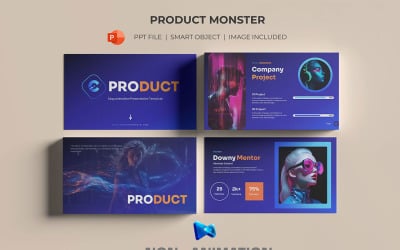


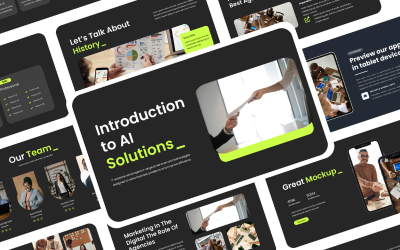

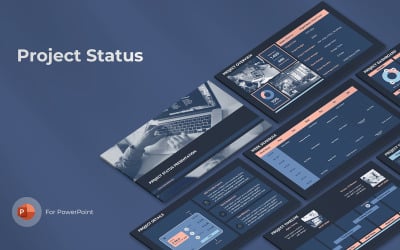
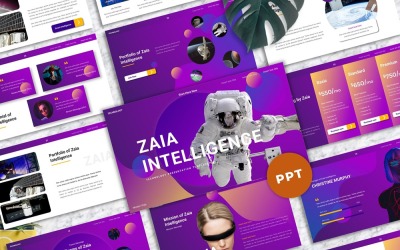
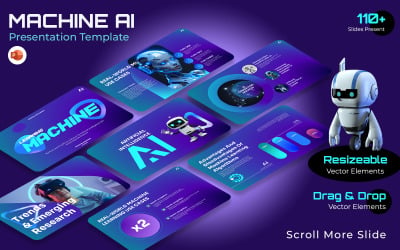
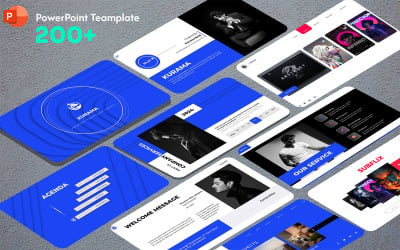
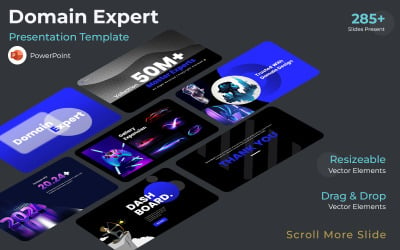
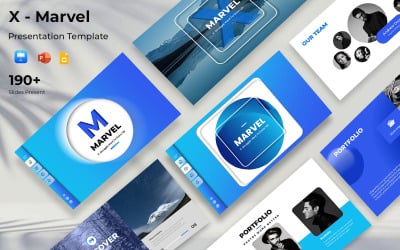
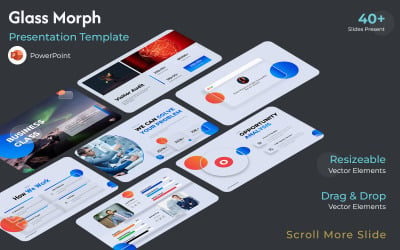


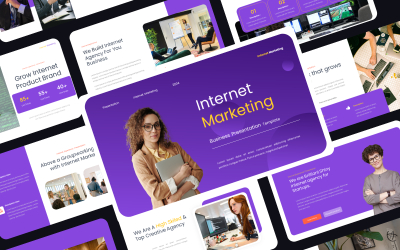
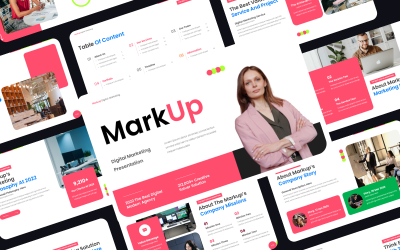
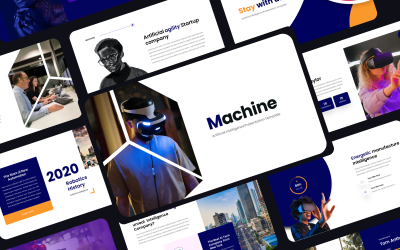
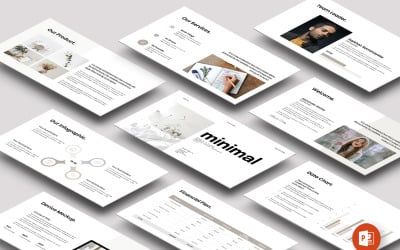
5 Best Best Internet PowerPoint Templates 2026
| Template Name | Downloads | Price |
|---|---|---|
| Product Monster PowerPoint Presentation Template | 2 | $25 |
| Aircloud - Cloud Computing Powerpoint Template | 1 | $20 |
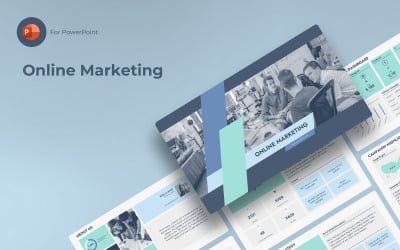
| Online Marketing PowerPoint | 1 | $9 |
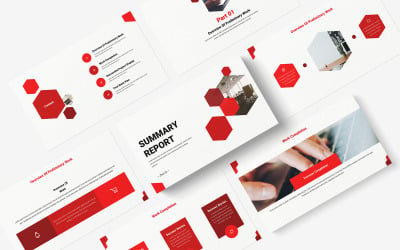
| Red Simple Company Summary Report PowerPoint Template | 0 | $9 |
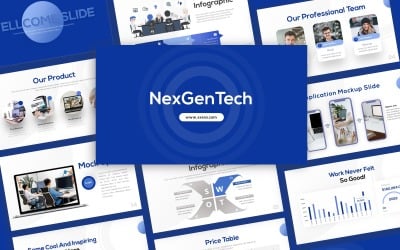
| NexGenTech Presentation Template | 0 | $12 |
Best Internet PowerPoint Templates
Internet providers are experts in their field, but they sometimes have difficulty presenting a report or data to customers or investors in an understandable way. The internet PowerPoint templates available on TemplateMonster can help them transfer information easily and understandably. These themes also provide them with demo content, making it easier to decide how best to present the information.
How to Use Internet Connection PowerPoint Presentation Templates
Many people find it difficult to create a presentation from scratch. Luckily, you can use templates to make your slides more professional and easy to follow. With networking PPT templates, it is possible to make presentations without spending time creating slides. Above all, this is a great way for business owners and managers to save time and focus on their core competencies. It also helps them keep up with the latest trends in the industry.
This will be a great tool if you are a network provider and management company. There are two ways to use assets: replace the content with yours or add your content on top of it.
Keep reading to choose which theme will work best for your business needs.
Features You Get with Internet PPT Templates
Make your pitch look great with ease. With drag-n-drop editing, widescreen slide size, and free friendly support, these network PPTX themes will spice up your next presentation. Just look at the benefits you get:
- Tons of slides;
- Object placeholders;
- 16:9 or 4:3 aspect ratio;
- Ready to print;
- Free web fonts;
- Help file;
- Vector and shape elements;
- One-click color change;
- Charts, graphs, and diagrams;
- Fully animated effects;
- Icon pack included.
Take your business to the next level with professional-made presentation designs!
Tips to Create a Successful Internet Connection PowerPoint Presentation
To avoid these issues that presenters often encounter, try these tips:
- Make sure that your slides are designed well. In other words, you should think about how you would like the audience to perceive them before drafting the slides.
- Include captivating images. Make sure that you use stunning pictures that draw people in.
- Ensure that your slides are easy to read and follow. Avoid the temptation to add unnecessary information. Get rid of any extra text and use only what your audience needs to understand.
- Include relevant information about yourself or your topic. For example, if your slide deck is about yourself, include personal data related to your talk.
- Avoid using too much stock imagery. It is best to use only two or three stock images.