 ES
ES RU
RU DE
DE PL
PL IT
IT TR
TR FR
FR BR
BR NL
NL CN
CN CZ
CZ UA
UA HU
HU SE
SE Unlimited Downloads
  Sale
Sale 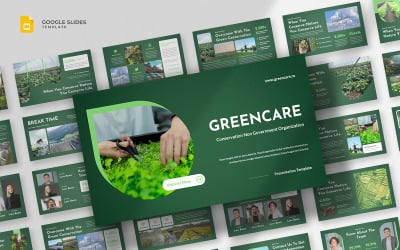
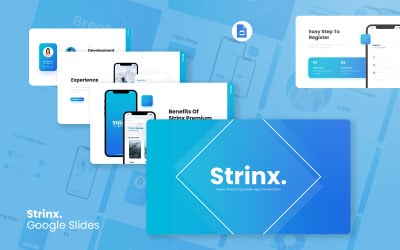


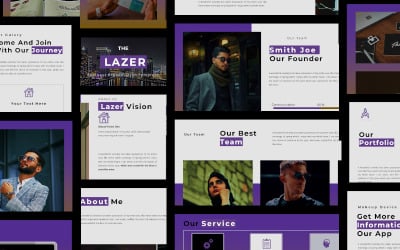
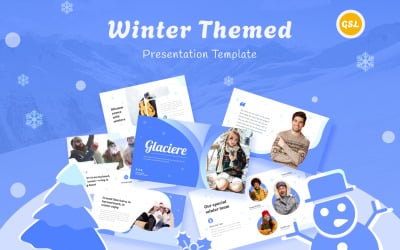
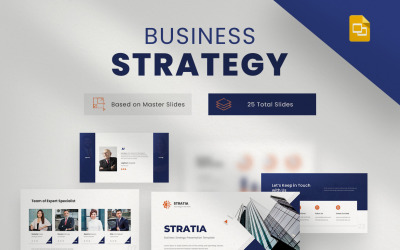
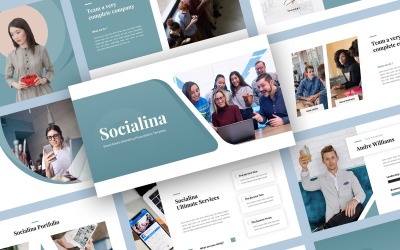
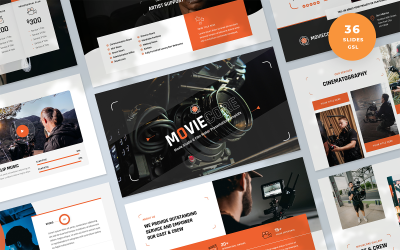
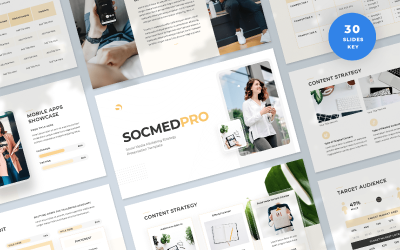


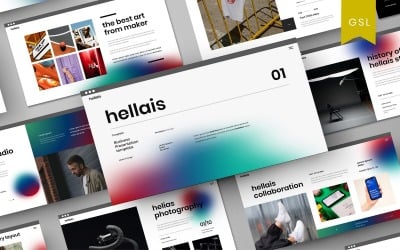
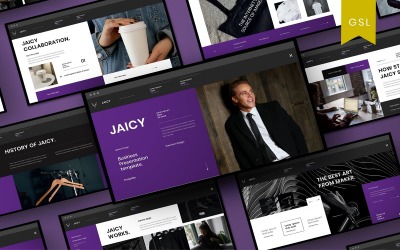
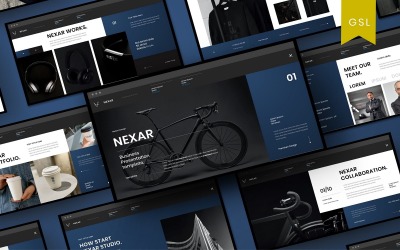
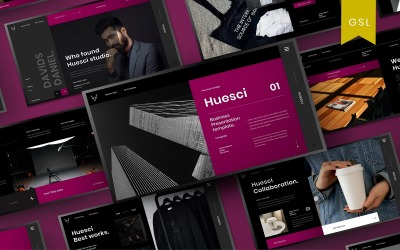
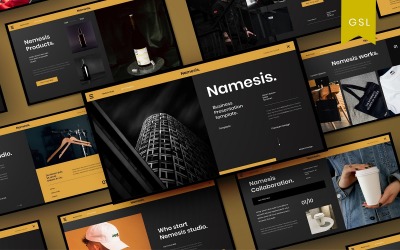
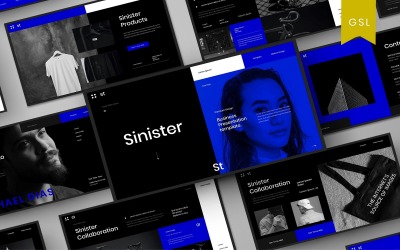

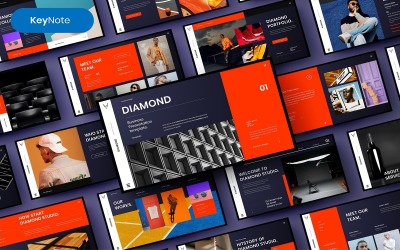
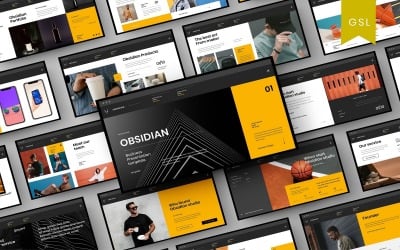
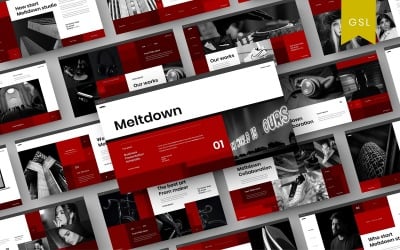
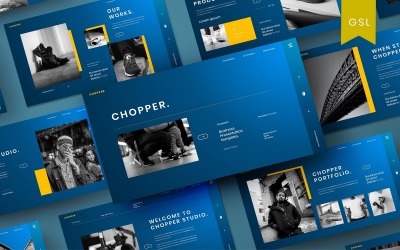
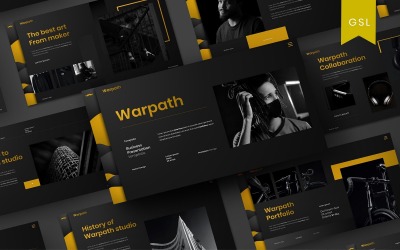
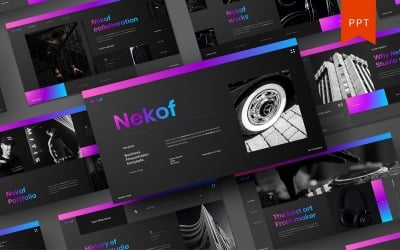
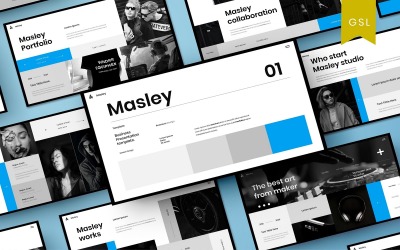
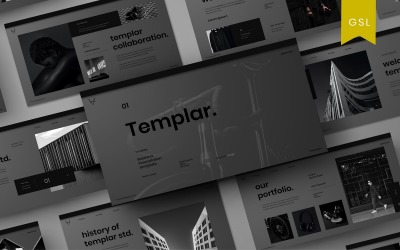
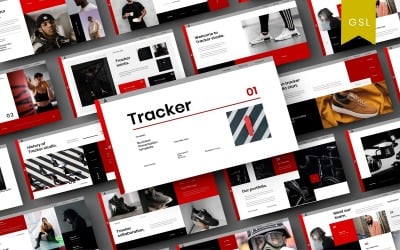
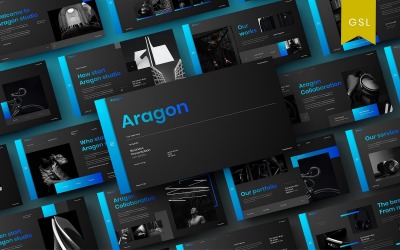
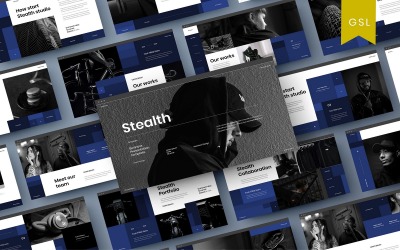
5 Best Best Media Google Slides Templates 2026
Best Media Google Slides Themes & Templates
Presentations are a vital part of most industries, including the media. They are targeted at a certain audience and often used to show them more interesting information. As the importance of content has increased, so does the need for presentations. The internet has made it easier to get information out there. However, it is still important for magazines and TV to use sales pitches or business reports as a tool for their business growth and success. In particular, they help magazines and TV channels build a stronger connection with their audience. Therefore, many newspapers and news channels choose ready-made solutions like media Google Slides templates.
It is a great way to get your message across. They allow you to create a slideshow in just a few clicks by replacing the demo content with your own. It is much easier than creating a project from scratch.
Who Can Use Media Google Slides Templates
As the importance of content has increased, so too needs presentation in broadcasting, publishing, and the internet. The internet has made it easier to get information out there. However, it is still important for media companies to use visual aids for their business growth and success.
Who will benefit from this collection:
- journalists;
- marketing experts;
- broadcasters and networking providers;
- newspapers;
- news channels;
- editors;
- columnists.
Slideshows are a great way for content to be presented visually. With these pre-made designs, you don't have to do much of anything (except maybe add your image). Besides, these themes are very easy to customize and come with pre-designed layouts.
How to Create an Outstanding Presentation with Digital Multimedia Google Slides Themes
- The first step is to select the topic that you want to present. This will help you decide what information you need to include and how much time you will spend on it.
- Next, choose the medium for your keynote. This might be a video, a podcast, or a blog post.
- Then, consider the type of content that you want to share with your audience. You can either choose to share an infographic or a live stream with them.
Once these steps are completed, it's time for some preparation!
Key Features of Digital Multimedia Google Slides Themes
These presentation demos are compatible with software that allows users to create, share, and collaborate online on PPT/KEY projects. It has a simple drag-and-drop interface; therefore, it is easy to use and has a wide range of formatting options.
In addition, these themes allow you to change the look of your slideshow with just one click. You can choose from different colors, fonts, sizes, effects, borders, animations, and more.
More features:
- Animated effects;
- Placeholders ready to drag & drop;
- The aspect ratio for Full HD and 4K displays;
- One click to change the color;
- Editable vectors and shapes;
- Vector icons;
- Device mockups;
- Free support for six months.