 ES
ES RU
RU DE
DE PL
PL IT
IT TR
TR FR
FR BR
BR NL
NL CN
CN CZ
CZ UA
UA HU
HU SE
SE Unlimited Downloads
  Sale
Sale 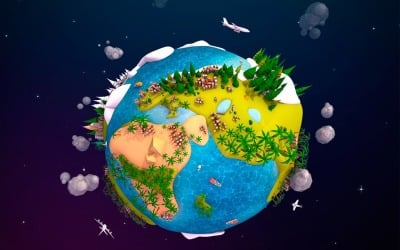


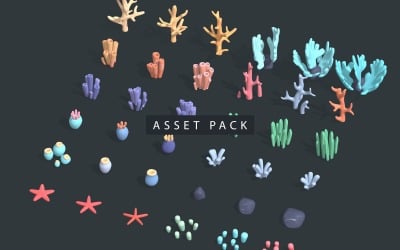
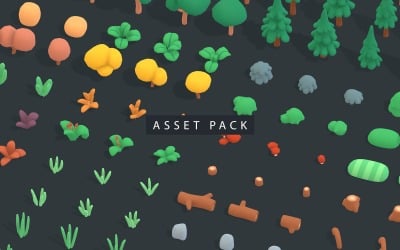









5 Best Best 3D Computer Graphics of Nature Objects 2026
| Template Name | Downloads | Price |
|---|---|---|
| Cartoon Lowpoly Earth Planet 2 UVW 3D Model | 5 | $26 |
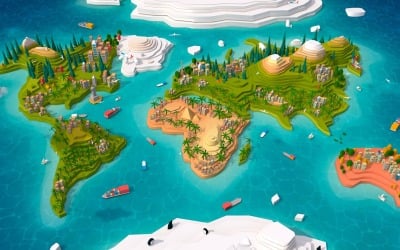
| Cartoon Low Poly Earth World Map 2.0 3D Model | 0 | $31 |
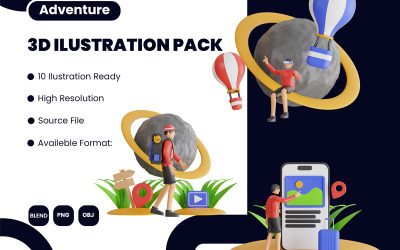
| 3D Illustration of Adventure | 0 | $21 |
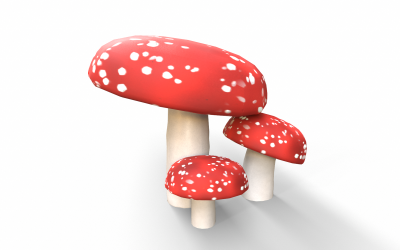
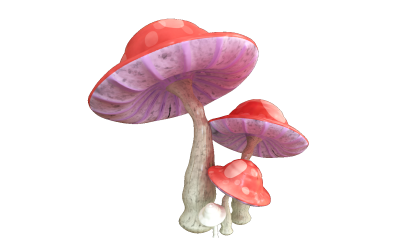
| Red Mushrooms Low-poly 3D model | 0 | $13 |
| Mushrooms Plant World 3D Model | 0 | $19 |
Nature 3D Graphics Video
Do you prefer to customize the element without contacting a specialist? It is possible with TemplateMonster. We have prepared comprehensive video tutorials for you. Use them at any time for free and without limits. Follow this link.
Nature 3D Graphics Questions
What Sotfwares Can You Use for Nature 3D Graphics Customization?
Choose the program that suits your level of knowledge and the way you model: ZBrush, Unreal, Unity, SketchUp, Maya, Cinema 4D, Blender, or 3DS Max.
What File Format of Nature 3D Graphics Can You Download?
Pay attention to the file extension you're using. The chosen software opens the image correctly and without errors with the correct document. The marketplace provides the following formats: fbx, obj, stl, dae, blend, 3ds, unitypackage, c4d, max, ma, etc.
What Kinds of 3D Modelling Can You Operate for Nature 3D Graphics?
- Polygonal. This method consists in building a layout based on a coordinate system using points X, Y, and Z. You use edges to connect them. Then you create the polygons that make up the object.
- Spline. Here you model the curves that create the shape of the object. This is called a spline. This is how you construct a framework. You can use this option to render entities that do not have corners.
- Sculpturing. If you are new to design, this is your drawing method. You work with components like clay. It is interesting and exciting.
How to Get Nature 3D Graphics from TemplateMonster?
You register on the TemplateMonster website. Then add the template to your shopping cart and enter your billing and account details. After that, choose a payment method and deposit money. After a few minutes, we verify the payment. But you get a link to download the design.