 ES
ES RU
RU DE
DE PL
PL IT
IT TR
TR FR
FR BR
BR NL
NL CN
CN CZ
CZ UA
UA HU
HU SE
SE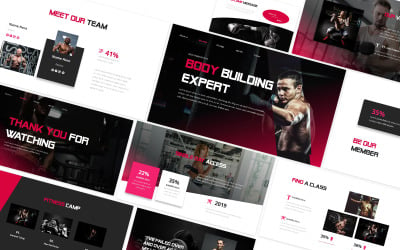
Best Squash PowerPoint Templates
Drawing up a strategy for financial backers is essential for fruitful work. The presentation should be made in special software. His plan apparatuses ought to make the format of the organization's show clear and visual. The organization of the PC program permits you to involve video in business presentations, make infographics, and that's only the tip of the iceberg.
Create a great presentation with our Squash templates.
How to Use Squash Rackets PowerPoint Presentation Templates
If you don't want to spend a lot of time creating a professional presentation, you can use the ready-made Squash PowerPoint templates offered by TemplateMONSTER. They are a bunch of pre-planned slides with a particular plan, chosen text styles, foundation, liveliness impacts, and different boundaries. Making such a show for racket and ball sports, squash teams doesn't need a lot of time, as it is to the point of supplanting the pre-arranged material with every one of the squares models from the layout you choose to use.
Features You Get with Squash PPT Templates
The developers have included many interesting features in our Squash PowerPoint templates, among which:
- Full responsive design. All elements look great on any device, from a laptop to a mobile phone;
- Full customizable layouts. Design a presentation according to your wishes and ideas.
- Diagram slides. Presenting information in the form of a diagram is much easier and more attractive; use these elements to show statistics and visualize survey results;
- A portfolio. It's a good opportunity to present your business and ideas.
- Amazing animations. You can add a variety of effects and spirits so that your listeners do not get bored;
- Drag and drop content. Edit templates simply by dragging and dropping elements without knowledge and experience;
Tips to Create a Successful Squash Rackets PowerPoint Presentation
Here are some tips to make your Squash PowerPoint presentation more successful:
- Be sure to rehearse your performance. Please show your presentation to your friend or relative. Opinion from the outside will help understand the shortcomings and what needs to be corrected.
- Only add important information to the site. Overwriting impairs the comprehension and perception of all information. You should add no more than eight sentences per slide.
- Understand your audience's interests. Briefly tell about squash history, famous athletes, and major achievements. Choose content for the needs and wishes of your listeners.
Feel free to follow these recommendations to be the best speaker and show your professionalism.