 ES
ES RU
RU DE
DE PL
PL IT
IT TR
TR FR
FR BR
BR NL
NL CN
CN CZ
CZ UA
UA HU
HU SE
SE Unlimited Downloads
  Sale
Sale Skip the endless browsing
Tell us what you’re building. We’ll find the best fit.
Skip the endless browsing
Tell us what you’re building. We’ll find the best fit.
Describe your project in your own words. We’ll ask what we still need and recommend the right templates.
You’re talking to an AI assistant. Check the details on the product page before you buy.
Or start with one of these
Press Enter to send, Shift + Enter for a new line.
1194 WooCommerce Themes
These popular WooCommerce Stores reached the highest sales volume this month.
View More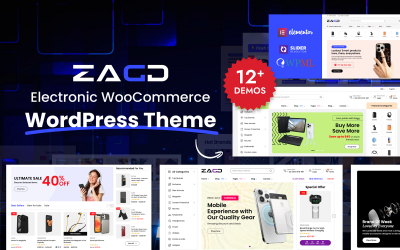


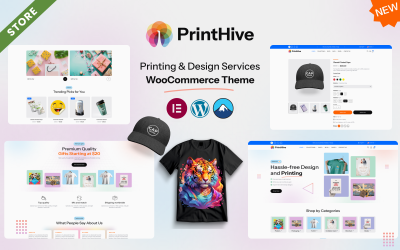
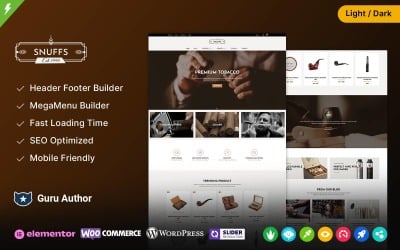
Award-Winning WooCommerce Themes
Meet the winners of TemplateMonster annual digital products award honored by the marketplace.
View More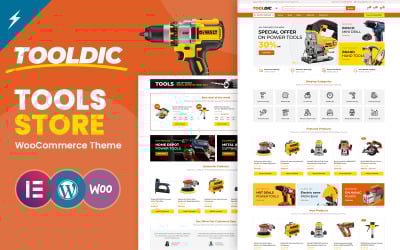

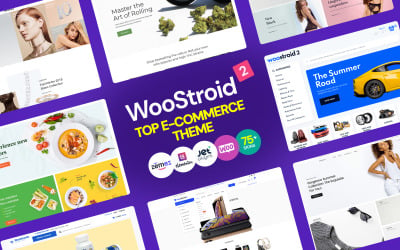

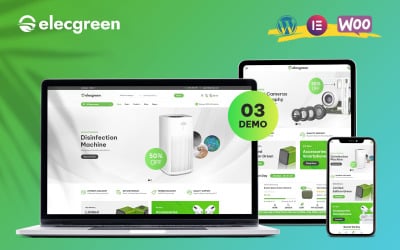
Newest WooCommerce Themes
Check the latest products added to the marketplace. Fresh designs with the latest WooCommerce versions.
View More


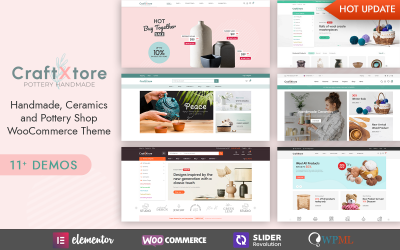
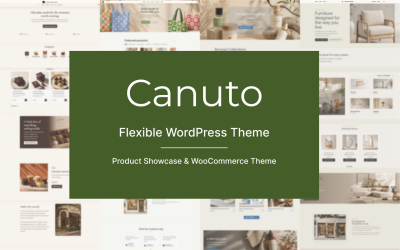

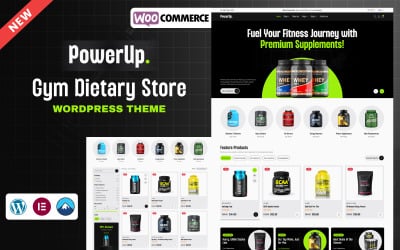

Trеnding WooCommerce Themes
Check the hottest WooCommerce designs of the week. They are best by sales, traffic, and customer reviews.
View More

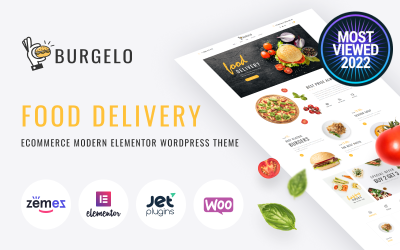


Bestsellers
Discover our front runners. Industry-leading WooCommerce bestsellers of all time.
View More

11 BEST WooCommerce Themes For WordPress
WordPress WooCommerce themes FAQ
How do I choose a WooCommerce theme?
Choosing a template for a website is a rather difficult and lengthy process. Here are several criteria for selecting a WooCommerce theme that you should pay attention to:
- Responsiveness;
- Loading speed;
- Functionality;
- Design;
- Support;
- Release frequency;
- Developer ratings.
Can you use WooCommerce with any theme?
WooCommerce will work with any theme by default, but you can always add extra support for the plugin. Moreover, today, many themes are built specifically for WooCommerce. You need to follow the integration instructions, and you are ready to launch a fully-fledged website to sell more.
How to change a theme in WooCommerce?
You can easily add a new theme following these simple steps:
- Login into your WordPress backend.
- Choose Appearance and then Themes on the left menu.
- You will see a list of all themes available and the option to Add New ones.
- Click on the big empty box to search for specific options or upload a new one by clicking on the top button.
- Click on the Install button and then the Activate button to use it for your online store.
What is the best theme for WooCommerce?
The best theme for WooCommerce is the one that covers all the needs of your online store. This theme provided a ton of initial website designs optimized for various niches and equipped to work with popular page builder plugins, giving you complete freedom to customize your website as you wish. While your online store's appearance is important, make sure that you get the best features to expand your site's capabilities, such as responsive design, visual drag & drop interface, product filtering, quick search options, Ajax shopping cart, etc.
5 Best WooCommerce Themes 2026
| Template Name | Downloads | Price |
|---|---|---|
| Greealea - Organic Tea Store WooCommerce WordPress Theme | 10 | $69 |
| Elecgreen - Electronic Multipurpose WooCommerce Theme | 166 | $169 |
| MyStyle - Clothing and Fashion Elementor WooCommerce Theme | 45 | $41 |
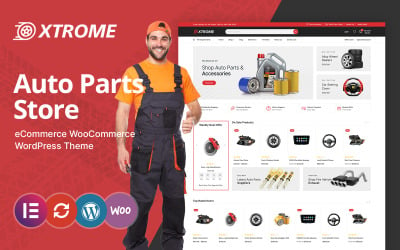
| Tooldic - Power Equipment Tools and Auto Parts WooCommerce Theme | 140 | $69 |
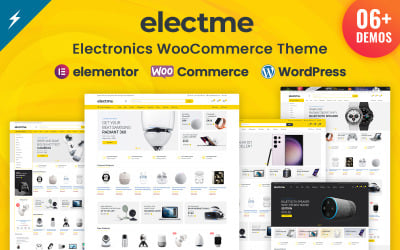
| Electme - Electronics and multipurpose WooCommerce Theme | 18 | $69 |