 ES
ES RU
RU DE
DE PL
PL IT
IT TR
TR FR
FR BR
BR NL
NL CN
CN CZ
CZ UA
UA HU
HU SE
SE Unlimited Downloads
  Sale
Sale 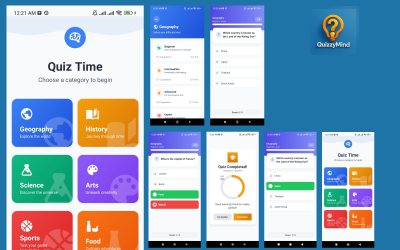




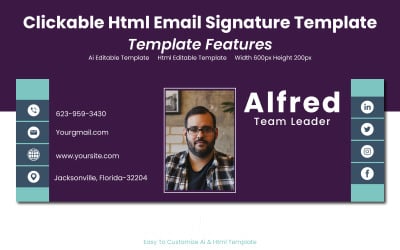
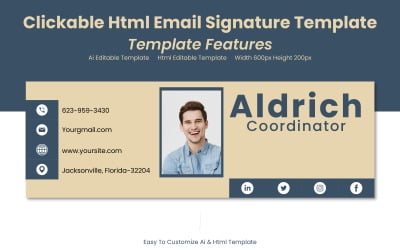
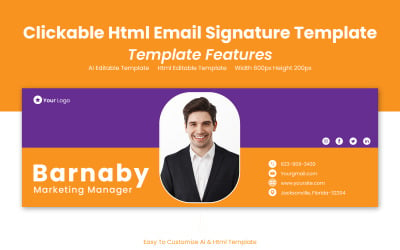
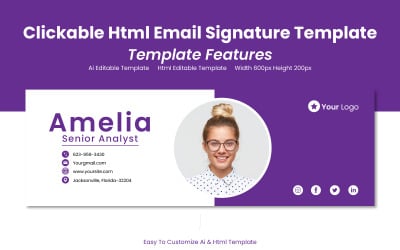
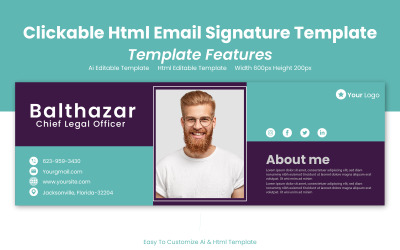

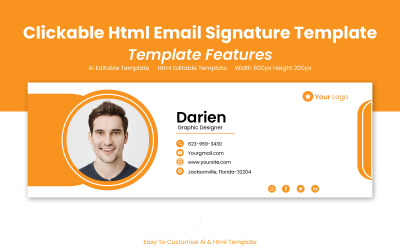
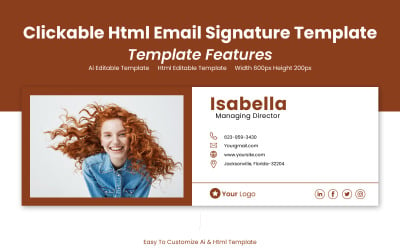
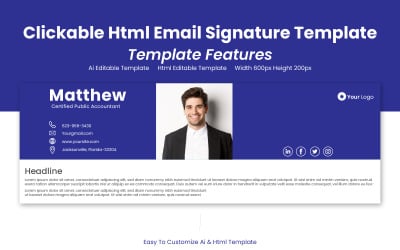

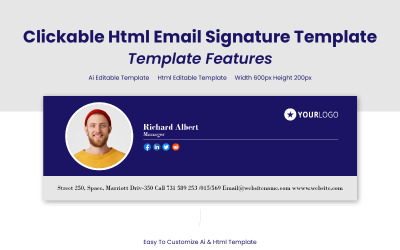
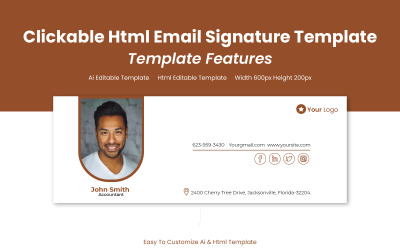
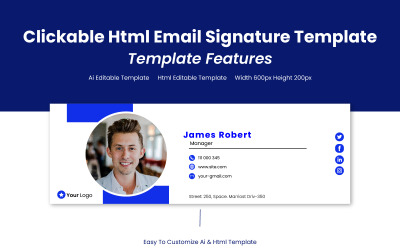



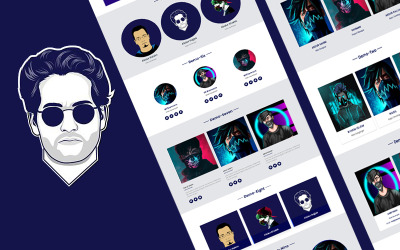


5 Best HTML Graphics & Graphic Design Elements in HTML File Format 2026
| Template Name | Downloads | Price |
|---|---|---|
| QuizzyMind - React Native Quiz Game App | 3 | $49 |
| LogiGo – Logistics & Transport Services Figma Template | 0 | $11 |
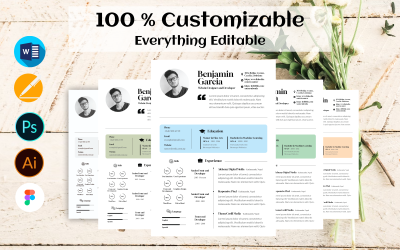
| Skillset Professional Journey CV / Resume Template | 0 | $11 |
| Kiton - Mobile Chat App PWA Template | 4 | $8 |
| PiTherapist - Psychotherapist And Wellness Figma Template | 0 | $19 |
Best HTML Graphics Video
HTML Graphics Frequently Asked Questions
What is HTML Graphics?
A certain tool that incorporates, modifies, and stores illustrations for web pages is a basic and popular coding language. A small number of uncomplicated tags involved in markup the content of any online product make it comfortable for web designers and developers. They could utilize the template in its original version or change, move, insert and remove blocks to adjust the result. The format may be combined with different scriptwriting platforms and elevates their capabilities. It is compatible with any browser.
How to edit HTML graphics?
Consumers have many opportunities to modify the samples and their elements. The majority gives free fonts, including Google items, enabling them to change colors, resize, reshape graphics, and integrate animation. Clients could add and delete blocks according to their purposes. HTML allows developers to see the transformation without restarting the whole code.
Certain WYSIWYG (What You See Is What You Get) editors process sites created in this format. They demonstrate the results of modifications in real-time mode, presenting a valuable feature for beginners. The most popular programs are Visual Studio Code, Notepad++, Sublime Text, IntelliJ, and Vim.
How to share HTML graphics?
Applying a template, you can save it in its original form or even convert it into a diverse preferable platform. Images are compatible with any browser and device. Customers and team members may receive, open and process the files in various programs, software and tools. Samples are well-structured and include organized groups of elements that are intuitive to navigate. Certain editing tools establish access to the file for separate users, so that team members could collaborate and handle one project, which is suitable when people work remotely.
Where to refer in case I need help with HTML graphics?
The majority of samples are well-documented, some offer support services to solve their clients' problems, and many provide their products with free updates. Template providers prefer to create items that one can understand intuitively with minimum special knowledge and support.
They aim to offer beginners and amateurs good, but keeping in mind professional users, integrate advanced features that would be interesting for them. Purchasers can contact owners via special form or comment to clear up complicated issues.