 ES
ES RU
RU DE
DE PL
PL IT
IT TR
TR FR
FR BR
BR NL
NL CN
CN CZ
CZ UA
UA HU
HU SE
SE Unlimited Downloads
  Sale
Sale 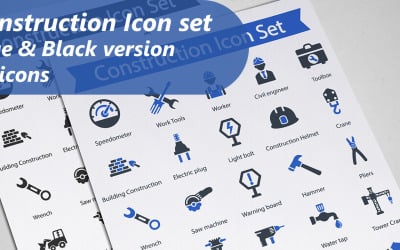



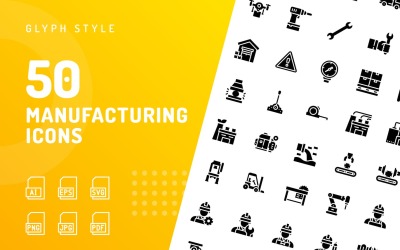
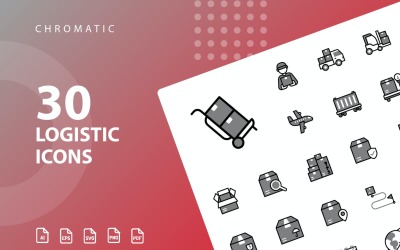
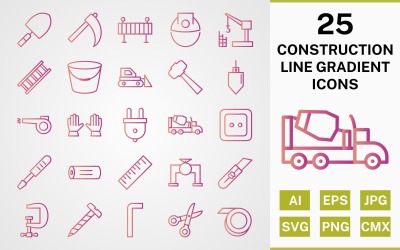
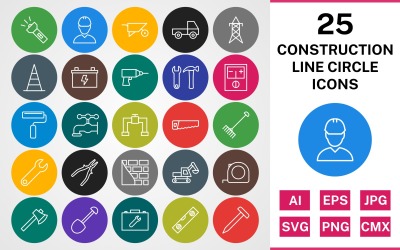

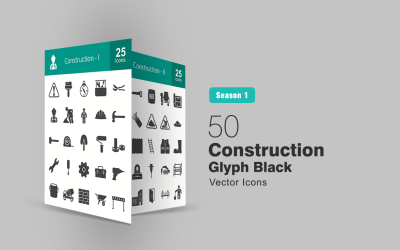
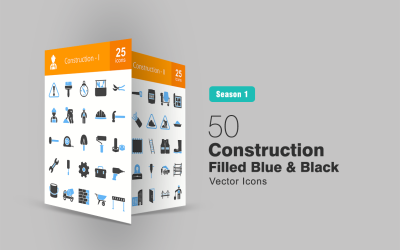



5 Best Industrial Icons and Icon Sets 2026
| Template Name | Downloads | Price |
|---|---|---|
| Construction IconSet Template | 0 | $7 |
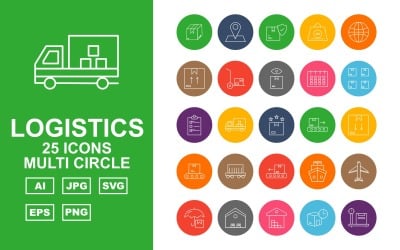
| 25 Premium Logistics Multi Circle Iconset | 0 | $13 |
| 25 Premium Logistics Line Two Color Iconset | 0 | $13 |
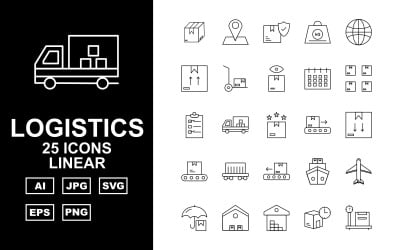
| 25 Premium Logistics Linear Iconset | 0 | $13 |
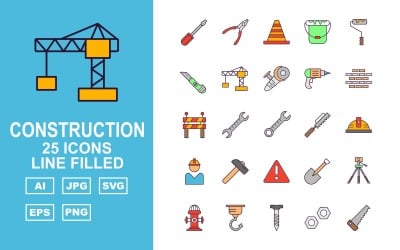
| 25 Premium Construction Line Filled Pack Icon Set | 0 | $13 |
Industrial Icons FAQ
What are industrial icons?
Industrial icons are graphical representations of different industries (e.g., engineering, manufacturing, and so on).
Are icons vector or raster graphics?
Generally, icons are vectors. This means they’re easy to scale. In other words, you can freely resize them without experiencing any quality loss. However, based on your needs, you can also convert them into raster images.
How to convert icons from JPG to SVG online?
If for any reason, you need to convert icons from a JPG to an SVG format, you can use one of the several available online converters. The following are some of the most popular you can use:
- Convertio;
- VectorMagic;
- Aconvert.
What’s the best icon size?
The best icon size highly depends on where you intend to place the icon. Different screen formats may require various sizes. However, you can try the following standard icon sizes and choose the one that best suits your needs:
- 16x16;
- 24x24;
- 32x32;
- 64x64;
- 128x128;
- 256x256;
- 1024x1024.
How to save a vector file in Adobe Illustrator?
Adobe Illustrator offers many options for saving and exporting. If you desire to export your graphic as a vector, you need to follow these steps:
- Go to File and click Export;
- Name your file and decide where to save it;
- Open the dropdown called Save as and select a vector format (AI, EPS, SVG, for example);
- Click on the Save button.