 ES
ES RU
RU DE
DE PL
PL IT
IT TR
TR FR
FR BR
BR NL
NL CN
CN CZ
CZ UA
UA HU
HU SE
SE Unlimited Downloads
  Sale
Sale 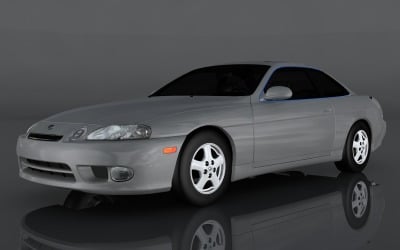


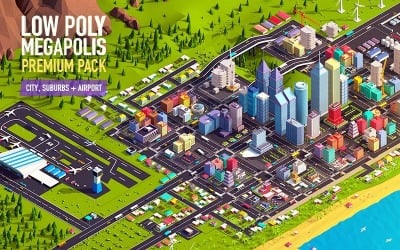
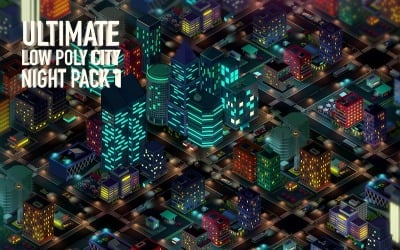
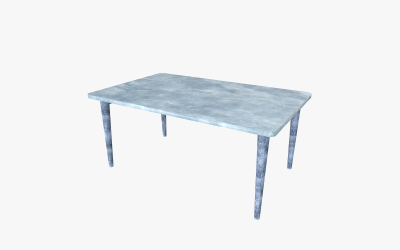
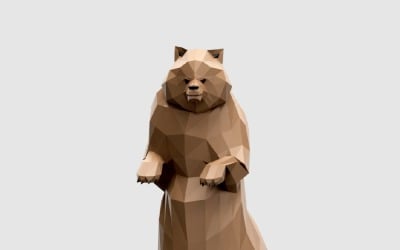

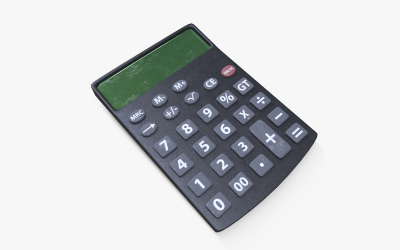
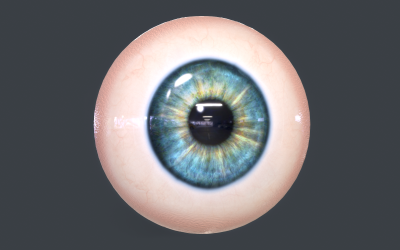
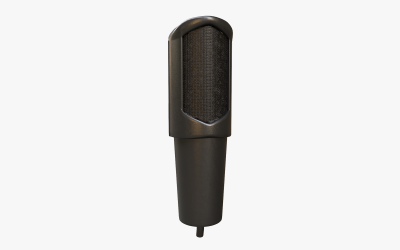
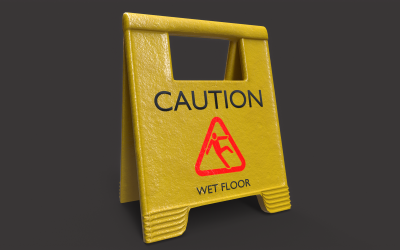
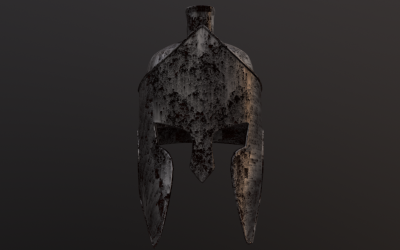
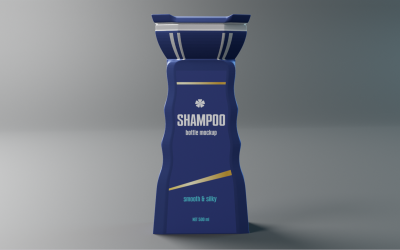
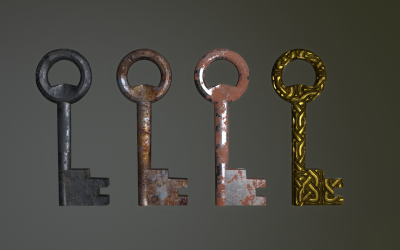
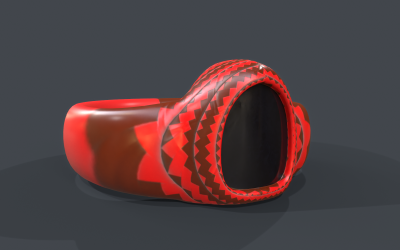
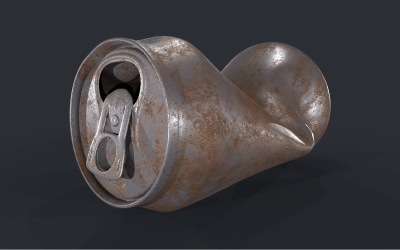
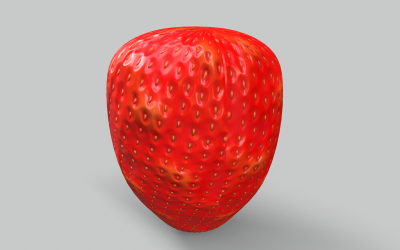
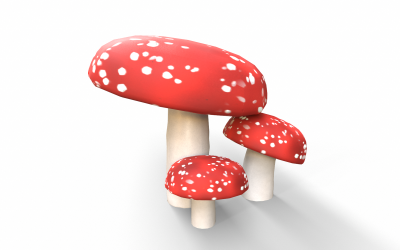
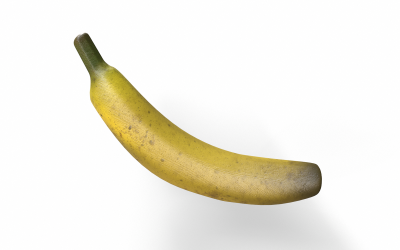
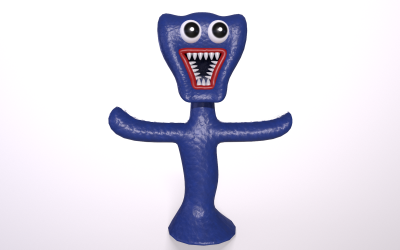
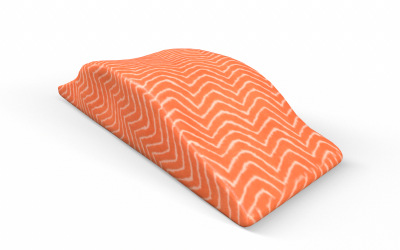
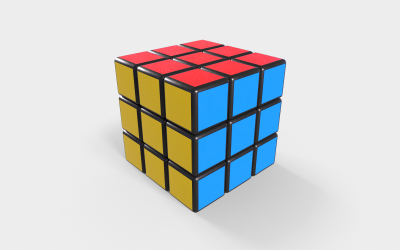
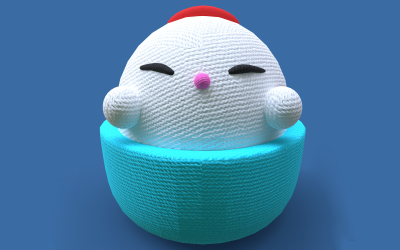
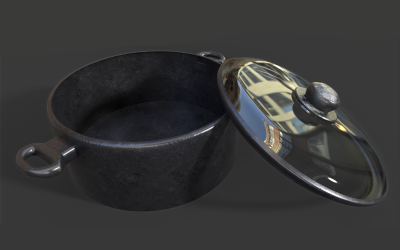
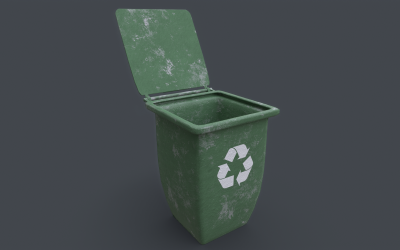
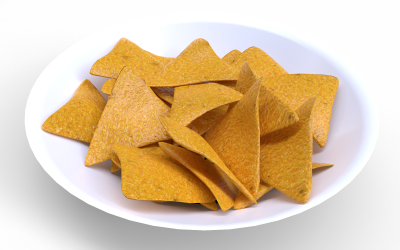
5 Best Best Low Poly 3D Graphics Files 2026
| Template Name | Downloads | Price |
|---|---|---|
| 1997 Lexus SC300 3D Model | 3 | $26 |
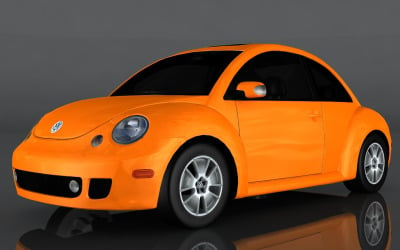
| Volkswagen Beetle Turbo 3d model | 0 | $26 |
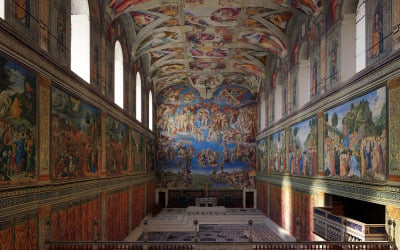
| Sistine Chapel Interior Low Poly 3D Model | 10 | $31 |
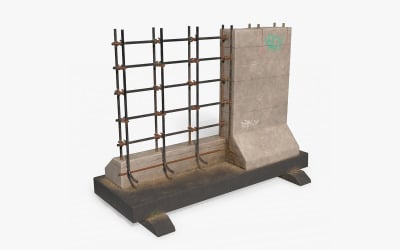
| Street Barrier PBR Low Poly 3d Model | 0 | $16 |
| Low Poly Megapolis City Premium Pack 3D Model | 4 | $201 |
Low Poly 3D Graphics Video
To choose a high-quality and professional illustration for your project, you should familiarize yourself with the trends. It will help create a visual experience. Use the link and enjoy watching.
Low Poly 3D Graphics FAQ
What software can you use for low poly 3D graphics?
You can use the following software to create and customize 3D models: ZBrush, Unreal, Unity, SketchUp, Maya, Cinema 4D / C4D, Blender, and 3DS Max. Note the file formats supported by TemplateMonster products: fbx, obj, stl, 3ds, max, blend, dae, c4d, unitypackage, mb, uasset, ma, ply, and lwo.
How to create a low poly 3D model?
- At the stage of developing the shape and geometry of the object, you sculpt the silhouette, but its physical parameters you not considered. You use techniques such as extrusion, modeling, and rotation.
- After that, you create individual elements of the item and gradually collect them. Engineers develop parts taking into account their operating conditions and purpose.
- Then you work with texturing. You should add colors, gradients, and textures to get a realistic rendering.
- Adjust lighting, shadow depth, contrast, brightness, and other characteristics.
- To clarify the final result, you should proceed to the rendering stage. You will increase informativeness and add effects.
What low poly 3D models can you get from TemplateMonster?
On the panel on the left, you operate a special panel where you can choose the necessary topics: Cars, Characters, Humans, Buildings, Animals, Landscape, Science, Military, Games, Food, Vehicles, Household, Nature, Technology, and Miscellaneous.
Can you customize low poly 3D items from TemplateMonster?
Yes! All items have the necessary files with organized layers for easy editing. Choose a program you know and customize the artwork for your project.