 ES
ES RU
RU DE
DE PL
PL IT
IT TR
TR FR
FR BR
BR NL
NL CN
CN CZ
CZ UA
UA HU
HU SE
SE Unlimited Downloads
  Sale
Sale 






















5 Best Portfolio Plugins and Extensions 2026
| Template Name | Downloads | Price |
|---|---|---|
| Folder Fox - Media Folders And Search For Wordpress | 0 | $29 |
| Animated Message Scheduler – Elementor Widget | 2 | $10 |
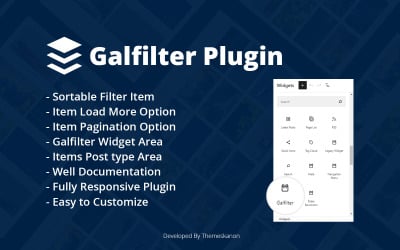
| Galfilter Wordpress Plugin | 0 | $10 |
| JL Content Showcase Joomla5 Module | 0 | $21 |
| Max Slider Pro: Create Stunning Sliders Effortlessly with Elementor | 0 | $21 |
Video About The Needed Budget For Website Creation
Website Portfolio Plugins FAQ
How to sell my designs on TemplateMonster?
Just follow the link and register as a web developer. Next, you can upload exciting and unique business solutions to our marketplace for sale.
How to choose website portfolio plugins?
First, check if there are necessary characteristics in the options. Also, pay attention to the bonuses and other options the web developer adds. Then, see the preview and make a purchase.
How to configure website portfolio plugins?
Appearance and functions are customizable. To do the steps correctly, take the instructions. The web developer explained in the manual and detailed how to make all the necessary edits.
How to install website portfolio plugins?
Install the product in your CMS. So, go to the section with modules and extensions and click Add New. After adding, proceed with activation. Web developers made the installation process simple and quick. That's why beginners in programming like to buy on TemplateMonster.