ES
ES RU
RU DE
DE PL
PL IT
IT TR
TR FR
FR BR
BR NL
NL CN
CN CZ
CZ UA
UA HU
HU SE
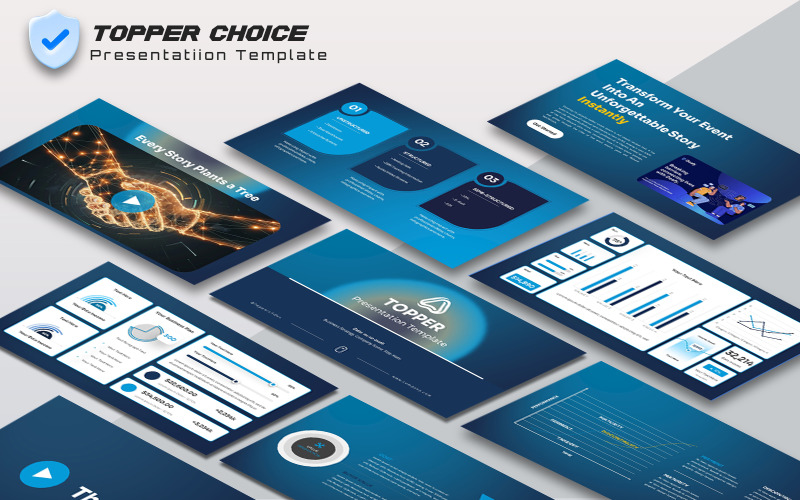
SETopper Choice Presentation Template
 Sales:


- Be concise
- Use simple language and avoid complex constructions, passive voice, and clericalisms.
- Have a meaningful title
- A title that conveys the main idea of the slides will help the audience understand and remember your presentation.
- Make it self-explanatory
- Ensure the text, icons, and illustrations on the slide are related to the title.
- Consider the room
- If you're speaking in a small meeting room, you can include more illustrations and icons on the slides. If you're speaking in a large space, you'll need to consider the size of the text and how far away people are sitting.
- Focus on the audience
- Consider what the audience will get from attending your presentation, and what takeaways they'll have.
- Include learning objectives
- Include specific learning objectives, but no more than three.
- Use bullet points
- Use bullet points to highlight important information, but no more than three.
0 Reviews for this product
0 Comments for this product
Related Topics:
Consulting Templates, Call Center Templates, Agriculture Templates, Advertising Agency Templates, Accounting Website Templates
Tags:
Features:
Images included:
Requirements for software and hosting:
 PowerPoint 2003 or 2007 (better)
Powerpoint 2007 (recommended) or Powerpoint 2003