ES
ES RU
RU DE
DE PL
PL IT
IT TR
TR FR
FR BR
BR NL
NL CN
CN CZ
CZ UA
UA HU
HU SE
SE Sale
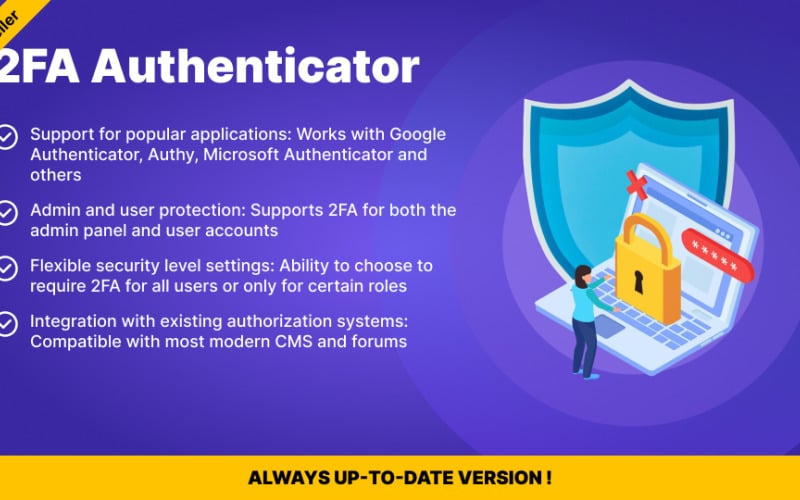
Sale PrestaShop Two-Factor Authentication (2FA) Module
 With a product you will get 6 months of support from the author. To know more about what is included, please read the support policy.
 Sales:
Choose a license
Popular Services from PrestaShop Modules Experts
 Get in Subscription
MonsterONE - Unlimited Downloads for $14.08/mo
License permits using this item to create unlimited digital end products for sale during the active period of your subscription.
|
Support
Join to Download this Item


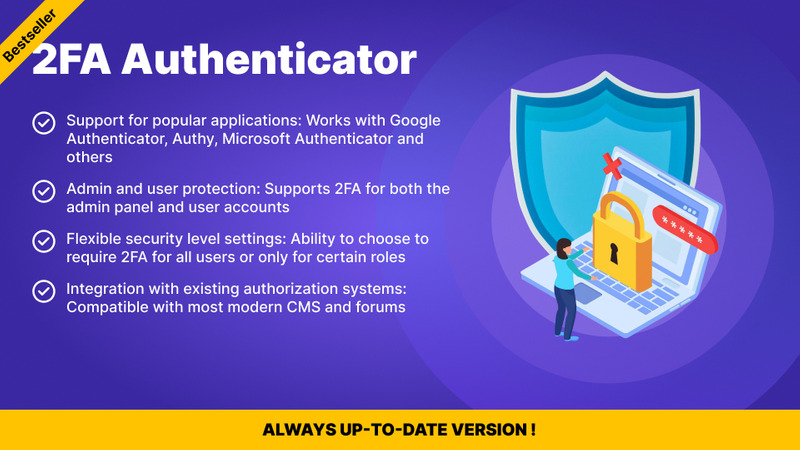
Based on the product description provided, here is a polished, structured overview of the PrestaShop Two-Factor Authentication Module by Pinta Webware. This summary highlights its core functionality, security architecture, and recent updates for quick reference.
🛡️ Core Functionality & Access Control
Unlike basic security add-ons that only protect the admin panel, this module implements a dual-layer defense system:
- Back Office Security: Enforces 2FA verification before an employee session is initialized, significantly reducing the risk of login bypass or unauthorized admin panel access.
- Customer Account Security: Allows shoppers and B2B clients to secure their own profiles—protecting order history, personal data, and custom contract pricing.
🔑 Supported Verification Methods
Users have multiple flexible paths to complete authentication or recover access:
- TOTP Authenticator Apps: Full compatibility with Google Authenticator, Authy, 1Password, Microsoft Authenticator, and other standard apps.
- Email One-Time Codes: Sends instant verification OTPs to the user's registered email address.
- Twilio SMS Integration: Allows merchants to configure SMS-based authentication codes via Twilio.
- Backup / Recovery Codes: Generates single-use, hashed recovery codes for users who lose access to their primary authenticator device.
🔒 Security-First Architecture
The module is built with enterprise-grade security protocols to handle sensitive authentication data safely:
- Local QR Code Generation: Eliminates third-party leaks by generating setup QR codes entirely on your server rather than sending secrets to external API services.
- Data Encryption: TOTP configuration secrets are encrypted at rest in the database, and backup recovery codes are stored safely as secure cryptographic hashes.
- Brute-Force & Replay Protection: Includes built-in rate limiting to halt repeated invalid attempts, alongside replay protection that blocks the reuse of a token within the same time window.
- Admin Override Tools: Gives store administrators the capability to reset 2FA configurations for locked-out employees manually.
📊 Technical Overview & Version History
System Compatibility
- CMS: PrestaShop 1.6.x, 1.7.x, and 8.x
- License: Commercial
Product Evolution (Changelog)
- v1.4.0 (Security & Maintenance)
- Added functionality to regenerate backup recovery codes.
- Improved migration workflows by automatically converting any remaining plaintext authenticator secrets into the new encrypted format.
- v1.3.2 (UI/UX Patch)
- Fixed the saved-state display bug for Twilio SMS settings on the configuration panel.
- v1.3.1 (Flow Optimization)
- Introduced an explicit "Save" button to the interface.
- Streamlined and improved the initial authenticator enrollment flow for users.
- v1.3.0 (Major Security Overhaul)
- Implemented local QR code generation and encrypted authenticator secrets at rest.
- Added single-use backup recovery codes, rate limiting (failed attempt protection), and token replay protection.
- Strengthened the back-office login process by enforcing 2FA verification before employee sessions are created.
- v1.2.1 (Core Compatibility)
- Upgraded the internal codebase to ensure stable and smooth performance on newer PrestaShop versions.
0 Reviews for this product
0 Comments for this product