 ES
ES RU
RU DE
DE PL
PL IT
IT TR
TR FR
FR BR
BR NL
NL CN
CN CZ
CZ UA
UA HU
HU SE
SE Unlimited Downloads
  Sale
Sale 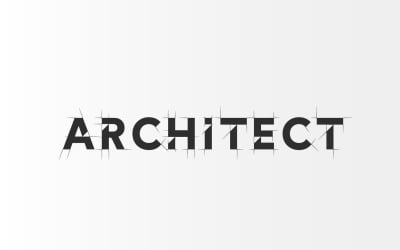




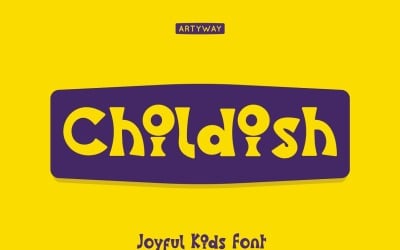

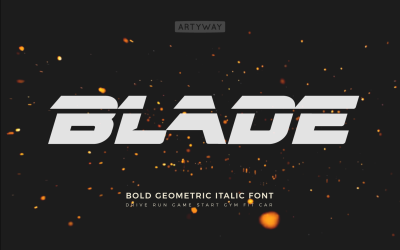
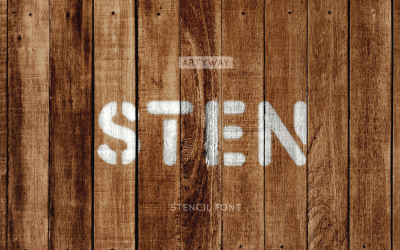


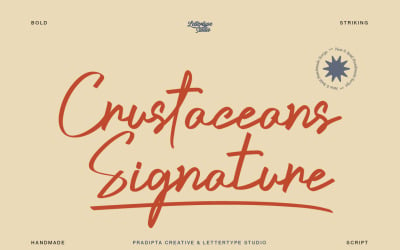
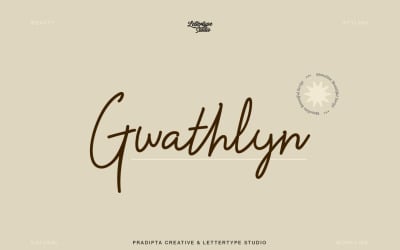
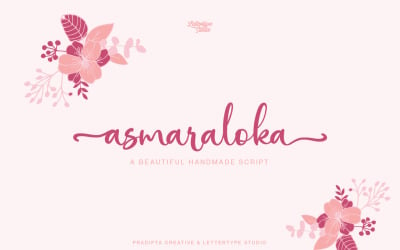
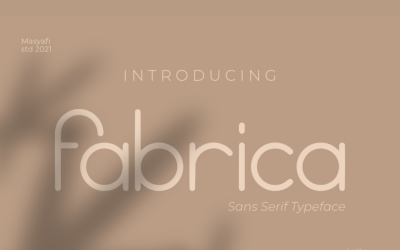
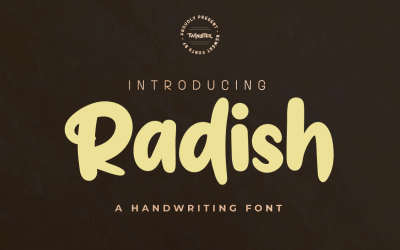

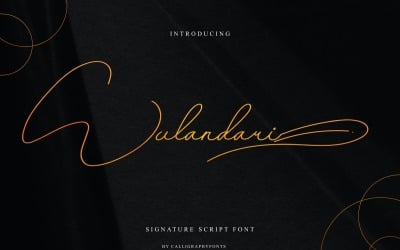
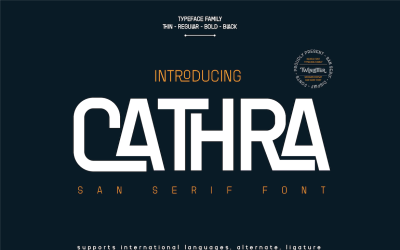
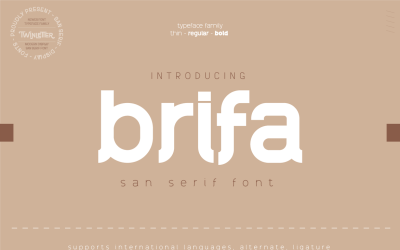

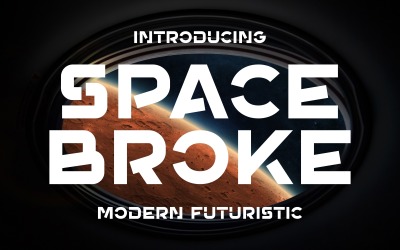
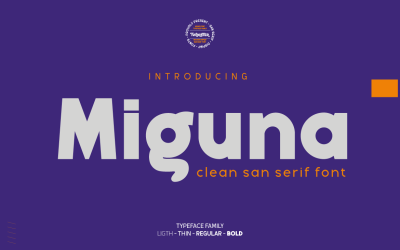
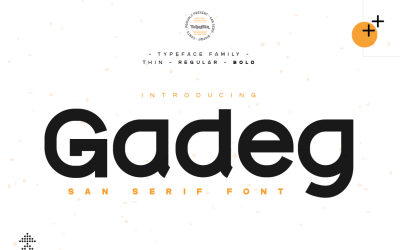
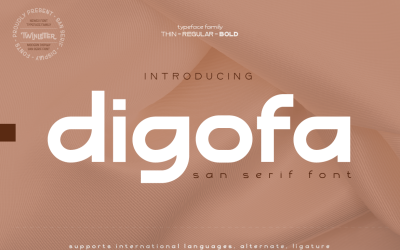


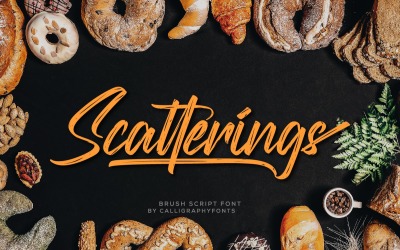
5 Best Fonts and Font Packs 2026
| Template Name | Downloads | Price |
|---|---|---|
| Architect Blueprint Font for Logo and Headline | 5 | $24 |
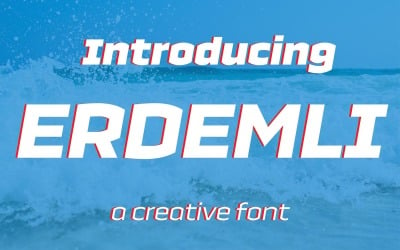
| Erdemli Font | 3 | $10 |
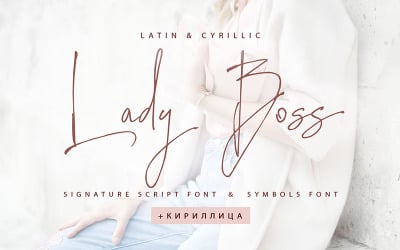
| Lady Boss Cyrillic font + Extras | 4 | $20 |
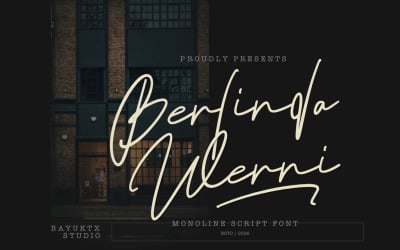
| Berlinda Werni a Elegant Monoline Script Font | 1 | $32 |
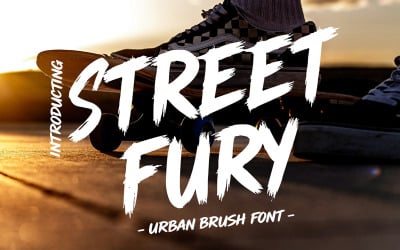
| Streetfury Urban Brush Font | 1 | $11 |
Most Trending and Best Aesthetic Fonts Ideas
If you’re uncertain or have doubts about what type of font to choose for your content, watch the following ideas. It will show you the best aesthetic and most trending fonts ideas.
Fonts Frequently Asked Questions
What is the best font size for a resume?
The optimal font size for your resume is anything between 10 and 12 points.
What is the best font size for body text?
It’s usually recommended to use at least 16px font for the body text.
How to create a font?
To create your font, you can use one of the following professional software and tools:
- Adobe Illustrator;
- CorelDRAW;
- Fontlab Studio;
- FontCreator;
- SummitSoft Graphic Design Studio.
How to add fonts to Photoshop?
If you want to add fonts to Photoshop, follow these simple steps:
- Go to Start Menu and click Control Panel;
- Click on Appearance and Personalization;
- Click on Fonts;
- Right-click on the list of fonts and select Install New Font;
- Select the fonts you want to add and hit OK.