 ES
ES RU
RU DE
DE PL
PL IT
IT TR
TR FR
FR BR
BR NL
NL CN
CN CZ
CZ UA
UA HU
HU SE
SE Unlimited Downloads
  Sale
Sale 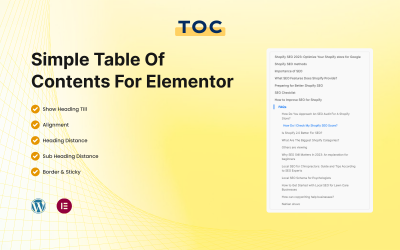






5 Best Sample Content Plugins and Extensions 2026
| Template Name | Downloads | Price |
|---|---|---|
| Simple Table of Contents for Elementor | 0 | $17 |
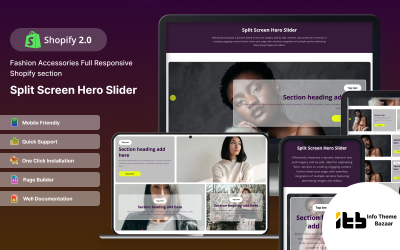
| Split-hero - Slideshow Responsive Shopify 2.0 Theme | 1 | $16 |
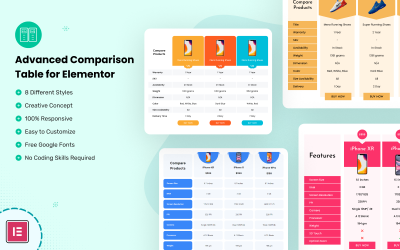
| Advanced Comparison Table for Elementor | 8 | $14 |
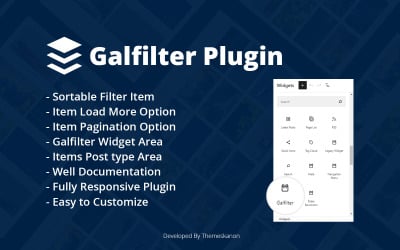
| Galfilter Wordpress Plugin | 0 | $10 |
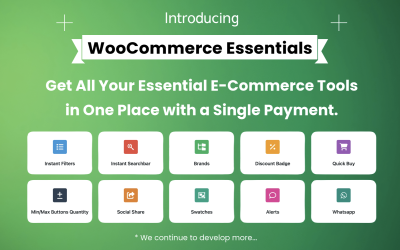
| WooCommerce Essentials24 (All in One) | 0 | $19 |
Sample Data Plugins Video
Sample Data Plugins FAQ
Can You Get Sample Data Plugins for Free?
TemplateMonster provides premium modules. You get support from professionals, documentation, and extensive functionality. You get some items for free. This is available with a MonsterOne subscription. If you choose the ALL-IN-ONE annual or lifetime plan, you download templates, plugins, photos, videos, audio, and other graphics from the membership for free.
How to Use Sample Data Plugins?
To operate the extension, you should download it from official resources, for example, from the TemplateMosenter marketplace or the WordPress site. You get a zip file with the module components. Next, you click the Download button and select an item. You find the Add New tab and enable the extension. At the top, you will find a search term with which you can find the necessary item. Select the required option and install its compatible version. After that, click the Activate button. Now you can use the application.
How to Get Sample Data Plugins from TemplateMonster?
First, register on the site. Browse the collection, operate the appropriate filters, and find the best item. Add it to your cart. Go to the checkout page. Fill in your billing information and account details. Select a payment method: PayPal, Stripe, or card. Pay for the product. After verification, you can download the module zip file. You should go to your account and open the Downloads tab. There you will see a link. Operate it!
Do Sample Data Plugins Compatible with WordPress 6?
Yes, you can choose the appropriate platform version using the search filter.