 ES
ES RU
RU DE
DE PL
PL IT
IT TR
TR FR
FR BR
BR NL
NL CN
CN CZ
CZ UA
UA HU
HU SE
SE Unlimited Downloads
  Sale
Sale 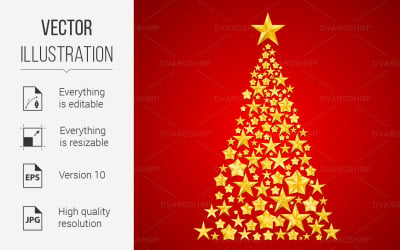




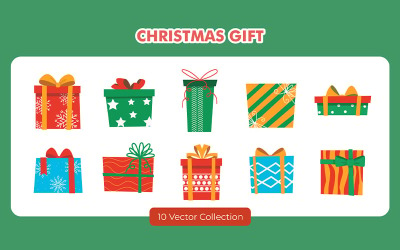












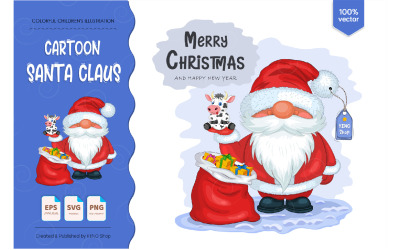
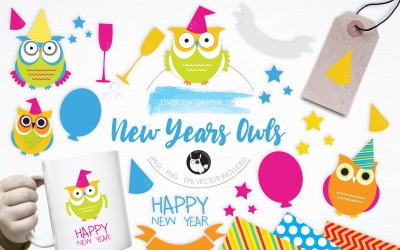
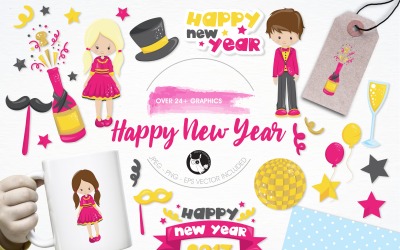

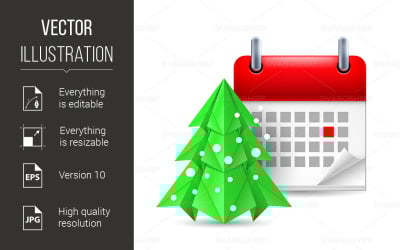
5 Best 173 New Year Vector Graphics 2026
| Template Name | Downloads | Price |
|---|---|---|
| Christmas Tree - Vector Image | 0 | $10 |
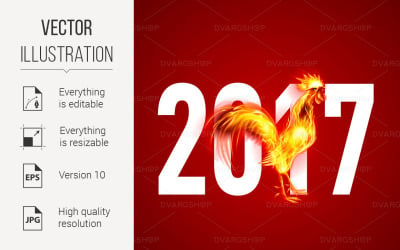
| Red Cock - Vector Image | 0 | $10 |
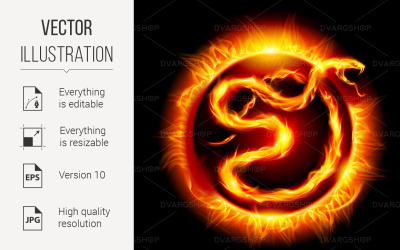
| Card with Snake - Vector Image | 0 | $10 |
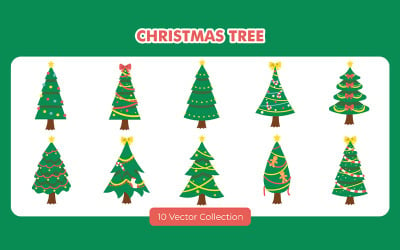
| Winter Animal Illustration Set | 0 | $12 |
| Christmas Wreath Illustration Set | 0 | $12 |
Instruction On The Development Of A Festive Flier
New Year Vector Pictures: FAQ
How to use New Year vector images?
After placing the order, receive the purchase by email. Download to the device where you'll edit. It's also possible to apply the image without changes. Use your standard editing program and make settings. Save the latest version. Print or upload to the website. Our marketplace has the service of producing unique pictures, icons, and banners. Find and read about all the conditions and prices in the Main Menu.
What license should I order when buying a New Year vector?
There are two main types - Personal and Commercial. The first is suitable for private enterprises for personal purposes. Advertising and marketing agencies and owners of several businesses should buy the second one for repeated use. Before placing an order or if you have any doubts about the license type, write your question to our online consultant in the chat.
What program is suitable for editing New Year vector images?
The absolute leader and popular software is Adobe Illustrator. Download and install it on your PC. Find out about the editor's weight in advance so your laptop can cope with the load. The following formats suit the program: AI, EPS, and SVG. Learn this data and apply filters when searching for the perfect images.
How to edit purchased designs on TemplateMonster?
Experience with editing software, as well as the attached instructions, will help buyers. We also recommend visiting our YouTube channel to find valuable videos with manuals. Finally, visit the library by following the link. There are a lot of interesting articles on the topic of site development and templates.
There are many well-known sources. It would be best if you wanted to figure it out. We recommend searching for additional short lessons on Google to study Illustrator management. After all, such skills are helpful to you in the future. At least it's worth learning how to quickly and easily change the color of an element, move objects, stretch, crop, enlarge, and do other essential tasks.