 ES
ES RU
RU DE
DE PL
PL IT
IT TR
TR FR
FR BR
BR NL
NL CN
CN CZ
CZ UA
UA HU
HU SE
SE Unlimited Downloads
  Sale
Sale 















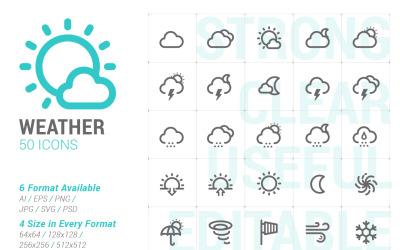


5 Best Weather Icons and Icon Sets 2026
| Template Name | Downloads | Price |
|---|---|---|
| 1400+ Collection of Line Iconset template | 3 | $29 |
| 660 Line Icons Pack Iconset template | 0 | $21 |
| 1400+ Flat Circular Set Icon | 0 | $25 |
| 25 WEATHER FLAT OUTLINE PACK Icon Set | 0 | $11 |
| 25 WEATHER Round Corner Glyph PACK Icon Set | 0 | $11 |
Weather Icons FAQ
What are weather icons?
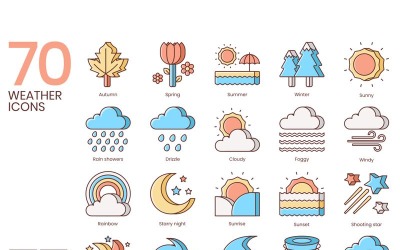
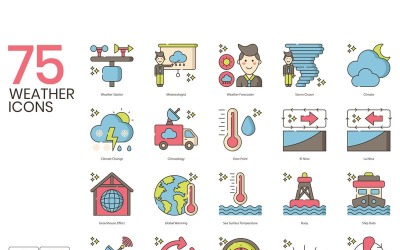
Weather icons are graphical vector-based representations of different climate conditions (e.g., sunny or cloudy).
What is the difference between vector and raster images?
Vectors are graphics made up of lines, curves, and shapes based upon mathematical formulas. Instead, raster images are composed of pixels. The main difference between the two is that vector graphics don’t lose their quality, even if you zoom in indefinitely.
How to add external icons in Elementor?
To add the icons (that you previously downloaded) to your website using Elementor, you need to follow these steps:
- Drag and drop the icon element to the chosen section;
- On the left side (in the icon section) click on Upload SVG;
- Click on Upload file;
- Select the file from your PC and embed it.
How to convert ICO to PNG online?
You can easily convert ICO files into PNG using one of the numerous available online tools. Here’s a list of the most popular:
- Convertio;
- CloudConvert;
- ConvertICO.
How to convert an image (PNG) into an icon (ICO)?
Several online tools can convert images - with a PNG format - into icons - with an ICO file format. Here are some of the most common:
- ICOconvert;
- OnlineConvertFree;
- ZamZar.