 ES
ES RU
RU DE
DE PL
PL IT
IT TR
TR FR
FR BR
BR NL
NL CN
CN CZ
CZ UA
UA HU
HU SE
SE Unlimited Downloads
  Sale
Sale 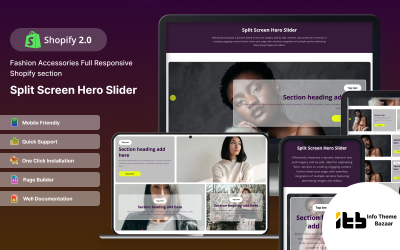



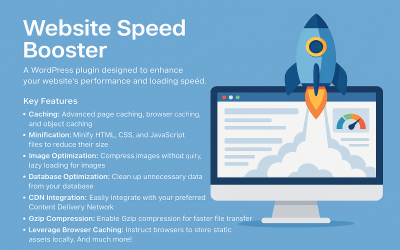

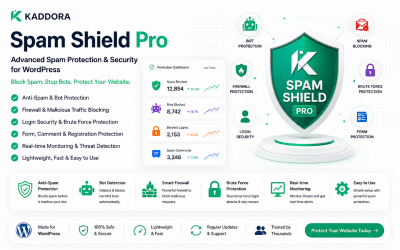



5 Best Accelerated Mobile Pages (AMP) Plugins and Extensions 2026
| Template Name | Downloads | Price |
|---|---|---|
| Split-hero - Slideshow Responsive Shopify 2.0 Theme | 1 | $16 |
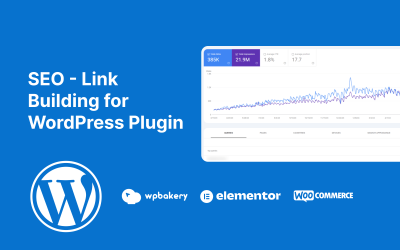
| SEO - Link Building for WordPress Plugin | 0 | $11 |
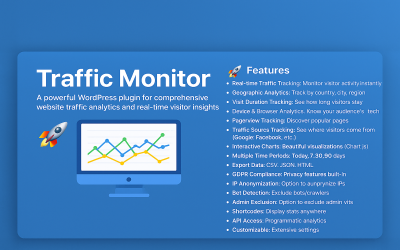
| Traffic Monitor Wordpress Plugin | 0 | $21 |
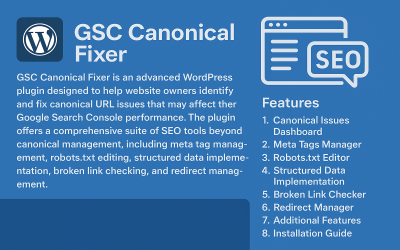
| Google Search Console Canonical Fixer | 0 | $9 |
| GSP MarketLink – Powerful Affiliate Management for WooCommerce | 0 | $20 |
How to Use AMP Plugins Video
AMP Plugins FAQ
Where Can You Use AMP Plugins?
News sites, such as The New York Times, were the first platforms to appreciate the use of technology. They also started using it for mobile devices.
The development of the online store was initially neglected because it did not have enough filters and baskets. But ASDA Walmart has started this trend of accelerated web resources on its platform.
Today, the technology is relevant for all types of resources: browsers, static layouts, CMS platforms, online shops, etc. You can use it on your computer, tablet, or phone.
Who Can Use AMP Plugins?
This technology will especially appeal to those users who love mobile phones and tablets. You view content without following a link. The most helpful development will be for those resources with a lot of visual content: news portals, blogs, educational resources, stores, etc. Also, pay attention to this if you use contextual advertising. You move to the top positions in search engines, which increases the conversion of leads and potential sales. This will expand the reach of organic traffic.
What Are the Pros and Cons of AMP Plugins?
Using development brings many benefits to your project. You get a fast upload speed that takes up to one second on average. So your visitor will stay on the site and learn more about your service. You get a high conversion compared to the mobile version of the resource. The ranking indicators of your project will be much higher since Google prefers such platforms.
Pay attention to the disadvantages of development. The functionality of web resources with AMP is not so wide, for example, you cannot use navigation, sidebar, or other blocks with this technology. Designer mods also have limitations and tracking code must be added manually.
How to Download AMP Plugin from TemplateMonster?
You need to register with us on the website. Next, you choose the necessary theme and add it to the cart. Enter your payment details and choose a gateway. After verification, you receive an archive with the product on your account.