 ES
ES RU
RU DE
DE PL
PL IT
IT TR
TR FR
FR BR
BR NL
NL CN
CN CZ
CZ UA
UA HU
HU SE
SE Unlimited Downloads
  Sale
Sale 
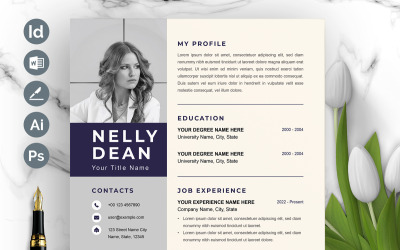


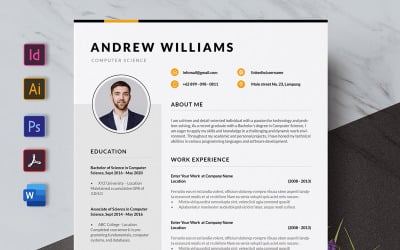

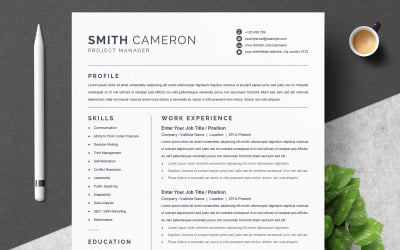
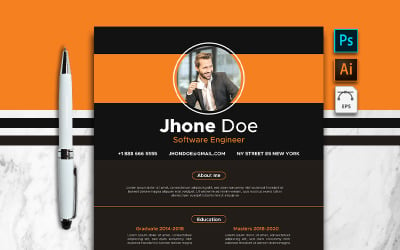
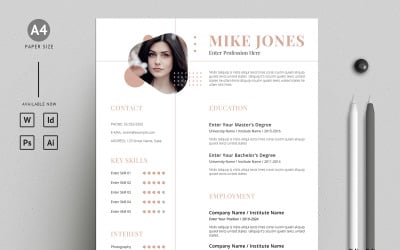
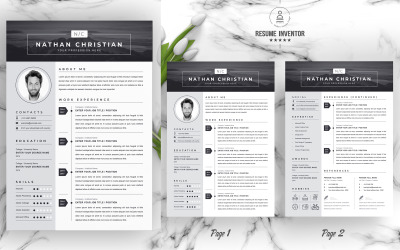


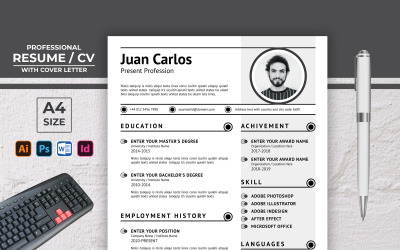
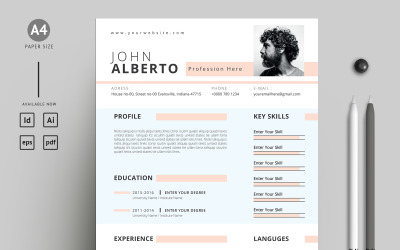
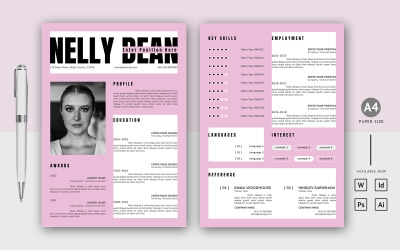
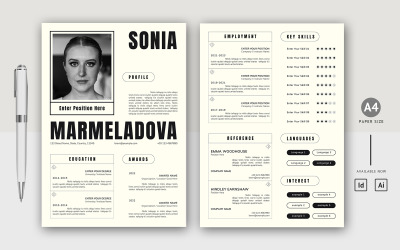


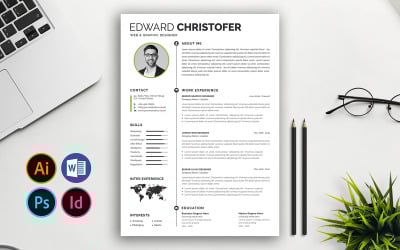
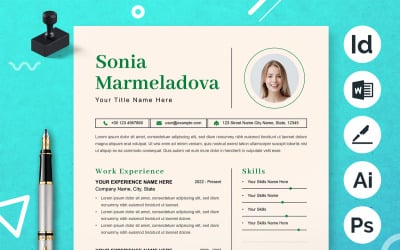
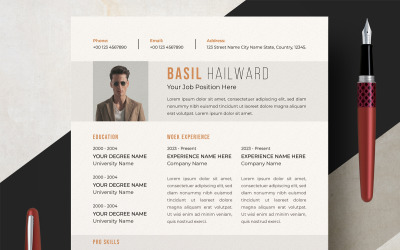
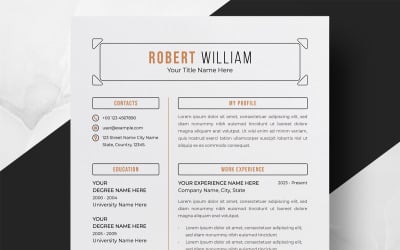
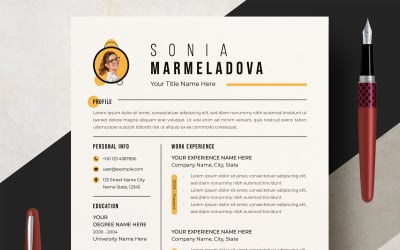
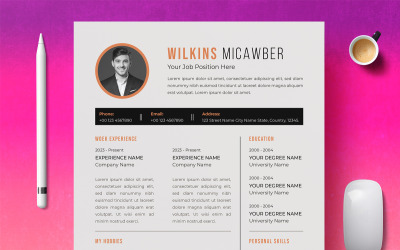
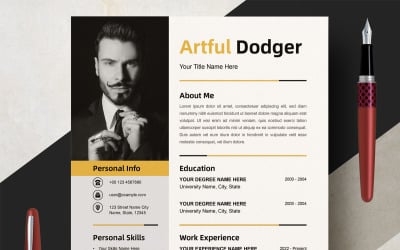
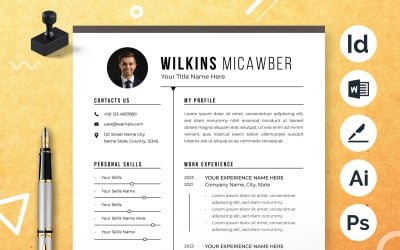
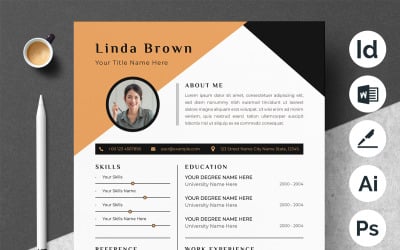
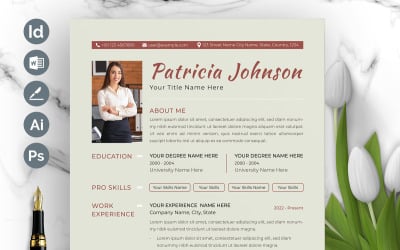
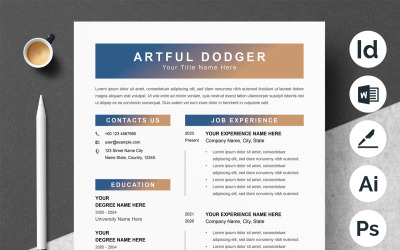
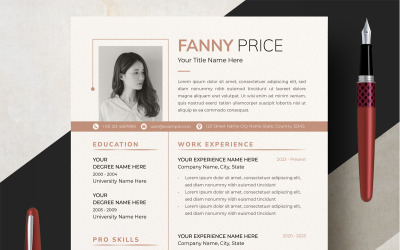
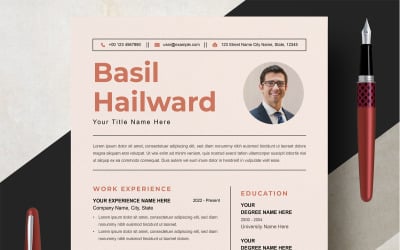
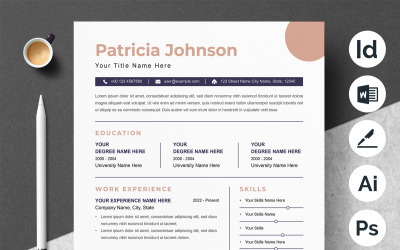
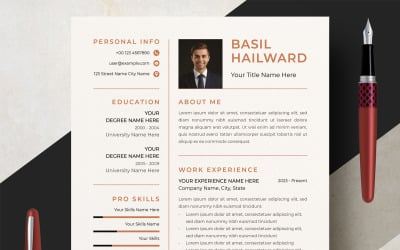
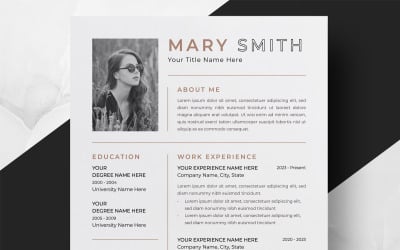
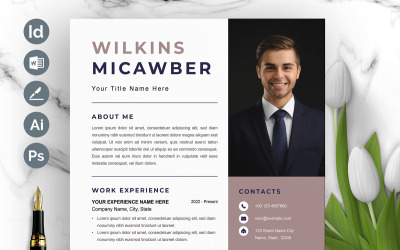
5 Best Adobe InDesign Resume Templates 2026
| Template Name | Downloads | Price |
|---|---|---|
| Modern Resume & Cover Letter. | 1 | $8 |
| Unique Creative Resume Template Layout | 1 | $9 |
| Elegant Resume / CV Template | 29 | $9 |
| 12x Design Professional Resume and Cover Letter Resume Resume and CV | 4 | $16 |
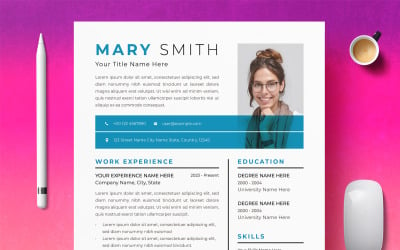
| Smith Cameron Profissional Printable Resume Templates | 4 | $6 |
Business card design in Figma
Adobe InDesign Resume Templates FAQ
Can I sell Adobe InDesign resume templates after customization?
Resale is possible only with a commercial license. The rules allow up to 100 items to be made for sale to customers. The MonsterONE subscription provides the same opportunities. A personal license is ideal for clients preparing a project for personal use. It does not allow the distribution of the final result and earnings.
Is it hard to edit Adobe InDesign resume templates?
The answer depends on your experience and determination. Editing and changing do not require special education and many years of training. Experienced users and newbies can master the necessary steps in a few minutes. To avoid spending time studying the program, it is better to order the preparation from the specialist.
How to export Adobe InDesign resume templates after editing?
These formats are applied in web publishing and are helpful when posting an image of a document. Export as a JPEG or PNG image either a single object or export entire pages and spreads.
- Click an object, or ensure nothing is selected if you want to export or expand the page.
- Choose File → Export.
- The Export dialog box will open.
- Enter a name, browse where you to save the file on your hard drive, and pick JPEG or PNG from the Save as Type (Windows) or Format (Mac) dropdown list; confirm the action.
What can I edit on Adobe InDesign resume templates?
TemplateMonster does not limit your customization options. For example, switch the color scheme, block layout, text, and images. It is also possible to append new elements, sections for data, etc. That is, you can change everything.