 ES
ES RU
RU DE
DE PL
PL IT
IT TR
TR FR
FR BR
BR NL
NL CN
CN CZ
CZ UA
UA HU
HU SE
SE Unlimited Downloads
  Sale
Sale 
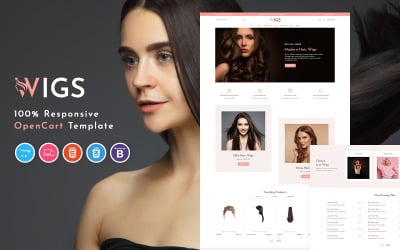


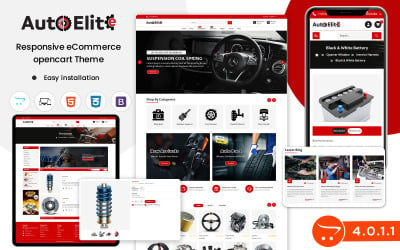
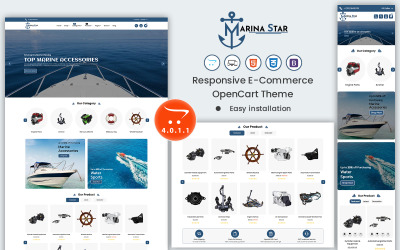
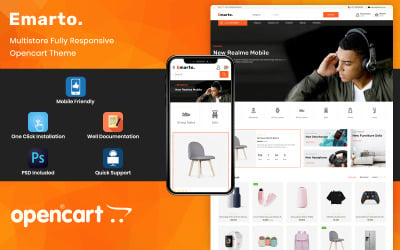
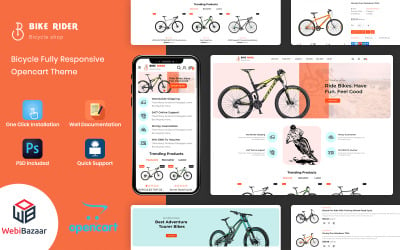
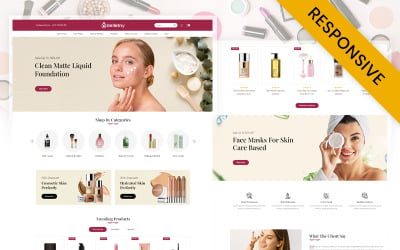
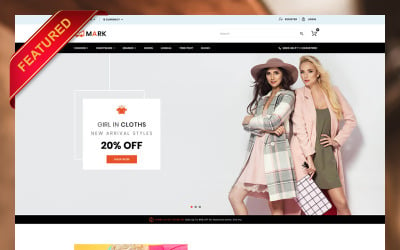
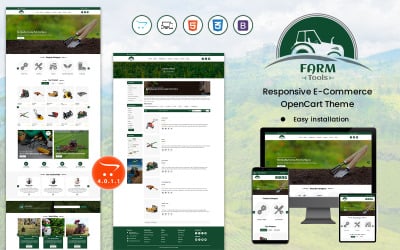
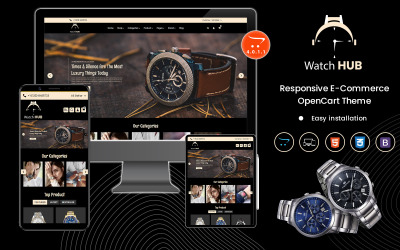
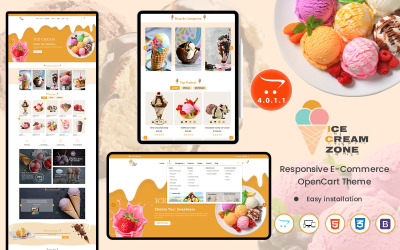
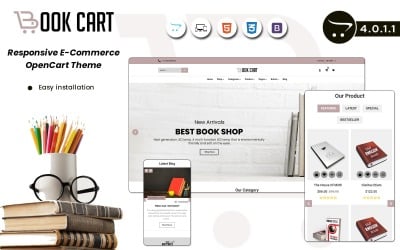
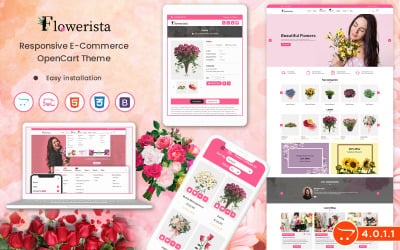
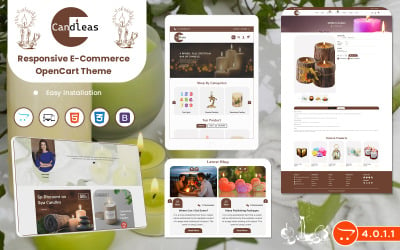
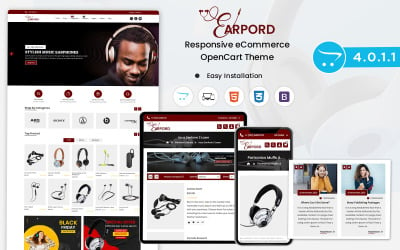
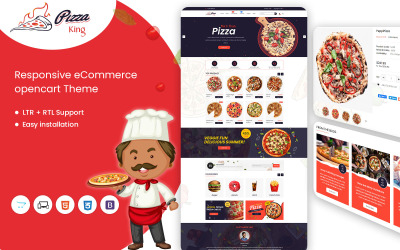
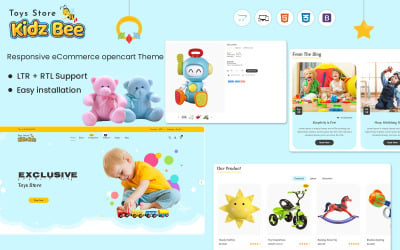
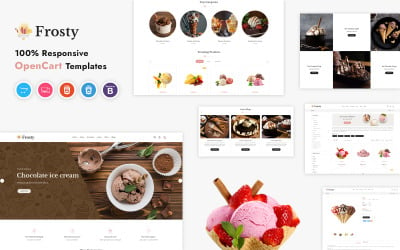
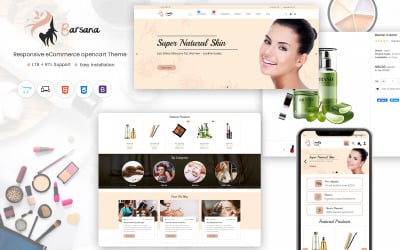
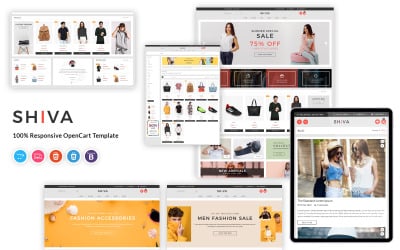
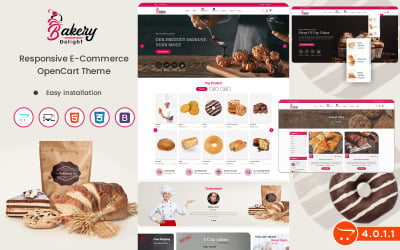
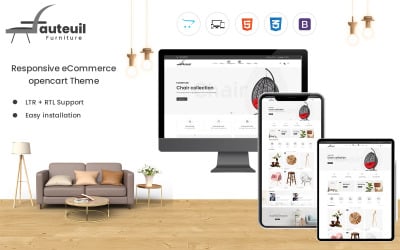
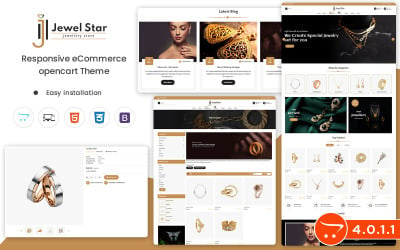
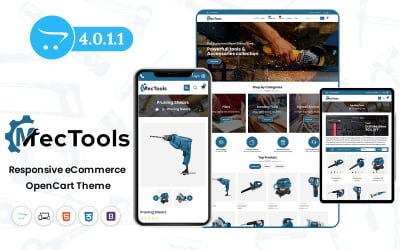
5 Best Advanced Theme Options OpenCart Themes 2026
Helpful Video For New Business Starters
Sometimes it takes work to calculate what amount to allocate to create a project. The video helps you decide on budgeting. Subscribe to our channel, and you'll become the first to watch the materials!
Advanced OpenCart Themes FAQ
How to choose advanced OpenCart themes?
First, start with demo viewing. After installation, this is what your site will look like. If you don't like the appearance or it doesn't correspond to the corporate style, view another product. Secondly, after familiarizing yourself with the look, read the description. It's easy to determine whether the layout has all the necessary functions. In the end, buy.
How to order advanced OpenCart themes?
Complete the following simple steps:
- Decide on a template.
- Read the terms of different licenses and choose the correct version.
- Add to cart.
- Fill out the order form.
- Pay online.
- Receive an email with the product and instructions.
How to get a discount on templates?
Please visit our section with discounts at the link to find the best offers. You'll be pleasantly surprised by the various assortments and the quality!
How to edit the layout?
Start the setup after installation. Please use the instructions that you receive by email after payment. An alternative option is to order a service from a TemplateMonster specialist by the link.