 ES
ES RU
RU DE
DE PL
PL IT
IT TR
TR FR
FR BR
BR NL
NL CN
CN CZ
CZ UA
UA HU
HU SE
SE Unlimited Downloads
  Sale
Sale 
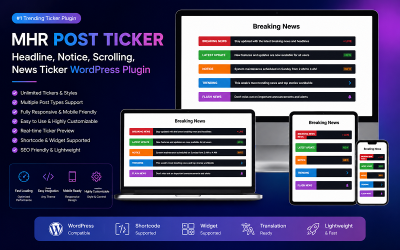











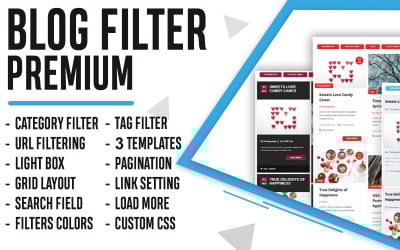
5 Best Blog Plugins and Extensions 2026
Blog Plugins FAQ
How to download blog plugins?
After payment, buyers receive a letter to the email address they entered when creating the order. Writing a correct address when filling out the contact areas is essential. Next, click on the file in the e-letter. Choose a location on your computer where you want to save the file. This way is how buyer's download the extensions. Please, enjoy our items right after installing and setting them up.
How to install blog plugins?
Some goods may differ in the installation algorithm. However, in most cases, the list of actions looks something like this:
- First, download the received file via email.
- Next, open your WordPress site control panel.
- Find the Plugins section in the CMS.
- Click Download New.
In the end, remember to activate the loaded element. The steps are simple. Also, the received instructions may tell how to install it step by step.
How to configure blog plugins?
To edit a new element or functionality correctly, you have detailed instructions. Even if you have a lot of experience and extensive skills, having this manual at hand means reducing the time spent on settings. After all, you only need to follow the actions specified in the instructions. Please read the documentation carefully to process everything correctly.
Is it possible to sell blog plugins?
If you produce similar goods, we advise registering as a web developer. First, however, upload your creations using a personal cabinet. It takes a little time to pass the moderation. Then, start earning right after checking. The more items you propose, the more earnings you may receive.