 ES
ES RU
RU DE
DE PL
PL IT
IT TR
TR FR
FR BR
BR NL
NL CN
CN CZ
CZ UA
UA HU
HU SE
SE Unlimited Downloads
  Sale
Sale 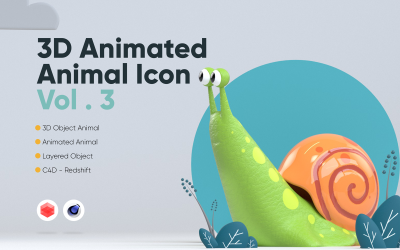






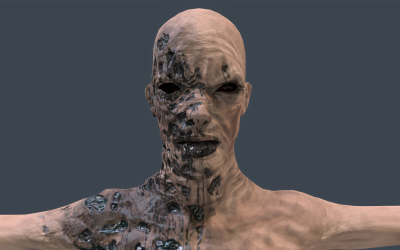

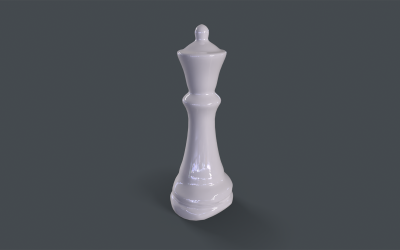
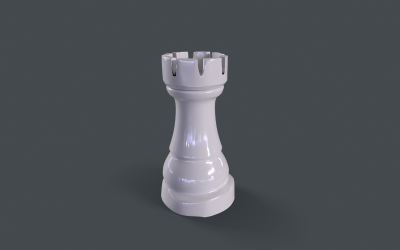
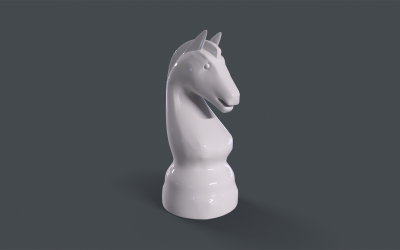
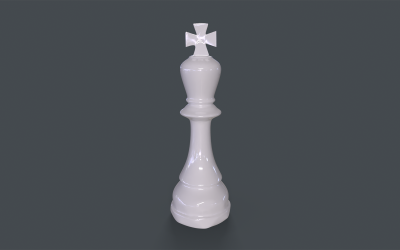
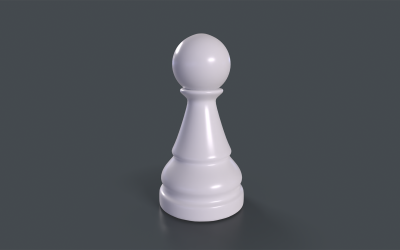
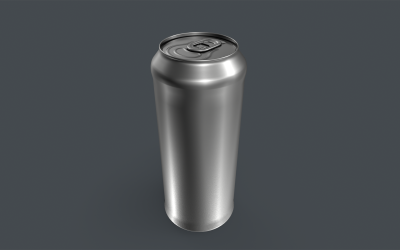
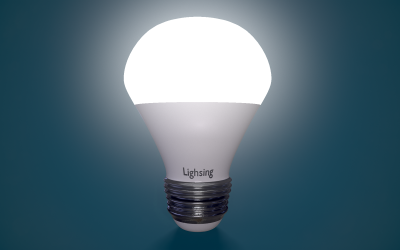
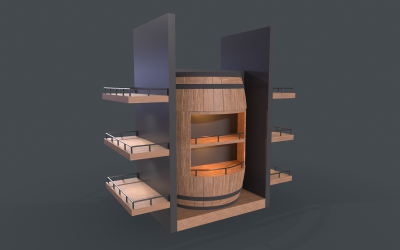
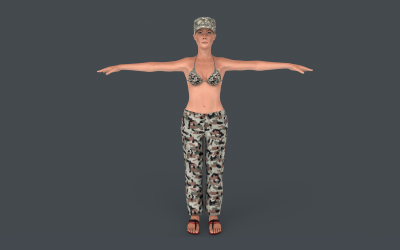
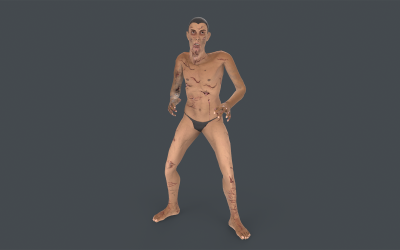
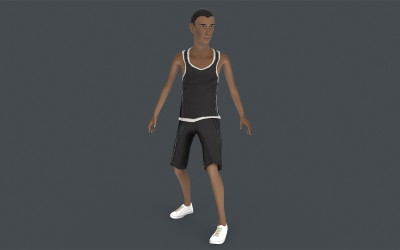
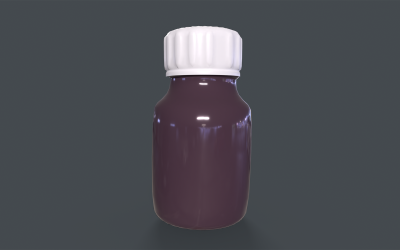
5 Best Best Blue 3D Graphics 2026
| Template Name | Downloads | Price |
|---|---|---|
| 3D Animated Animals Vol. 3 | 0 | $31 |
| Dice X High Poly 3D model | 0 | $20 |
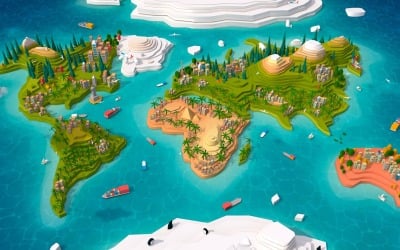
| Cartoon Low Poly Earth World Map 2.0 3D Model | 0 | $31 |
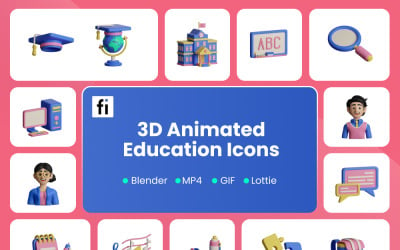
| 3D Animated Education Illustration | 0 | $31 |
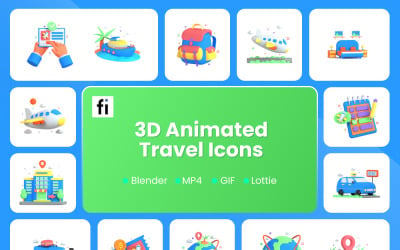
| 3D Animated Travel Illustration | 0 | $31 |
Blue 3D Graphics Video
If you want to choose a ready-made design and guess with trends, then you need to check many items. We recommend watching the video, where we have selected quality designs for any need. Follow the link and enjoy watching.
Blue 3D Graphics Frequent Questions
Why Do You Need to Use Blue 3D Graphics from TemplateMonster?
The main advantage of using this graphic technology is the opportunity to see the subject before it is developed. It simplifies the work process and saves resources. You also have the option to animate the required element. Pay attention to the wide range of areas of use of 3D design and printing: advertising, marketing, urban design, architecture, industry, computer games, cinema, the Internet, jewelry arts, etc.
What Kinds of Blue 3D Graphics Design?
There are three ways in this area.
- Polygonal: You create an object based on a coordinate system and manually enter the X, Y, and Z points. You use edges to connect them. As a result, you get polygons. Each of them has its color, texture, and shape. When you combine geometric components, you get a whole object.
- Spline: you draw the curves that create the layout of the final result. Specialists sharpen it with a spline. Several of these lines form a frame that you can rotate. You can use this method to render objects that do not have faces or surfaces.
- Sculpting: You work with the item as with clay. This method is popular among beginners. Such deformation allows us to obtain models with concave and convex locations.
How to Customize Blue 3D Graphics from TemplateMonster?
Use the program on the product page: ZBrush, Unreal, Unity, SketchUp, Maya, Cinema 4D / C4D, Blender, or 3DS Max.
How to Download Blue 3D Graphics from TemplateMonster?
After purchasing an item from the TemplateMonster marketplace, download it from your account. Now you can get the item and customize it.