 ES
ES RU
RU DE
DE PL
PL IT
IT TR
TR FR
FR BR
BR NL
NL CN
CN CZ
CZ UA
UA HU
HU SE
SE Unlimited Downloads
  Sale
Sale 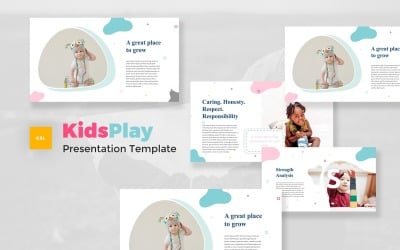




5 Best Best Babysitter Google Slides Templates 2026
| Template Name | Downloads | Price |
|---|---|---|
| Kids Play - Kids & Baby Google Slides Template | 0 | $21 |
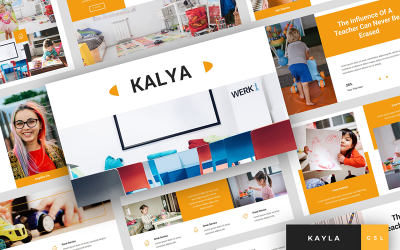
| Kayla - Kindergarten Presentation Google Slides | 1 | $16 |
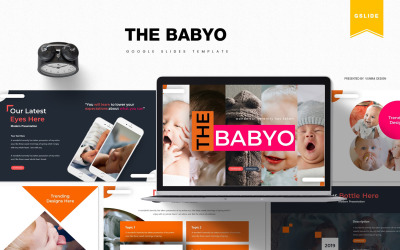
| The Babyo | Google Slides | 1 | $14 |
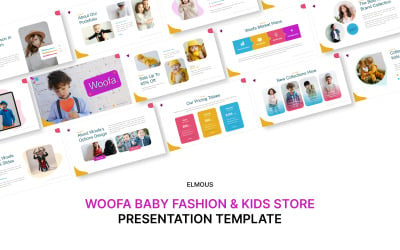
| Woofa Baby Fashion & Kids Store Google Slide Presentation Template | 0 | $21 |
| Kids and Baby Google Slides Template | 0 | $24 |
Best Babysitter Google Slides Themes & Templates
Are you striving to create amazing slideshows but don't possess design skills? There is a great way you can not sacrifice the look of your presentations and still not waste valuable time creating slides from scratch. There is no secret that most people value the visual component of a digital project. The content becomes interesting when presented in a professional, engaging way. TemplateMonster offers you to choose from a huge collection of ready-made babysitter Google Slides templates and boost your performance with a really powerful foundation. Place your content wisely using trending infographics, mockups, charts, tables, and other pre-designed elements of theme packages.
Who Can Use Babysitter Google Slides Templates
Feel free to choose a theme from the collection to come up with the perfect project related to:
- Children's goods and services;
- Nanny resume;
- Online and offline courses;
- School, university;
- Lecture or seminar performance;
- Children's charity and donations;
- Newborn goods;
- Pharmacy;
- Goods for pregnant women;
- Reproductive medicine;
- Private clinics or maternity hospitals, etc.
How to Create an Outstanding Presentation with Nanny Google Slides Themes
The main problem buyers of ready-made products often face is the choice of slides that should be excluded from the project. However, many creators make the fatal mistake of removing important segments from their slideshow, thereby reducing its impact on the audience. Here are some examples of which slides you might want to keep and what type of content can make your presentation more impactful:
- Overview. Before starting the main part of the narrative, tell the audience what the key ideas are in your narrative.
- Introduction. Whether it's the history of the company, a brief description of a new launch, or a story about the performer's expertise, you better think about creating a foundation that will be a reliable basis to build a trusting relationship with the audience.
- Infographic. In addition to being a trendy, well-received element of modern presentations, mockups, charts, and charts help deliver interesting data such as statistics, benefits, features, numbers, and so on.
- Motivation. A call to action doesn't work without inspiring examples, reviews, quotes, and well-chosen media content. Think about what your audience cares about and try to get them moving forward with a couple of motivational phrases or image sections.
Key Features of Nanny Google Slides Themes
Let's take a look at the benefits and special themes features that provide marketplace customers with a pleasant project creation experience:
- The main reason to choose ready-made goods is to save time. Change your perception and stop thinking you must take all aspects of slideshow preparation on yourself. Separation of duties is fine. So try professional products, pay attention to cases related to your expertise, and bring you more pleasure and profit.
- The consistent, trendy, and minimalistic look of pre-developed designs enhances the quality of your project. The probability that you will create professional-grade layouts without vast experience in the design area is not that high. So by trusting specialists, you significantly increase your credibility by impressing the audience with beautifully made slides.