 ES
 RU
 DE
 PL
 IT
 TR
 FR
 BR
 NL
 CN
 CZ
 UA
 HU
 SE
 Unlimited Downloads
 Sale
















5 Best Credit and Collection WordPress Themes & Templates 2026 2026
| Template Name | Downloads | Price |
|---|---|---|
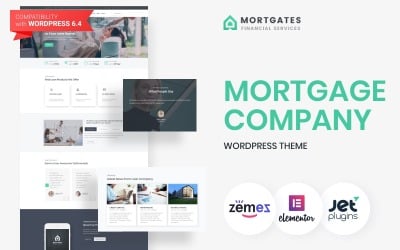
| Addendum - Mortgage Company WordPress Theme | 240 | $53 |
| Themex - Financial & Corporate Business WordPress Theme | 4 | $44 |
| Cost Accountant - Financial Consulting & Accounting WordPress Theme | 19 | $53 |
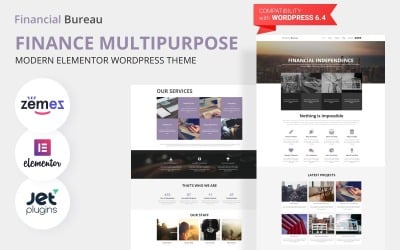
| Financial Bureau - Finance Consulting WordPress Elementor Theme | 814 | $53 |
| LoanGen - Loan WordPress Theme | 31 | $53 |
Credit and Collection WordPress Themes FAQ
Where to install Creditor Services WordPress theme?
In order to install a WordPress theme, take the following steps:
- In your WordPress dashboard, go to Appearance > Themes > Add New.
- From there you'll see an option for 'Upload' at the top of the screen. Click the 'Browse' button, navigate your computer files and select the .ZIP file for your downloaded extension.
How to convert Credit WordPress themes to HTML?
In order to convert WordPress themes to HTML, you can make use of such tools as Simply Static, Jekyll, Pelican, etc.
How to choose the best Creditor Services WordPress theme?
The choice of the best WordPress theme depends on your personal requirements and expectations. Create a short list of features that you want to have on your site. Make the choice of the theme based on those criteria.
How does a Creditor Services WordPress theme install?
- Login to your WordPress admin area.
- Next, click on Appearance >> Themes.
- Look for the needed theme using an advanced search.
- Next to the theme's preview, there is an install button.
- As soon as the theme is installed, activate it.
What are WordPress child themes?
A child theme is a WordPress theme that inherits its functionality from another WordPress theme, the parent theme. One of the most outstanding examples of WordPress themes featuring a rich collection of child themes is Monstroid2.