 ES
ES RU
RU DE
DE PL
PL IT
IT TR
TR FR
FR BR
BR NL
NL CN
CN CZ
CZ UA
UA HU
HU SE
SE Unlimited Downloads
  Sale
Sale 



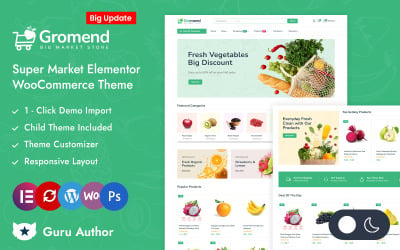




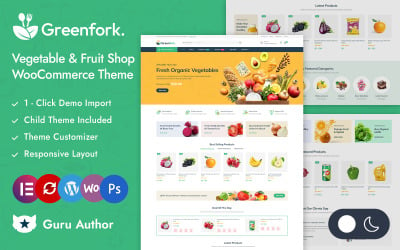
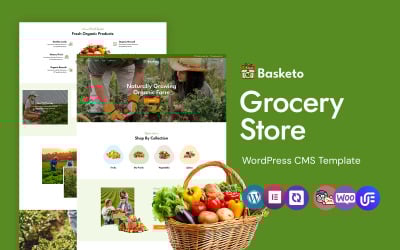
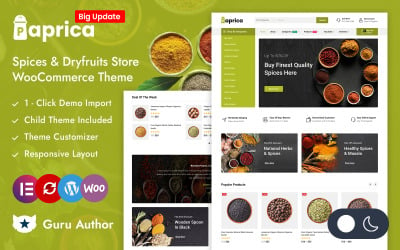

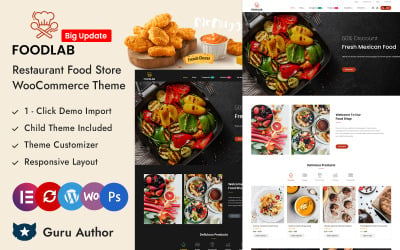
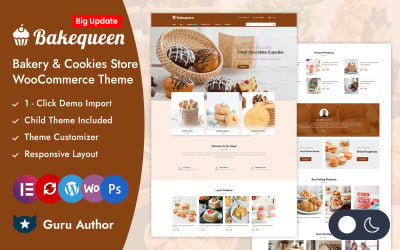
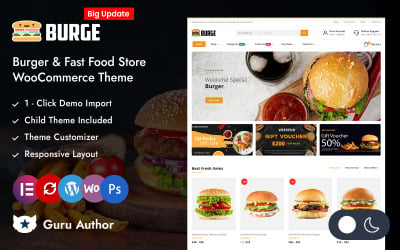
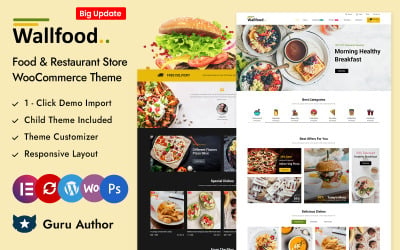
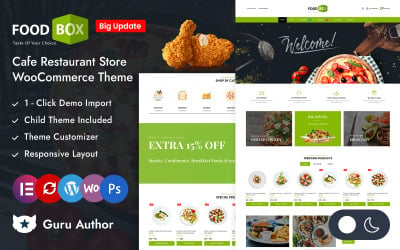
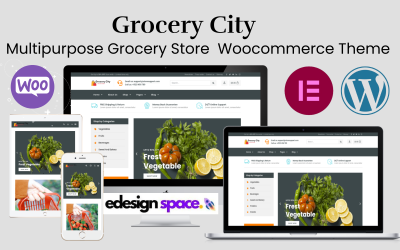
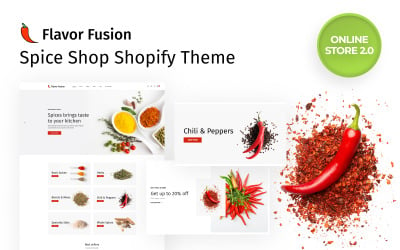
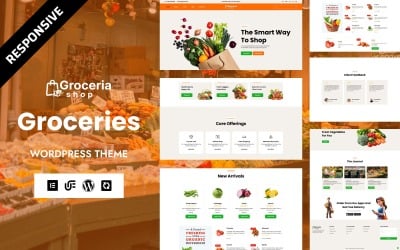
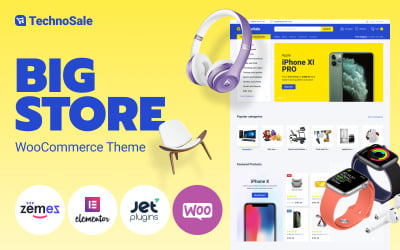
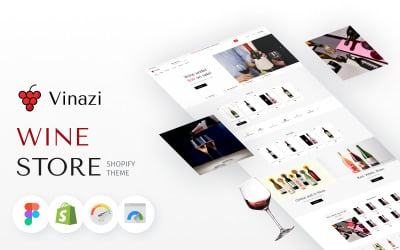


5 Best Best Grocery Store Website Designs - Online Supermarket Website Builder 2026
Online Grocery Store Website Builder: Build an E-Shop With No Technical Know-how
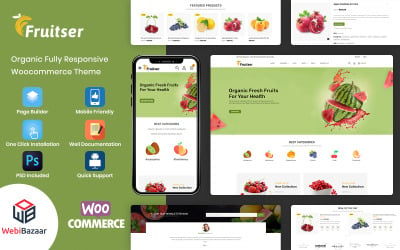
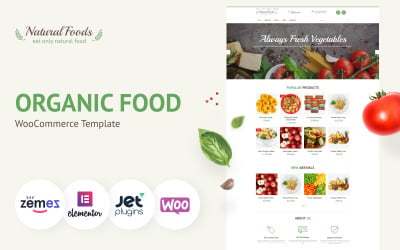
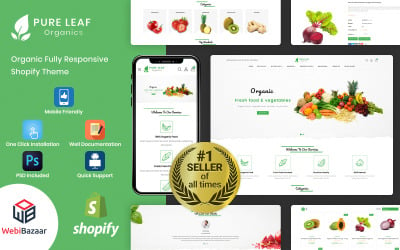
Take a look at the beautiful collection of grocery store website builder templates to find an ideal platform to open your supermarket online. With TemplateMonster, you have the option of selecting a professional layout that is designed specifically for food retailers. Indeed, each web theme is designed with convenience in mind. They feature a simple and appealing display of products that attract buyers from the start to the last page.
Furthermore, whether you are launching a new site or simply revamping your existing one, these templates have been designed to guarantee your shop stands out on the digital market!
Why Choose a Food Shop Site Constructor?
Above all, a food shop site builder saves you time. Think about it: this implies making changes to code and testing minor alterations yourself is no longer needed. After all, who wants to spend hours adjusting HTML or CSS just to change the font or move an image around?
In addition, they are user-friendly, meaning you do not have to be a tech-degree holder to operate them. Instead of battling with lines of code, you can concentrate on what is important, such as choosing the freshest produce or perfecting your granny’s secret recipe for cookies.
As such, you have seen the importance of an appealing and functional website for your grocery business. TemplateMonster is a big help, as you can easily design that with a multitude of specialized templates for groceries. The layouts provide pleasant user experiences for convenient e-shopping.
Improve your web presence—pick a suitable template from the TemplateMonster collection today and see your digital store become the busiest place with customers clicking the ‘add to cart’ button effortlessly.
Who Benefits From a Supermarket Visual Editor?
Page builder templates serve as a magic wand for anyone venturing into the grocery business. Small shop owners, local markets, big chains, and every other type can use them. Therefore, whether yours is a long-standing corner store or a brand-new startup, these tools will not let you down!
In a word, they are a dream for those who want to sell fruits, veggies, or any other goodies online, and they have no clue what technology is. Indeed, drag-and-drop builders provide a walk in the park with a cool internet shop without a college degree in web design.
Features of the Best Website Builder for Grocers
What is it that makes a site constructor a champ for grocers? The feature list is endless. It includes seamless inventory management, smooth drop-down lists, and so on. So, let’s look at the must-haves needed to ensure that your e-store stands out like a ripe apple in a produce aisle!
- Drag-and-drop editors ease the pain and speed of page appearance. Just click what you want and drag it to where it belongs on your pages, and you are done!
- They also have SEO tools that make it easy for people to search for your products online.
- Additionally, they can integrate e-commerce so that visitors get to purchase products if they like some items from your e-shop!
- With the built-in responsive design, your pages end up looking excellent across desktops and phones.
- You may also consider multilingual support. It will help spread the word globally and literally “speak their language” for your assortment that resonates internationally.
How to Build a Grocery Store Website: Pro Tips
- The first step in building your web food market is to scope out the competition. Identify their gaps and fill them with something unique. For instance, instead of big shops, offer locally made goods from a nearby farmer. Or consider specializing in specific products, for example, vegan foods.
- Navigation—it's key. Do you know that neat sites receive more visitors because of their clean layout, which helps shoppers get what they want faster? Therefore, categories should be set such that they allow one to locate what is wanted.
- Ensure your food photographs appear appetizing since people eat with their eyes. Moreover, the pics should be real shots of your food—they’ll cause saliva to flow!
- Also, avoid making the checkout process complicated, especially if you sell goods through your website, and try to make it as hassle-free as possible.
- In addition, ensure that the prices are well outlined and the payments are easy to make so that customers can buy without any hassle. Ensure they are all legal—establish terms of service and privacy policies correctly on your site. Be firm on these rules, but fair. Besides, payment methods ought to be flexible so that the buyer's choice equals convenience and, again, their satisfaction.
- Most importantly, populate that header with useful links like About Us and Contact Info. Also, place an area for users to subscribe to your email list—they will need this later.
- Finally, always test before launching to catch errors early on. In the end, you want a trouble-free shopping experience at the launch—otherwise, people would keep coming back again and again.
9 Essential Pointers for Building a Lucrative Webshop
Grocery Store Website Builder: Frequently Asked Questions
Is it easy to use a grocery store website builder?
Definitely! These tools are designed to customize content blocks without touching any lines of code. All you need to do is drag and drop ready-made blocks until everything feels correct, replace demo text, and then click "Publish.” Plus, their interfaces are very intuitive, so you can fiddle with fonts, colors, and other graphics easily.
Are these templates compatible with mobile devices?
Absolutely! They are responsive and will look sleek whether your customers are browsing on a phone, tablet, or computer.
Is it possible to integrate a payment system into a grocery store website builder?
Yep! They support many payment gateways, thereby aiding your customers in paying for the delivery of products.
Are these themes SEO-friendly?
You bet! These have SEO features, helping search engines and potential customers find your shop.