 ES
 RU
 DE
 PL
 IT
 TR
 FR
 BR
 NL
 CN
 CZ
 UA
 HU
 SE
 Unlimited Downloads
 Sale













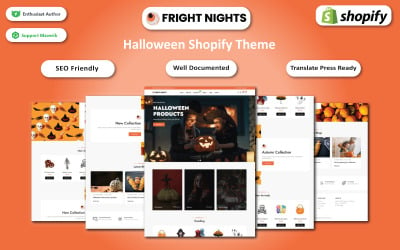
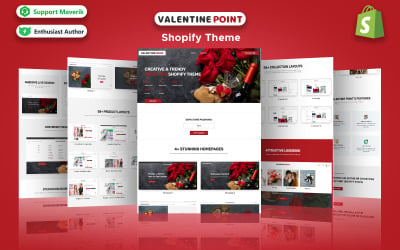



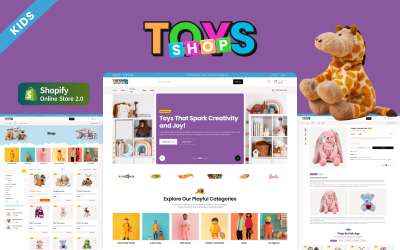

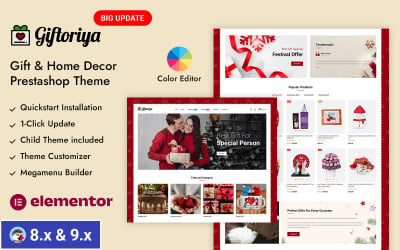


5 Best Halloween Templates and Halloween Site Templates 2026
Halloween Website Templates Video
Halloween Website Templates Q&A
Can I edit a Halloween website template?
You can edit all Halloween templates available in our marketplace. If your website is created with a CMS like WordPress, and if the template is compatible, you can also use a drag-and-drop page builder (e.g., Elementor) for easier and faster editing.
How can I choose the best Halloween template?
No written rule tells you which is the best Halloween template. What you can do is to be sure that it includes the following features:
- SEO-friendliness;
- Responsiveness;
- Easy customization;
- Documentation and support;
- Compatibility;
- Recently updated and compatible with the latest versions.
Where can I find Halloween templates for e-commerce websites?
The TemplateMonster marketplace offers a wide range of Halloween templates for eCommerce websites (Shopify, OpenCart, PrestaShop, Magento, etc.).
How can I install a template in WordPress?
To install a template in WordPress, you need to:
- Access your WordPress dashboard;
- Click on Appearance and then on Themes;
- Click on Add New;
- Then, click on Upload new;
- Select the file you desire to implement;
- Click Install Now.
What am I allowed and not allowed to do with the Halloween website template?
You may: Build or customize a website using our Halloween website templates in any way you like.
You may not:
- Redistribute or resell templates (like we do).
- Claim intellectual or exclusive ownership of any of our products, modified or unmodified.
All products are the property of content-providing companies and individuals.