 ES
ES RU
RU DE
DE PL
PL IT
IT TR
TR FR
FR BR
BR NL
NL CN
CN CZ
CZ UA
UA HU
HU SE
SE Unlimited Downloads
  Sale
Sale 












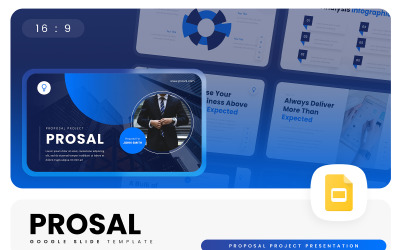
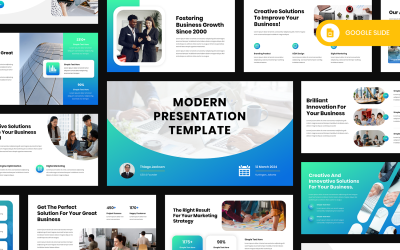

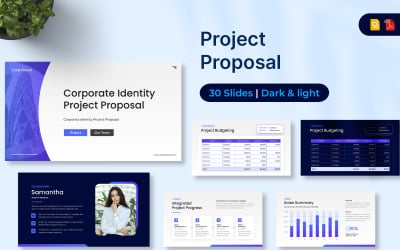

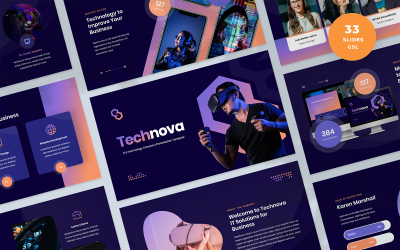
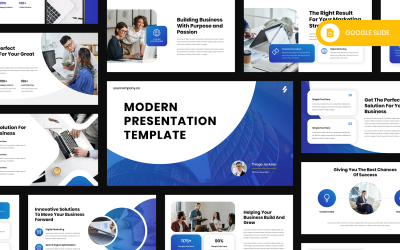

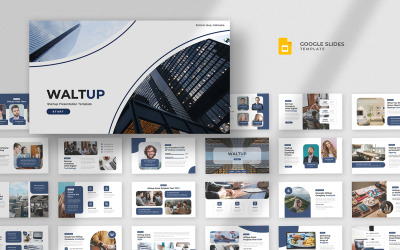

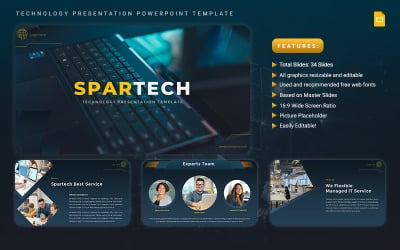

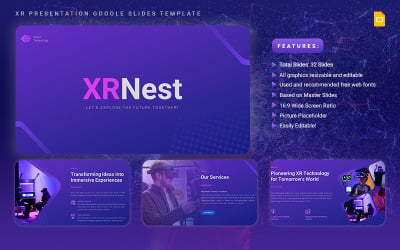
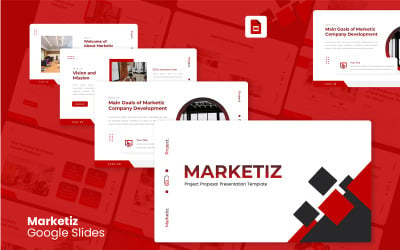
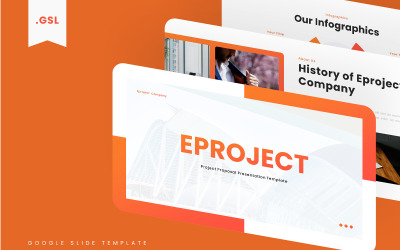

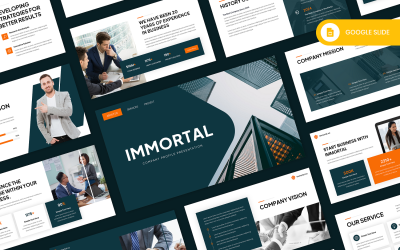
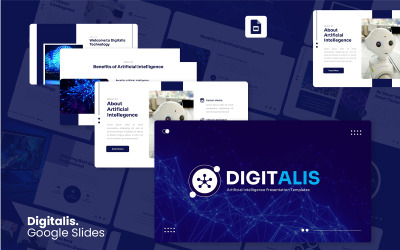


5 Best Best IT Google Slides Templates 2026
| Template Name | Downloads | Price |
|---|---|---|
| Quality Assurance Plan Google Sides Presentation Template | 1 | $12 |
| Deckly - Pitch Deck Google Slide Presentation Template | 14 | $21 |
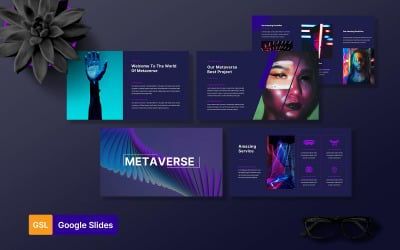
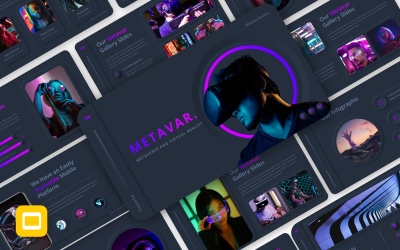
| Metaverse & Virtual Reality Google Slides | 1 | $16 |
| Motivating Employees Google Presentation | 0 | $20 |
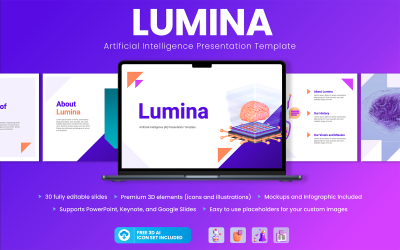
| Lumina - Artificial Intelligence Presentation Google Slides Template | 0 | $24 |
Technology Google Slides themes Video
Technology Google Slides themes Frequently Asked Questions
Will my presentation look good on a 16:9 widescreen display?
Yes. It looks great on a 16:9 screen. Our presentations are made using quality graphics and fonts.
Where can I find more information on technology google slides themes?
Choose a google slide template you like. Click on it, and the description will indicate the features, files included and the fonts used. Also, for all technical issues of interest, you can contact our responsive operators in Live Chat. They will try to explain and help you as much as possible with every technical question.
What software do I need to get started with Google Slides Technology Themes?
User-friendly themes don't require any software. You need a Google account and access to Google Docs. If you want to edit locally, then you will need PowerPoint installed on your device.
How to choose technology Google Slides themes?
All of our templates are as creative and unusual as possible. It all depends on your preferences. To simplify your search, you can use the left sidebar, where it is possible to specify topics, tags, colors, price, etc. And then, according to the searching answer, choose the google slides themes you like the most visually.