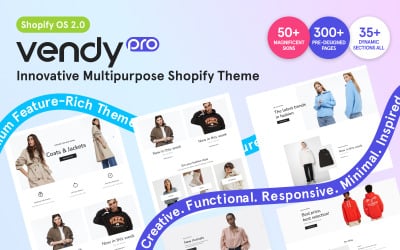
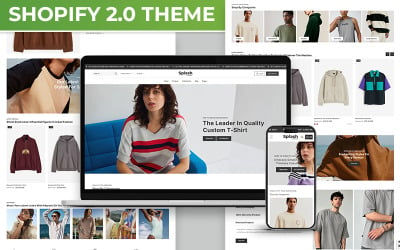
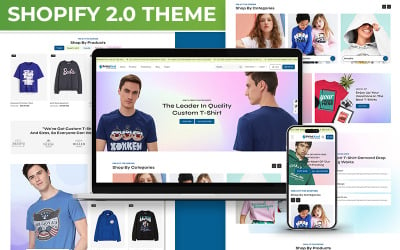
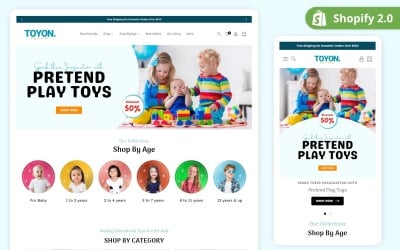
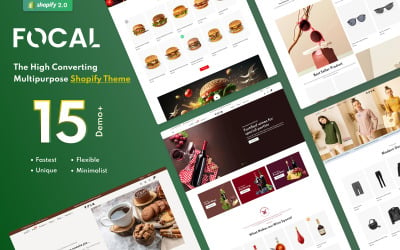
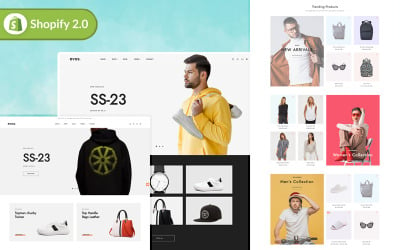
Vendy Pro reshapes eCommerce with innovation and versatility. Powered by Shopify OS 2.0, it leads digital retail evolution, unlocking limitless store potential.
The most remarkable thing about this designer clothes Shopify web design is the layout. The theme was designed to help you set up an information rich resource
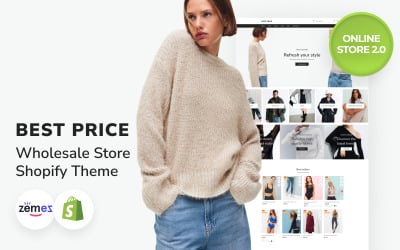
This Shopify theme is highly responsive and eye-catchy. It was developed for wholesale stores and perfectly suits dropshipping stores and clothing stores.
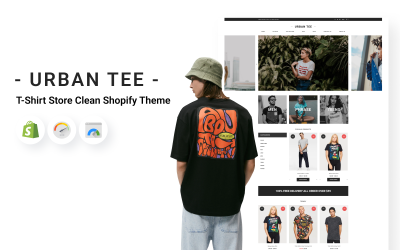
This T-Shirt Store Clean Shopify Theme is a good way to create an e-commerce website. It's worth noting that promoting the site created on this theme will be a lot easier.
This is a convenient, clean theme that gives you a lot of advantages at once: light optimized code, fast download speed, pleasant design, simple setup, which even a newcomer will deal with.
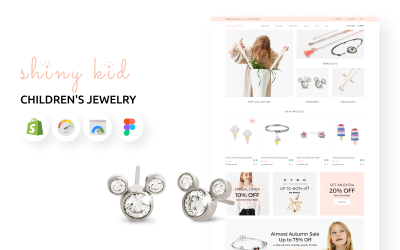
If you're in search of a spectacular and modern Shopify theme with good functionality that covers the topic of children's jewelry, then the Shiny Kid will be an excellent choice. E-commerce website...
Check out the detailed preview of this premium Watches Store Website Template Shopify Theme to have a better understanding of what you are planning to buy.
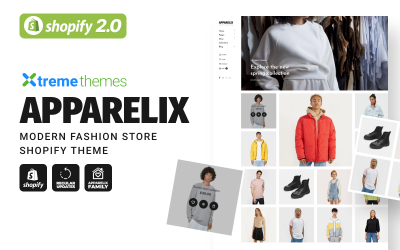
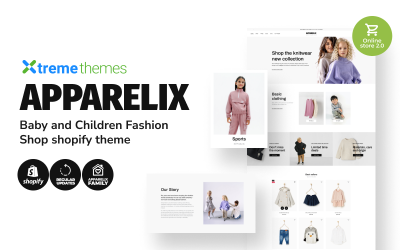
Apparelix Baby and Children Fashion Shopify ThemeChildren's products are always popular and are in great demand among customers. People can save on themselves, but not on their children, who are...
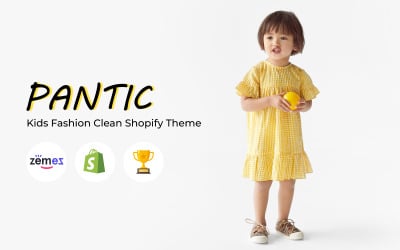
How You Can Use Kids Fashion Theme - PanticMany people associate children with joy, happiness, fun, and bright colors. That is because kids combine an inexhaustible supply of energy with curiosity...
All parents want their kids to look perfect, and they try to choose a good shop to purchase the best outfit. And in modern days people more and more often search for clothes via the internet,...
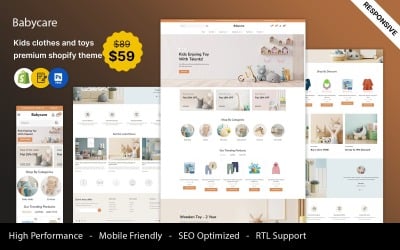
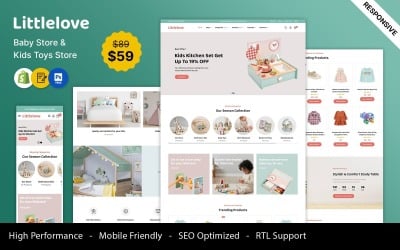
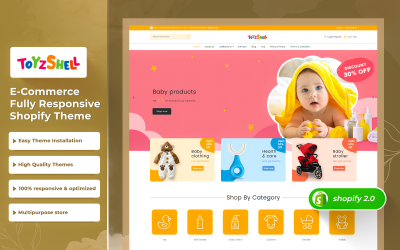
Introducing BabyCare – the perfect Shopify theme for kids' fashion, toys, and baby stores. Crafted with love and expertise, BabyCare combines stunning design with powerful functionality
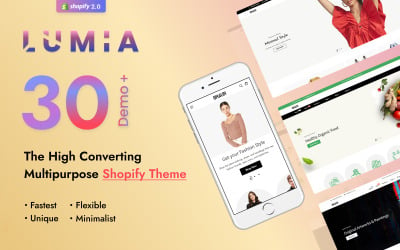
Discover countless high-converting & beautiful designs with advanced features of Lumia. Get Lumia today to have a quick-start on a modern & fruitful commerce journey.
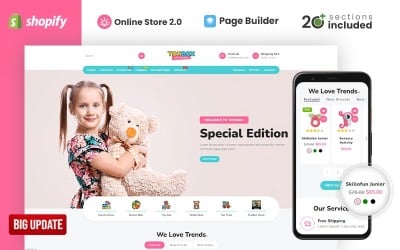
Toybox Clothing & Toys Store is a beautifully crafted shopify theme with eye-catching design and innovative modules. The theme can easily adapt onto your existing shopify stores.
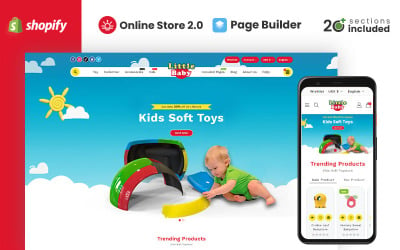
Little Baby Kids & Toys Store is a beautifully crafted shopify theme with eye-catching design and innovative modules. The theme can easily adapt onto your existing shopify stores.
Discover stunning and state-of-the-art designs that are rich with outstanding and advanced features of Focal. To get a head start on a contemporary and successful eCommerce journey, get Focal...
Discover countless high-converting & beautiful designs with advanced features of Guza. Get Guza today to have a quick-start on a modern & fruitful commerce journey.
We are glade to thank you for purchasing this theme, in future we will upload more theme with different topics in template monster.If you have any questions please contact us via templatemonster.
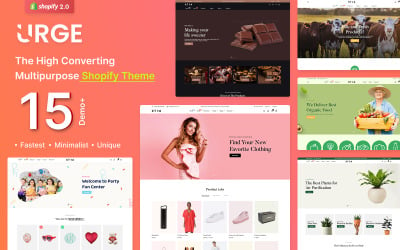
Discover countless high-converting & beautiful designs with advanced features of Urge. Get Urge today to have a quick-start on a modern & fruitful commerce journey.
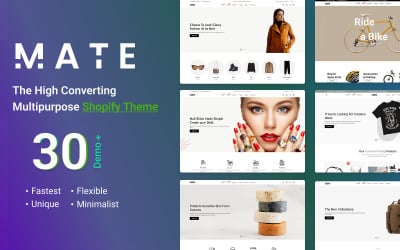
Discover countless high-converting & beautiful designs with advanced features of Mate. Get Mate today to have a quick-start on a modern & fruitful commerce journey.
Introducing Raven, an advanced Shopify 2.0 theme designed specifically for the kids' market. Raven is engineered to elevate your online store to new heights.
KidsToy - Toys Store Shopify Theme is a clean and elegant design – suitable for selling Toys for kids, Clothes, Kid's Accessories, Gift, Bag, Stationary, Books, Chocolates, Cake, Activity Topics...
Top Collection of Best Kids Fashion Shopify Themes
Kids fashion Shopify store themes are a great source with which you can create a website for kids wear online store, promote some fashion brand and boost sales on kids accessories, wear and fashion online store, kids fashion blog or magazine. Multiple features increase website functionality, and design made by professionals will promote your business, impressing customers. It has clean code, and you do not need coding skills to edit and change content. Check these themes, and you will definitely find what you need.
Shopify Children Clothing Themes - Features & Characteristics
Kids' and teenagers' clothes can be found in various stores. Make your shop stand out with our ready-made professional themes, packed with useful features, for example:
product carousel for better items display;
functional contact and search forms;
full responsiveness;
multi-currency support;
Google Maps integration.
Who Can Benefit From Kids Fashion Shopify Store Creation
If you have a clothes store, you will find this variety of attractive themes interesting. The designs suit for selling fashion clothes for:
babies and teens;
men;
woman.
But it's only the top of the iceberg. Flexible ready-made templates can be handy for:
hobbies stores;
footwear markets;
accessories and goods for kids.
How to Create a Successful Online Business with Shopify Children Clothing Themes
There are two ways to create a store:
register the domain name and hosting in advance, then install the purchased theme.
sign up for an account on Shopify and buy a domain right here.
The first way is difficult and requires deep programming knowledge, so we won't dwell on it. In this guide, we'll describe the process of signing up with Shopify.
To register an account, you need to go to the registration page. Enter mail, store name, and password. The store name generates a URL; only a hyphen will be placed in spaces, so enter the store name without spaces (the name can be changed in the settings).
Filling in personal data, indicate the name, surname, address, and phone number. It is important to remember (preferably write down) all the specified information. It can be useful when contacting support to confirm ownership of the store.
After registering an account, a confirmation letter will be sent to the mail you specified. Don't forget to verify your email address; the unconfirmed account may be blocked. If the letter did not arrive, in the admin panel in the upper right corner, click on the account name, then on Manage account. On the page that opens, click on the Resend verification email button.
You'll find an admin panel in your account where you can add or delete products, upload themes, and choose the necessary settings.
Kids Fashion Shopify Themes FAQ
Will I be able to edit the kids fashion Shopify store themes myself?
You're certainly more than welcome to give it a try. Especially if it's a new website setup and you know a little about basic web design, you can really do no wrong by following the instructions provided. You will be able to find instructions on editing your children's fashion Shopify template in our Online Help Center, our Knowledge base, or by asking an operator in our live chat. You can also contact us via our Ticket System to get assistance in editing the template.
What is a unique purchase license for kids fashion Shopify store themes?
If you purchase the product at a 'Unique price,' it guarantees that you are the first and the last person to buy this Shopify web design for Kids' fashion store from us. It means that this template has not been sold before, and you become an owner of a unique design. After this purchase, the template is permanently removed from our sales directory and is never available to other customers again. The special purchase license allows you to develop an unlimited number of projects based on this template, but the template should be customized differently for every project.
How can I extract files of kids fashion Shopify store themes?
Each of the kids fashion Shopify themes you download from our site comes in a Zip format. This one archive file contains all the files it took to create the kids' fashion store Shopify template and different folders. You'll need to use archive software to extract the files, e.g. open-source 7-zip.org or license software like WinZip.com.
How can I download kids fashion Shopify store themes again?
Simply visit our Support Section and enter your ID in the Check Your Order Status area. You'll be connected to one of our operators to assist you with renewing the download link to the children's fashion Shopify template. Keep in mind that the links are only active for 3 days.
Top Collection of Shopify Kids Fashion eCommerce Themes 2024 for Your Stores
Watch a helpful video with the hottest children clothing designs for your Shopify store. Get a perfect theme for bags, clothes stores projects, and make it profitable with a responsive, SEO-friendly, and fully-fledged sweet theme layout.
 ES
ES RU
RU DE
DE PL
PL IT
IT TR
TR FR
FR BR
BR NL
NL CN
CN CZ
CZ UA
UA HU
HU SE
SE Unlimited Downloads
 Sale
Sale