 ES
ES RU
RU DE
DE PL
PL IT
IT TR
TR FR
FR BR
BR NL
NL CN
CN CZ
CZ UA
UA HU
HU SE
SE Unlimited Downloads
  Sale
Sale 






























5 Best Med School WordPress Themes & Templates 2026 2026
| Template Name | Downloads | Price |
|---|---|---|
| Profimed - Medical WordPress Elementor Theme | 258 | $59 |
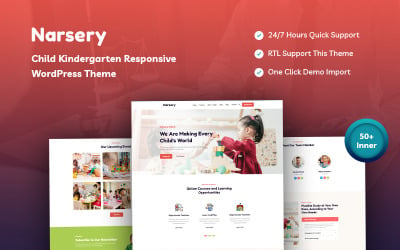
| Bkash - Kindergarten And Preschool WordPress Theme | 6 | $47 |
| Galenical - Medical & Health Service Responsive WordPress Theme | 126 | $51 |
| Tutor - Online Education And Teaching WordPress Theme | 119 | $82 |
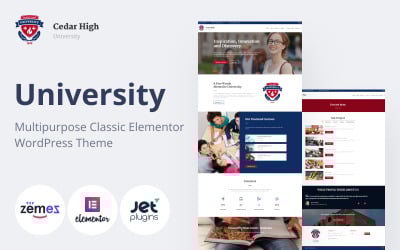
| Cedar High - University Multipurpose WordPress Theme | 221 | $59 |
Med School WordPress Themes FAQ
Are Medicine School WordPress themes SEO friendly?
All WordPress themes from TemplateMonster are built with the latest SEO standards in mind.
What is Med School WordPress theme customization?
The process of customization of any WordPress theme involves its personalization and adaptation as per your needs or the requirements of your brand. The theme's customization involves changing colors, fonts, layout styles, adding custom extensions, and uploading it with your own content.
How can I update my Medicine School WordPress theme?
The majority of WordPress themes offer automatic updates. In order to update your current WordPress theme, navigate Dashboard >> Appearance >> Themes, pick the current theme, then simply click the button 'Update Now' to attempt the upgrade.
Why should I update my Medicine School WordPress theme?
The top reason to update your WordPress site is security. WordPress updates are essentials to secure your website and plugins to avoid unwanted attacks.
How to reset a Medical School WordPress theme?
- Install the plugin WordPress Database Reset.
- Go to Tools > Database reset. The Database Reset plugin will delete all content on your WordPress site. Choose the tables that you'd like to reset or Select All to reset your site completely.