 ES
ES RU
RU DE
DE PL
PL IT
IT TR
TR FR
FR BR
BR NL
NL CN
CN CZ
CZ UA
UA HU
HU SE
SE Unlimited Downloads
  Sale
Sale 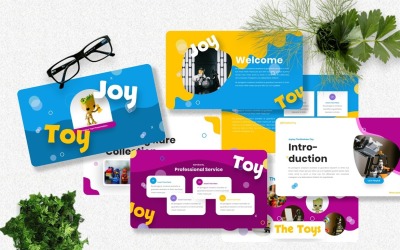


4 Best Best Toy Store Google Slides Templates 2026
| Template Name | Downloads | Price |
|---|---|---|
| Joytoy - Kids Toy Googleslide Templates | 1 | $20 |
| Wedie - Toys Googleslide Template | 0 | $20 |
| Toygrade - Kids Toy Googleslide Templates | 1 | $20 |
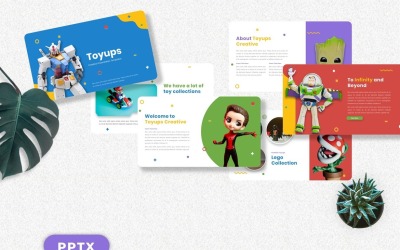
| Toyups - Kids Toy Googleslide | 1 | $21 |
Best Toy Store Google Slides Themes & Templates
If you want to create a professional presentation that will help sell children's products and create brand awareness, look no further. We have gathered a list of toy store Google Slides templates you can customize with your images, text, and video content. The rest is already done for you. These themes might be a good example or inspiration for your next project.
Templates are an easy way to change the look of presentations without worrying about formatting or design. In addition, they allow users to choose a specific layout and color scheme that fits their personal preferences.
Who Can Use Toy Store Google Slides Templates
Children-oriented slideshows are a great way to keep kids engaged and entertained. So, if you are looking for ideas to make your store stand out from the crowd, consider using pre-made demo presentations. They serve as a starting point for making your kids' shop more fun.
These graphic assets have a clean layout and are easy to customize. In particular, they are equipped with different design elements, and you are free to modify the content to suit your needs easily.
So if it is important not to lose face with your pitch, this design collection is perfect for you.
How to Create an Outstanding Presentation with Toy Shop Google Slides Themes
Tips for creating a top-notch keynote with slideshow themes:
- Ensure your content is relevant and has a clear point of view.
- Make sure that your pages are visually appealing and easy to read.
- Create a good flow between pages to make it easier for the audience to follow.
- Include images, quotes, and/or other appropriate graphical material that can help enhance your point of view.
- Use transitions between pages to make a keynote less monotone.
- Replace a background image with yours that ties in with your topic.
- Ensure the font is easy to read and the text follows the speaker's point of view.
- Don't forget to add some humor to a speech!
Key Features of Toy Shop Google Slides Themes
The ready-made templates make it possible for anyone to create pitches and share their thoughts easily, no matter where they are and what their experience is. They suit various purposes: white papers, reports, posters, and other types of visual-powered documents. With intuitive formatting features and easily customizable layouts, such out-of-the-box solutions simplify project management and collaboration across your team.
Key features are:
- Full customization;
- Drag & drop interface;
- 16:9 aspect ratio;
- PC & mobile mockups;
- Charts and diagrams;
- Lines, shapes, and WordArt objects;
- Quick color change;
- 3D effect
- Animated transitions;
- Recommended fonts;
- Detailed instructions.