 ES
ES RU
RU DE
DE PL
PL IT
IT TR
TR FR
FR BR
BR NL
NL CN
CN CZ
CZ UA
UA HU
HU SE
SE Unlimited Downloads
  Sale
Sale 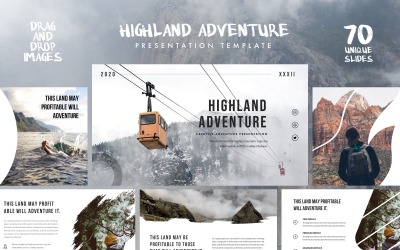


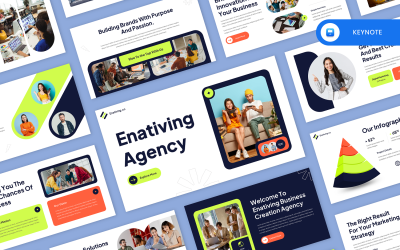
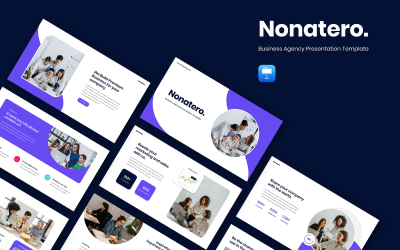
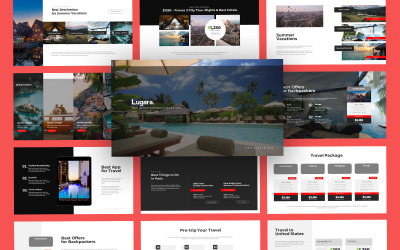
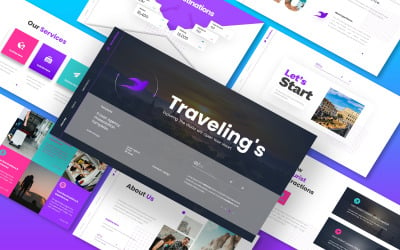

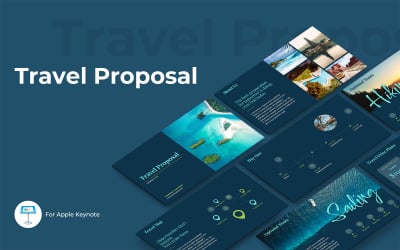
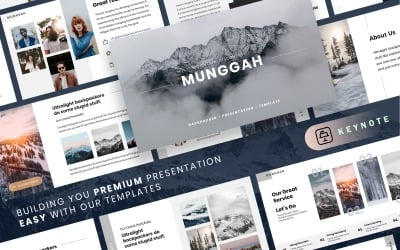


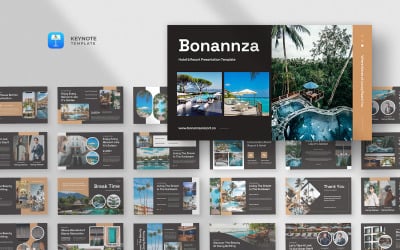
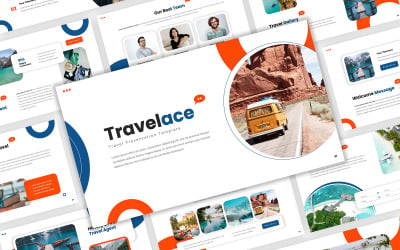

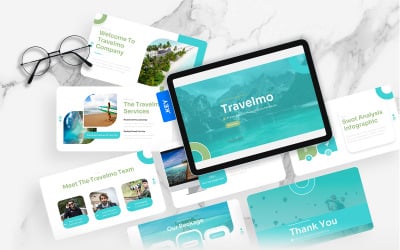

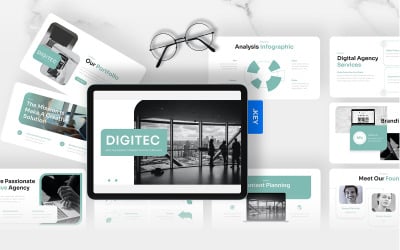
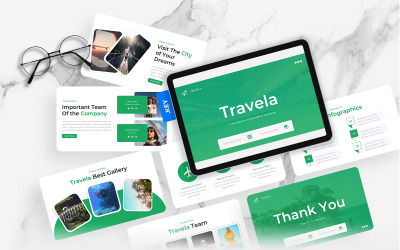

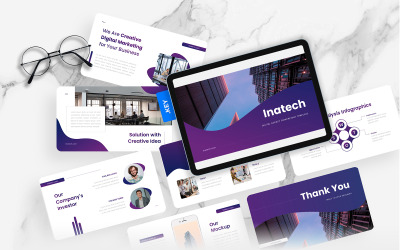
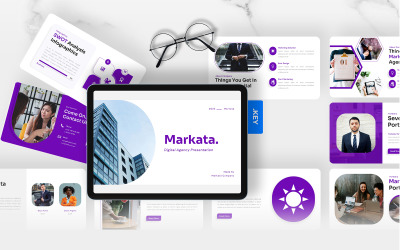
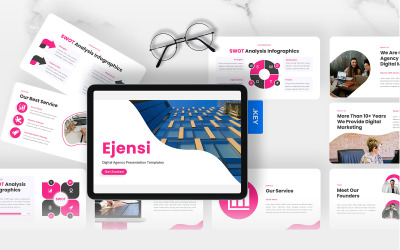
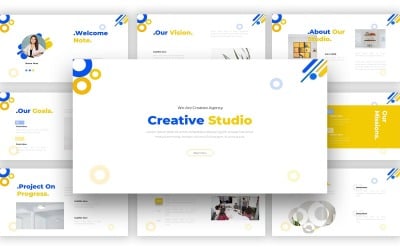
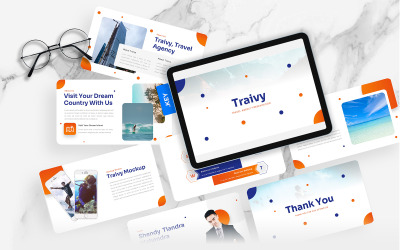
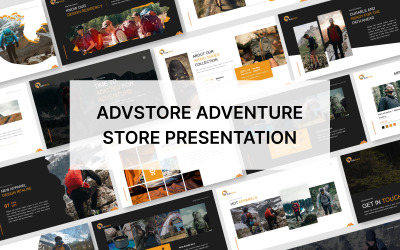
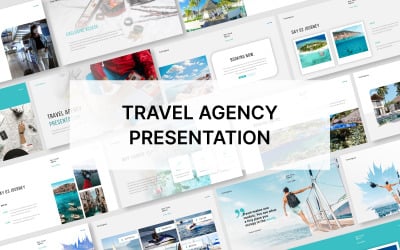
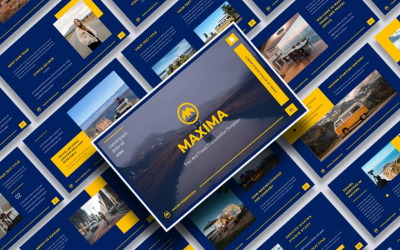

5 Best Best Travel Agency Keynote Templates 2026
| Template Name | Downloads | Price |
|---|---|---|
| HIGHLAND - Outdoor Presentation - Keynote template | 9 | $26 |
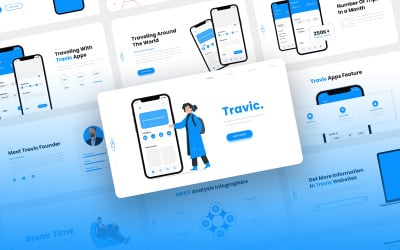
| Travic - Travel Agency Mobile App Keynote Template | 0 | $20 |
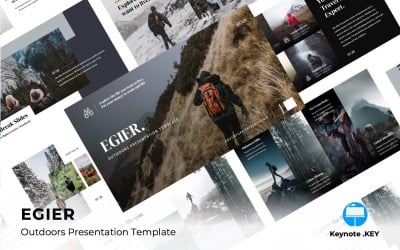
| EGIER - Adventure and Travel - Keynote template | 6 | $26 |
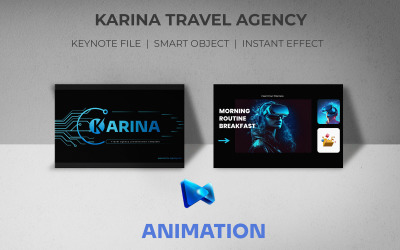
| Karina Travel Agency Keynote Presentation Template | 0 | $35 |
| Enativing - Creative Agency Keynote Template | 1 | $18 |
Best Travel Agency Keynote Templates for IOS and Mac
Travelling is unimaginable without a clear understanding of where you are going. People like to watch hotels, beaches, and attractions photos to decide their holiday destination. You have to present this information most attractively. For this goal, you can create a catalog or show the promotion in the form of a presentation. And with travel agency Keynote templates, the project preparation takes several minutes.
How to Use Travel Company Keynote Slides Templates
Professional designers ensure that the products' usage is extremely easy. In the order, you receive a Keynote file with ready-made slides. Edit them as you wish and insert your information. All in all, your presentation is ready. Of course, you can replace and resize any elements or even delete the initial design and make a new framing for the photos. It's also possible to use the template without any editing. As you can see, you can manage these items even if you are a beginner.
Top Features of Travel Agency Keynote Templates for Apple
All the products in this portfolio include valuable features facilitating the creation of your project. Professionally-made designs make the project clean and attractive to the audience. You may also like:
- great potential for editing and changing the initial look;
- help file with complete instructions on using;
- professionally-looking animation and effects;
- several variants of color schemes for you to choose from.
All these options make the creation process simple and pleasant.
How to Create a Successful Presentation with Travel Company Keynote Slides Templates
When creating a presentation, keep simple rules in mind to make your project attractive and successful. Prepare high-quality photographs in advance. Fuzzy photos can spoil the whole impression of the demonstration.
Avoid overloading the slides with text; limit yourself to captions for pictures and short descriptions. The need to read a lot quickly tires the audience, and viewers may lose interest in your report.
Don't make your presentation too flashy. Colors complement the information, not detract from your data. It is best to use the colors of the original design.