 ES
ES RU
RU DE
DE PL
PL IT
IT TR
TR FR
FR BR
BR NL
NL CN
CN CZ
CZ UA
UA HU
HU SE
SE Unlimited Downloads
  Sale
Sale 



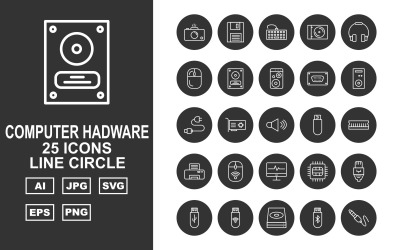
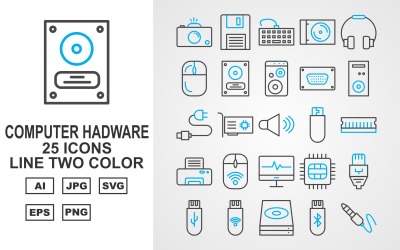
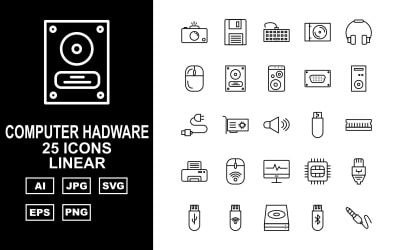
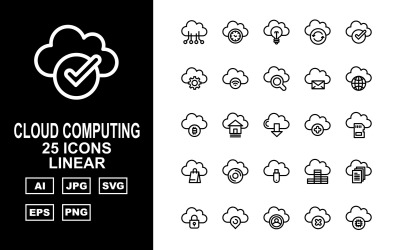
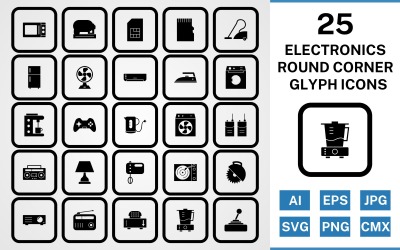
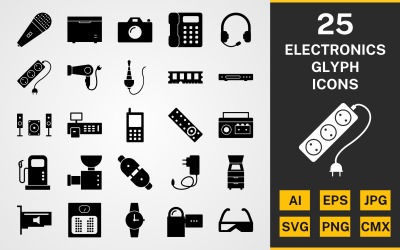
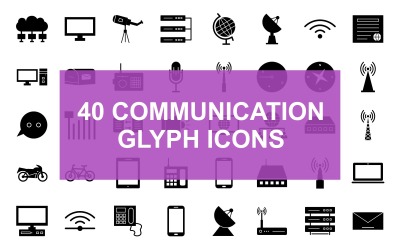
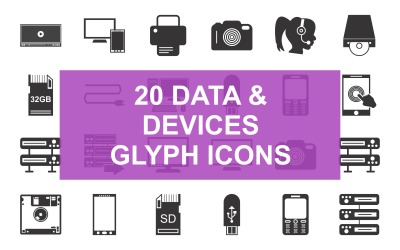





5 Best Computer Icons and Icon Sets 2026
| Template Name | Downloads | Price |
|---|---|---|
| User Interface Icon Set Circular Filled Style 3 | 0 | $5 |
| User Interface Icon Set Gradient Circular Outline Style 3 | 0 | $5 |
| Internet And Security Icon Set template | 2 | $6 |
| User Interface Icon Set Filled Two-Tone Style | 0 | $5 |
| Work From Home - Vector Icon Pack | 0 | $11 |
Computer Icons FAQ
What is a computer icon?
A computer icon is a graphical representation related to technology. Some icon sets include illustrations of computer hardware, coding systems, cloud computing, and so on.
What type of file is an icon?
Icons are vector graphics known for scalability. You can make them bigger or smaller while keeping their original resolution and realistic look.
How to convert SVG into PNG
You can easily convert your SVG icons into a PNG format online. Here are some of the most popular online tools:
- Convertio;
- CloudConvert;
- ConvertICO.
Ways to implement computer icons into your WordPress website
Icons are widely used and placed on web pages. If you want to add an icon to your WordPress website as well, you have two main options:
- Use a plugin (e.g. Elementor);
- Add them to your HTML page.
How to animate icons using Elementor
Rather than having static icons, you may want to add some animation to them. This will help you capture users’ attention more easily. If you’re using the Elementor plugin, adding animated effects to your icons will be super easy. Here are the steps you should follow:
- open your page (where the icons are placed) in Elementor;
- click on the icon you want to animate;
- go to the Advanced section;
- click on Motion Effects;
- choose the animation you like the most.