 ES
 RU
 DE
 PL
 IT
 TR
 FR
 BR
 NL
 CN
 CZ
 UA
 HU
 SE
 Unlimited Downloads
 Sale
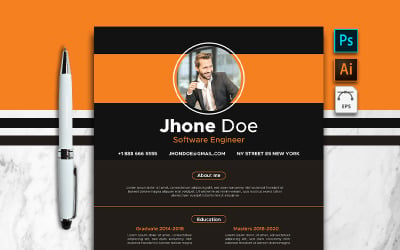
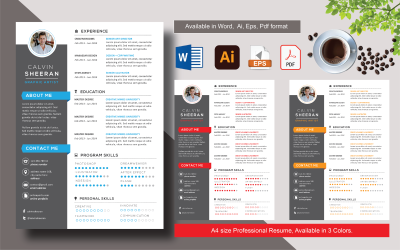


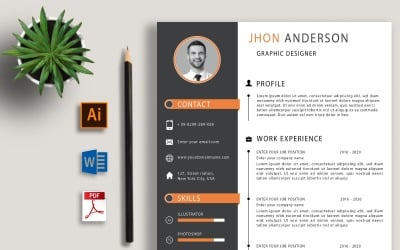


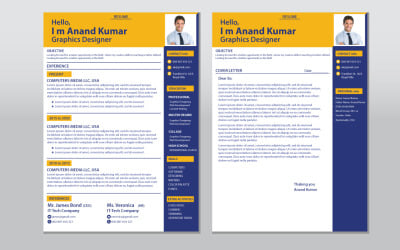

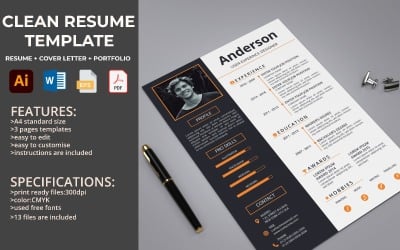
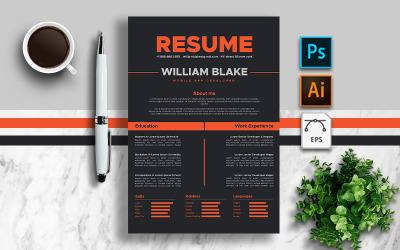
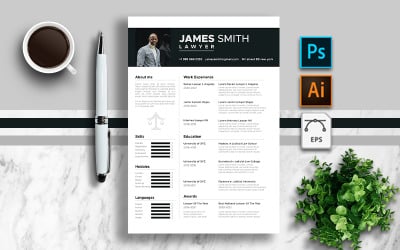
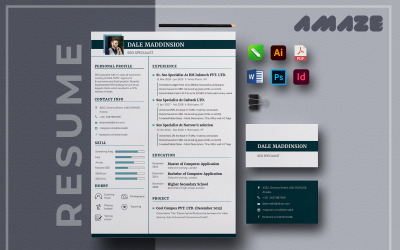
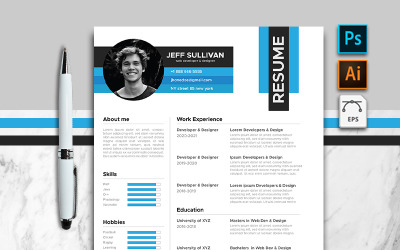
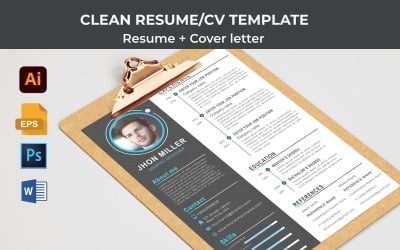
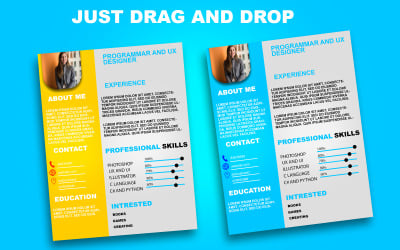


5 Best Corel Draw Resume Templates 2026
| Template Name | Downloads | Price |
|---|---|---|
| Minimalist & Clean Jhone Doe Resume Template | 0 | $10 |
| Calvin Sheeran Printable Resume . 3 in one | 1 | $10 |
| Jhon / CV Resume Template | 0 | $5 |
| Printable resume Templates | 1 | $5 |
| Jhon Anderson Resume Template | 0 | $5 |
Resume Templates Corel Draw Video
Resume Templates Corel Draw FAQ
What kinds of corel draw resume templates does TemplateMonster include?
There are four types of CV templates: chronological, functional, creative, and combined. The chronological format is a timeline of work, education, volunteer activities, and awards. This format is suitable for candidates with a consistent career path. Alternatively, the functional format emphasizes all your data, showing you as a person, professional, and successful student. However, it might not be suitable for those lacking experience and skills. When you have a university degree or have completed courses, you shouldn't use the combined format since it showcases your experience along with personal details about your skills and character. With its interactive infographics and beautiful illustrations, the creative CV goes beyond the traditional CV and will impress employers, even if you don't have any work experience.
How to choose the best corel draw resume templates?
Create a resume based on your experience, preferences, and niche. Decide on the position and niche you want to work in. Pick a resume format that best represents both your professional and personal qualities. The objective is to draw the employer's attention to a concise list of your accomplishments. Make sure your CV is clean and avoid excessive illustrations, colors, and unnecessary details. Consider using user-friendly software such as CorelDRAW, and choose editable options. Last but not least, make sure the final document can be opened on any device without compromising its quality or integrity.
What format can you use for corel draw resume templates?
The program is designed to open a wide range of file types. These include both popular formats like CDR, PDF, PSD, DOC, DOCX, PUB, RTF, TIF, BMP, GIF, and JPG, as well as more rare formats such as CUR, WI, CSL, and others. With this extensive compatibility, users can access and work with various file types conveniently and efficiently. Whether it's graphic design files, documents, or image formats, the program ensures seamless access to a diverse range of files, catering to different needs and preferences.
How to get resume templates corel draw from TemplateMonster?
You are on the right track if you choose TemplateMonster for a high-quality and professional CV. First, register on the site. Select the required product. Add it to your cart. Fill in the billing information and your details. Make payment using a convenient gateway (PayPal, Stripe, or card). After verification, you will receive a link to download the item to your account.