 ES
ES RU
RU DE
DE PL
PL IT
IT TR
TR FR
FR BR
BR NL
NL CN
CN CZ
CZ UA
UA HU
HU SE
SE Unlimited Downloads
  Sale
Sale 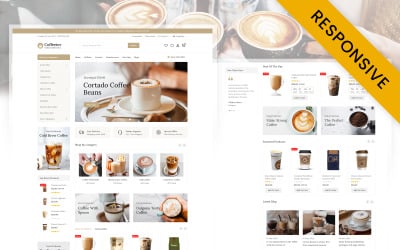


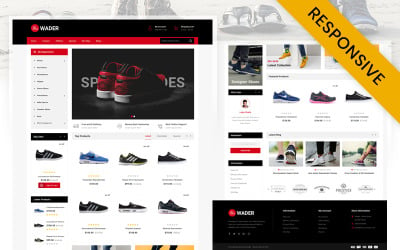
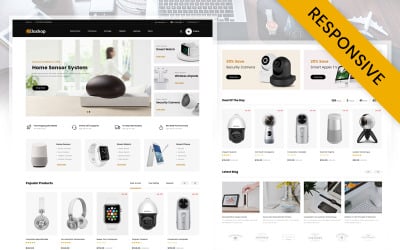
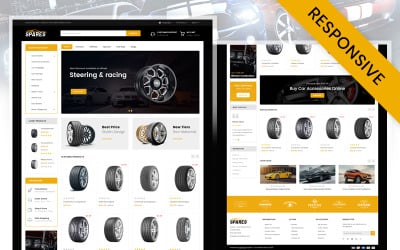


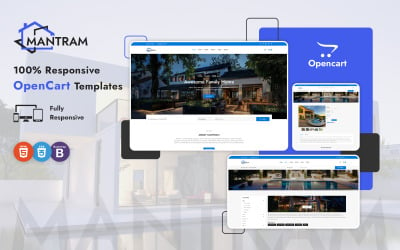
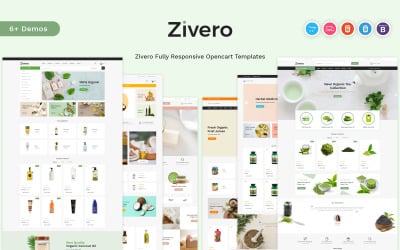
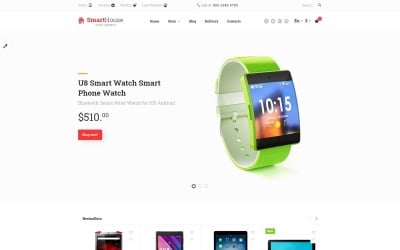
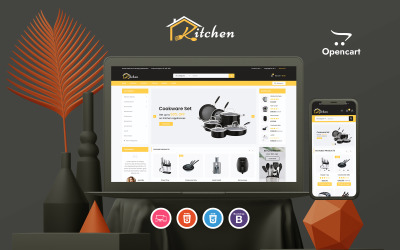


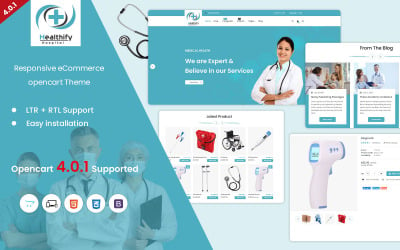
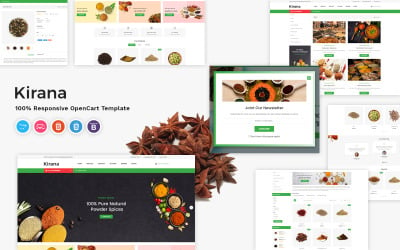
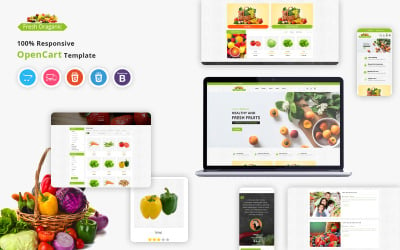
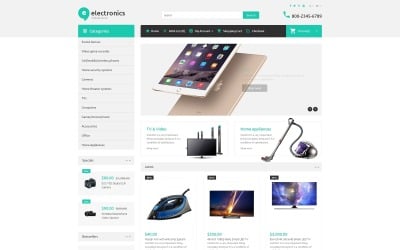
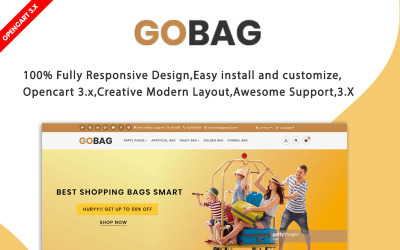

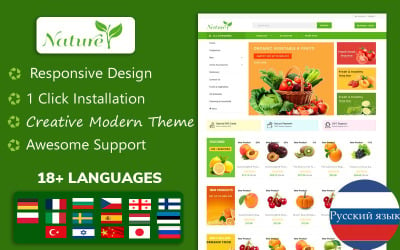

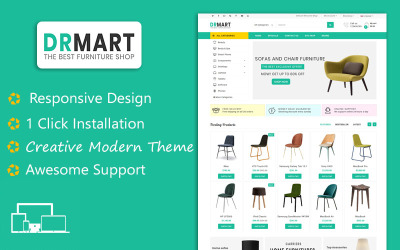
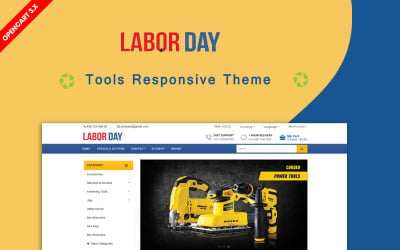

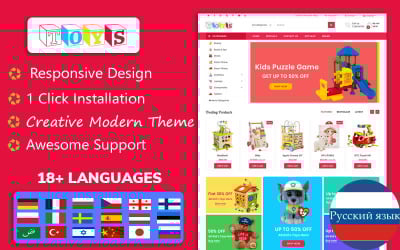

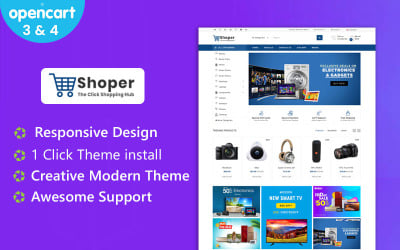
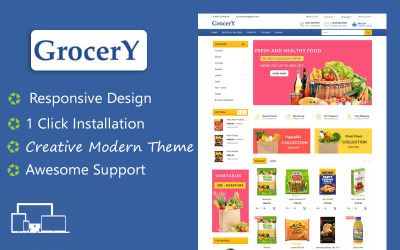




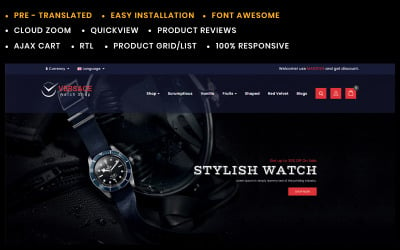
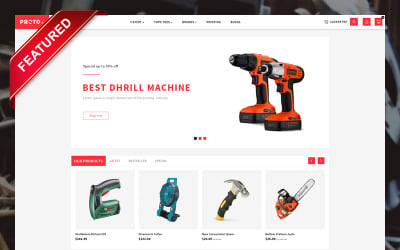
5 Best Dropdown Menu OpenCart Themes 2026
| Template Name | Downloads | Price |
|---|---|---|
| Coffeeter - Online Coffee Store Opencart Responsive Theme | 7 | $39 |
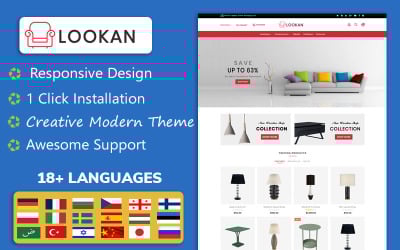
| Lookan - Furniture OpenCart 4 & Openccart 3 Template | 11 | $101 |
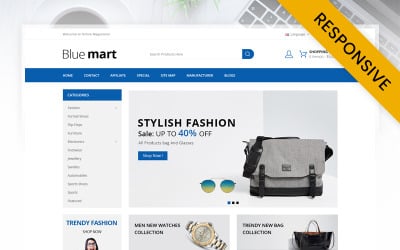
| Blue Mart - Online Mega Store OpenCart Template | 6 | $39 |
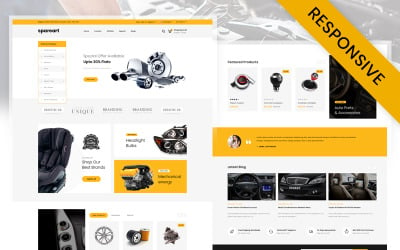
| Spareart - Automobile Store OpenCart Responsive Template | 14 | $39 |
| Wader Sports Shoes Store OpenCart Responsive Template | 4 | $39 |
The MegaMenu Module and How to Use It
Questions and Answers about OpenCart Mega Menu Dropdown Themes
What advantages do OpenCart mega menu dropdown themes offer?
They have a lot of features that make it easy for users to create dynamic, fully customizable menus. Users don't need to know how to code to change the navigation bars for each category and subcategory. Also, these themes are SEO-friendly and ready for mobile devices, which improves the performance of a web store on all platforms.
How user-friendly is it to work with OpenCart mega menu dropdown themes?
These are easy to install as they do not require any programming skills or web design. It proves to be a good option for the development of online shops even if you do not know much about HTML/CSS. Secondly, after installation, users enjoy total control over how their website should appear with no need to deal with difficult interface elements.
What modules make up these templates?
These include bestsellers, featured items, the latest products, specials, product categories, banners, carousels, and so on.
Does one require technical knowledge or installation assistance?
No. It's easy as pie. The installation process is straightforward. This is because there is detailed documentation provided by vendors as well as video tutorials from TemplateMonster.