 ES
ES RU
RU DE
DE PL
PL IT
IT TR
TR FR
FR BR
BR NL
NL CN
CN CZ
CZ UA
UA HU
HU SE
SE Unlimited Downloads
  Sale
Sale 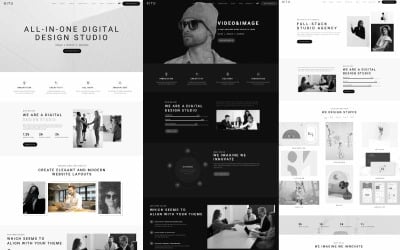




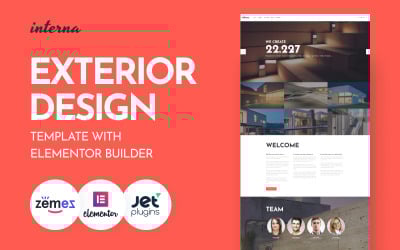
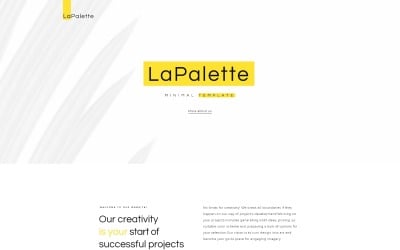

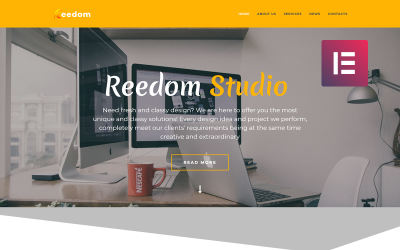
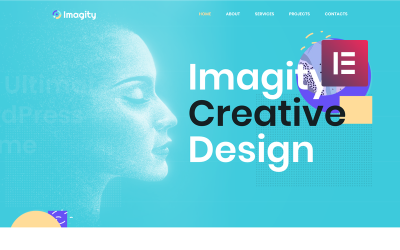
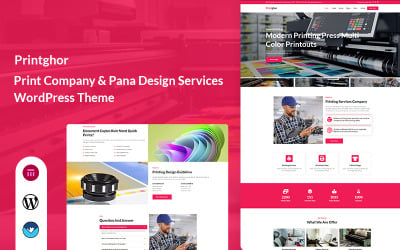
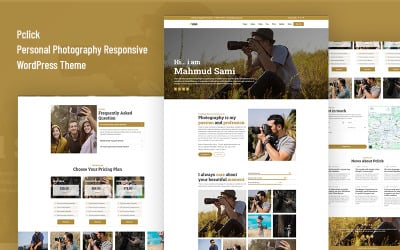
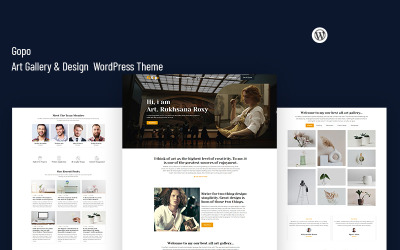
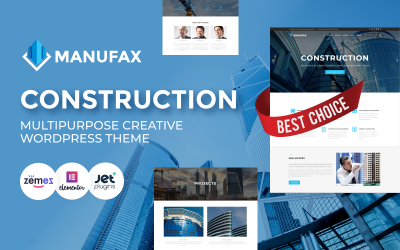








5 Best Design Studio WordPress Themes & Templates 2026 2026
| Template Name | Downloads | Price |
|---|---|---|
| Kitu — Minimal Portfolio & Creative Agency WordPress Theme | 14 | $39 |
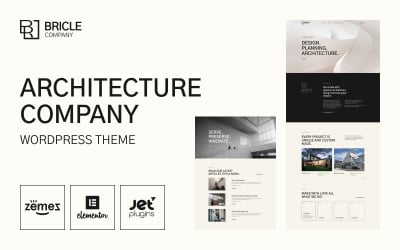
| Bricle - Bootstrap Architecture WordPress Theme | 121 | $59 |
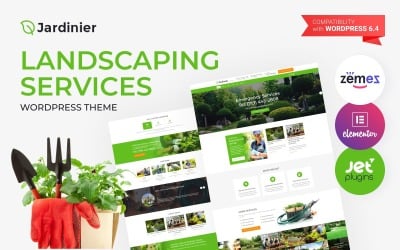
| Jardinier - Landscaping Services WordPress Theme | 325 | $59 |
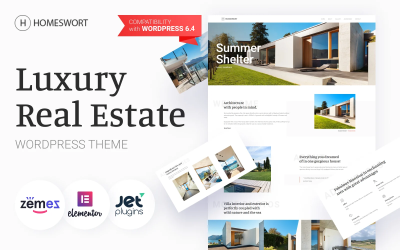
| Homeswort - Luxury Real Estate WordPress Elementor Theme | 138 | $59 |
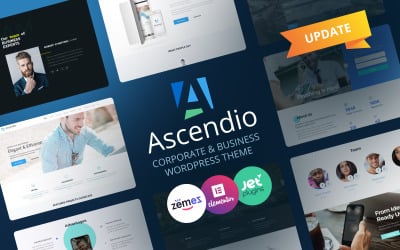
| Ascendio - Corporate & Business WordPress Theme | 1,515 | $59 |
5 Premium Design Studio WordPress Themes 2026
| Template Name | Price | Sales | Collections |
| Litmus - Creative Multipurpose WordPress Theme | $85 | 13 | 35 |
| Atelier Design & Photography Template WordPress Theme | $75 | 15 | 27 |
| Tofito - Business Theme WordPress Theme | $98 | 53 | 63 |
| CraftBird - Handmade Artist Personal Blog WordPress Theme | $45 | 52 | 87 |
| Adverting - Advertising Agency Responsive WordPress Theme | $75 | 190 | 187 |
TOP Web Design Trends 2020: Best UI, UX Examples & Predictions
Today we are talking about amazing web design trends in 2020. Alexandra Payne will share the best UI, UX examples and predictions to discuss what's good. For ready-made website templates, visit Elementor Marketplace
Design Studio WordPress Themes FAQ
How can I update my Design Studio WordPress theme?
The majority of WordPress themes offer automatic updates. In order to update your current WordPress theme, navigate Dashboard >> Appearance >> Themes, pick the current theme, then simply click the button 'Update Now' to attempt the upgrade.
How does a Design Agency WordPress theme install?
- Login to your WordPress admin area.
- Next, click on Appearance >> Themes.
- Look for the needed theme using an advanced search.
- Next to the theme's preview, there is an install button.
- As soon as the theme is installed, activate it.
Which Design Studio Office WordPress theme to choose for non-techies?
You can select any WordPress theme from Elementor marketplace, which are intended to be managed in the visual mode.
Which Design Studio WordPress themes are best for beginners?
If you are a beginner webmaster, then drag-and-drop WordPress themes will be your best choice. These are intuitive and feature-rich web solutions that are ready to be modified in a drag-n-drop editor.
What are WordPress child themes?
A child theme is a WordPress theme that inherits its functionality from another WordPress theme, the parent theme. One of the most outstanding examples of WordPress themes featuring a rich collection of child themes is Monstroid2.

WordPress 5.0 and the New Gutenberg Editor: All You Wanted to Know
It’s that time of year again: WordPress is soon debuting its first major release of 2018.
Read me
11 Top Flat Design WordPress Themes
It’s that time of year again: WordPress is soon debuting its first major release of 2018.
Read me
WordPress Copyright. How to Prevent Image, Video, Copy Theft
It’s that time of year again: WordPress is soon debuting its first major release of 2018.
Read me
11 Things to Do before Launching a WordPress Site
It’s that time of year again: WordPress is soon debuting its first major release of 2018.
Read me