 ES
ES RU
RU DE
DE PL
PL IT
IT TR
TR FR
FR BR
BR NL
NL CN
CN CZ
CZ UA
UA HU
HU SE
SE Unlimited Downloads
  Sale
Sale 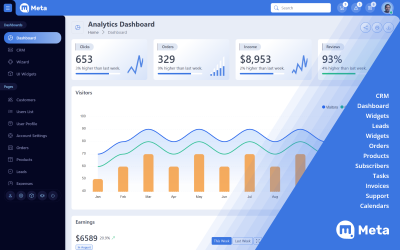


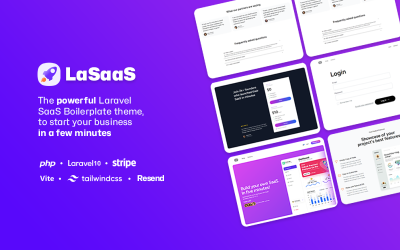
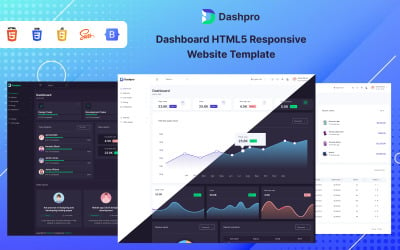

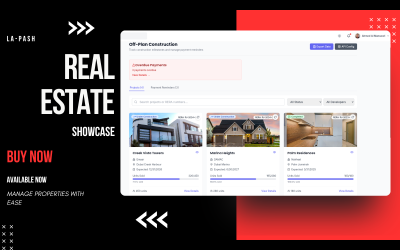
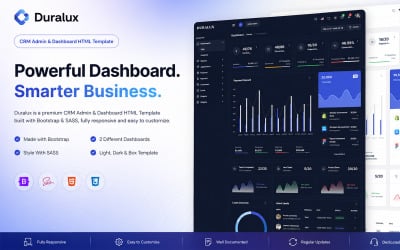
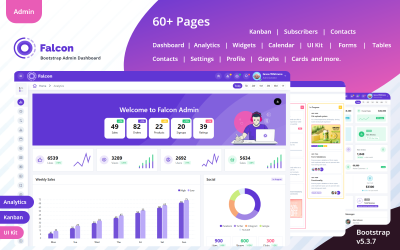
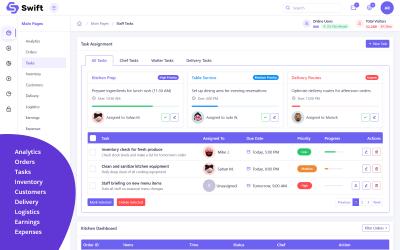
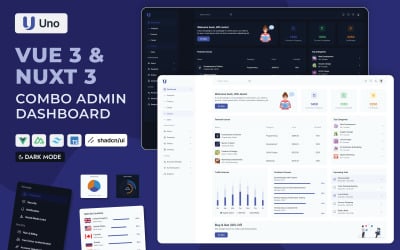


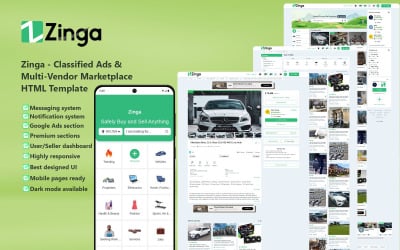
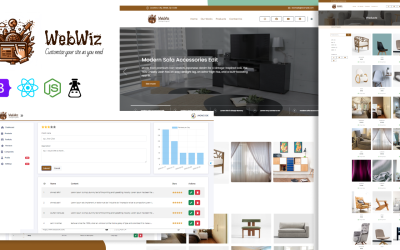
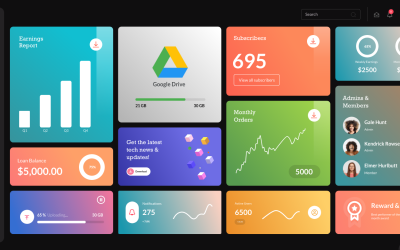
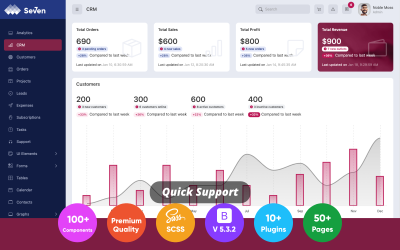
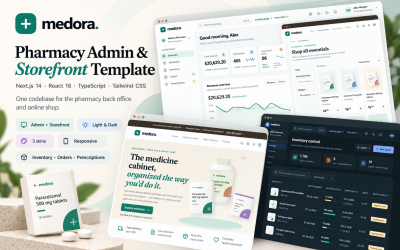
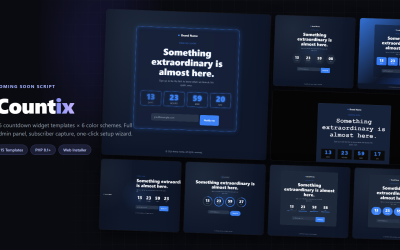

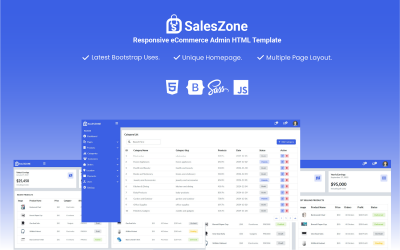
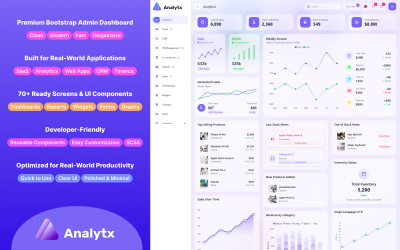

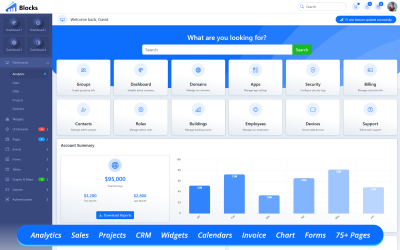
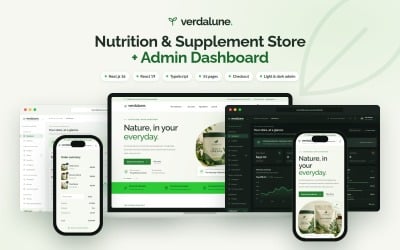
5 Best Online Store Admin Panel Templates 2026
Store Admin Templates Video
Store Admin Templates FAQ
What are store admin templates layouts?
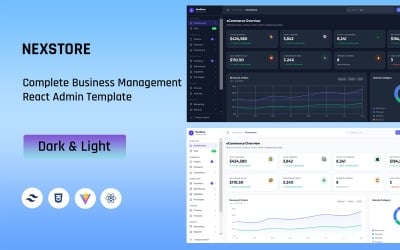
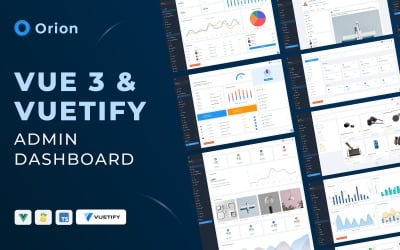
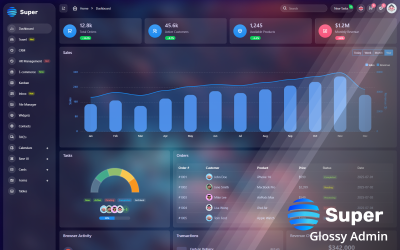
These are specific panels for metrics and data analytics on your website. You automatically save the number of sales and conversions, compare income figures for different periods, make a conclusion, and change the strategy. They are fully customizable to your needs and have a responsive design.
Why do you need to use store admin templates skins for your shop?
- Improve the performance of analytics to be able to get detailed and reliable facts about the performance of your site and business.
- Track sales, visits, likes, conversions, and everything that affects your profit and growth.
- You can use one panel in the team and share data and conclusions with colleagues.
- Such technology will be helpful for the director, marketer, sales manager, and financier.
- It is possible to use analytics from any gadget, anywhere and anytime.
- It is the most modern method of analyzing your online store, which facilitates and accelerates the process of business-important decisions.
How to use a dashboard for the shop?
We recommend checking a few critical questions to be sure how you use the panel correctly.
- Who are you creating a theme for?
You are a director and want to have an entire range of indicators. If you are a financier or a marketer, you should have themes with visit charts, profit scales, and sales percentages.
- What questions should the panel answer?
- What is the data source?
- What should be the visualization?
To configure the analytics panel, you should understand the HTML code. But you always turn to our developers for help. Check out our website development services.
How to get an informative panel from TemplateMonster?
Add the desired template to the cart, and fill in the account details and billing details. Go to checkout and make a payment. Go through the verification process by phone or e-mail. Download the template using the link from your account or e-mail.