 ES
ES RU
RU DE
DE PL
PL IT
IT TR
TR FR
FR BR
BR NL
NL CN
CN CZ
CZ UA
UA HU
HU SE
SE Unlimited Downloads
  Sale
Sale 
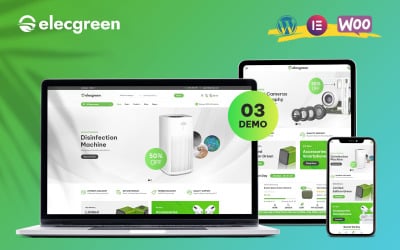



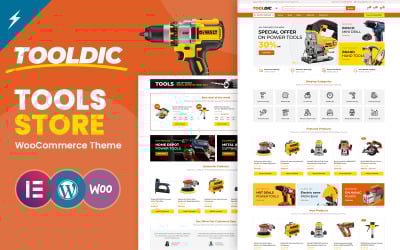
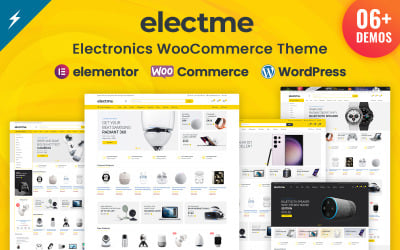




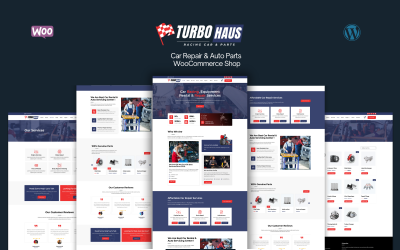



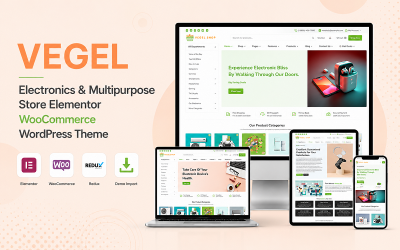


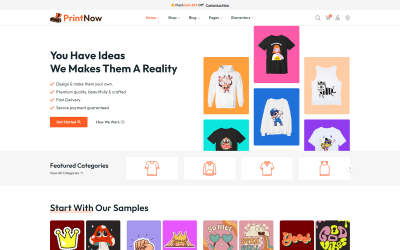
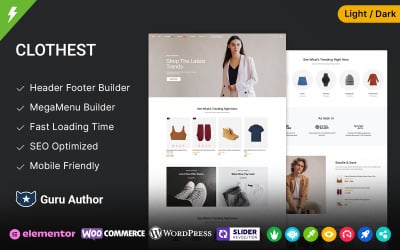

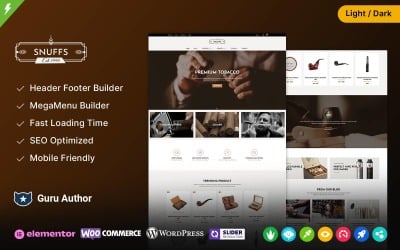











5 Best Elementor WooCommerce Themes and Templates 2026
| Template Name | Downloads | Price |
|---|---|---|
| Greealea - Organic Tea Store WooCommerce WordPress Theme | 10 | $69 |
| Elecgreen - Electronic Multipurpose WooCommerce Theme | 166 | $169 |
| MyStyle - Clothing and Fashion Elementor WooCommerce Theme | 45 | $41 |
| Tooldic - Power Equipment Tools and Auto Parts WooCommerce Theme | 140 | $69 |
| Electme - Electronics and multipurpose WooCommerce Theme | 18 | $69 |
How to Install Elementor WooCommerce Themes
Elementor WooCommerce Themes Q&A
How to Find Elementor WooCommerce Themes?
To avoid endless search, you can rely on the TemplateMonster collection of WooCommerce Elementor layouts. All the products are crafted due to the latest web design technologies. You can use the left panel criteria to filter the items and simplify your particular project's search. It is possible to select the following parameter:
- Topic
- WordPress Builder
- Color
- Features
- Compatibility
- Style
- Form
- Even rating and the time of the last update.
Should the Elementor WooCommerce Theme be Mobile-friendly?
Nowadays, people usually use their mobile phones to find goods or services to order. If you do not want to lose such a huge group of potential customers, try to make a mobile-friendly design where the web content will be readable by the small screen size.
Is it Essential for Elementor WooCommerce Themes to be SEO-friendly?
SEO optimization is an important feature to get your website to place on the top of the search results list. However, do not forget that the web content should also be SEO-friendly, include the relevant keywords, be structured, and have the headlines with the appropriate number of words.
Will You be Able to Help to Install Elementor WooCommerce Themes?
You can order the TemplateMonster installation service when checking out. By doing this, we assure you that the theme will be installed by a professional expert in the shortest time. To check other services by TemplateMonster, click here.