 ES
 RU
 DE
 PL
 IT
 TR
 FR
 BR
 NL
 CN
 CZ
 UA
 HU
 SE
 Unlimited Downloads
 Sale











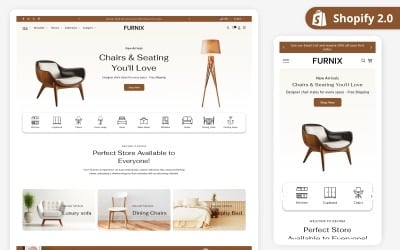
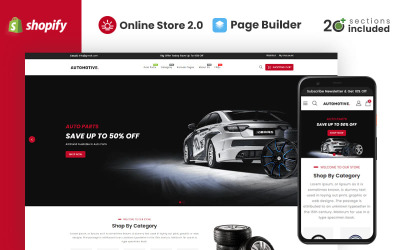







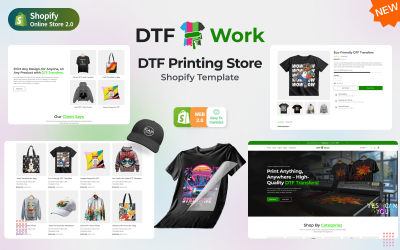















5 Best Responsive Shopify Themes 2026
| Template Name | Downloads | Price |
|---|---|---|
| Fligo – Multipurpose Shopify Theme OS 2.0 | 61 | $39 |
| Glowz - Beauty and Cosmetics Store Shopify theme | 38 | $39 |
| Petique – Pets & Pet Food Shopify Theme | 2 | $75 |
| Play Box - Kids Toys Store Responsive Shopify 2.0 Theme | 9 | $39 |
| Gadgetize - Computer Gadgets & Accessories UI Shopify Theme | 42 | $37 |
| Template Name | Price | Sales |
| Multifly - Multipurpose Online Store Shopify Template | 61 | 207 |
| KarDone - Shopify Multipurpose Designs Theme | 61 | 293 |
| Apparelix - Clean Multipurpose Shopify Theme | 61 | 338 |
| Car Tuning eCommerce Template Shopify Theme | 61 | 113 |
| Spare Parts Shopify Theme | 61 | 209 |
How to Add a Drop-Down Menu to Mega Menu in Shopify Responsive Themes
The Shopify Responsive Themes FAQ
What are Shopify responsive themes?
A responsive Shopify theme is a mobile-optimized template for the Shopify online platform. It comes with numerous CSS media queries to ensure that the website looks correct on tablets, phones, or other devices.
How to make a Shopify theme responsive?
You need to use CSS media queries. However, you can choose one of our mobile-optimized Shopify responsive themes and start creating your website immediately.
How to add a newsletter page to Shopify responsive themes?
- Use the built-in visual editor
- Go to “Online Store” then choose “Themes”
- “Customize”
- “Sections” then “Add section”
- Check the “Promotional” area and click “Newsletter” then “Add”
- If you want to display the header text, you need to check “Show header”. You can also enter text in the “Header” field
How to customize a Shopify responsive themes drop-down menu
If you use one of our Shopify responsive themes, you can also use the built-in theme editor:
Go to “Online Store” then choose “Themes” and then “Customize”
You need to select the drop-down menu and customize its parameters. Please consider checking the documentation file that comes with a theme.
How much do Shopify responsive themes cost?
The Shopify responsive theme prices start from $29.